

Ever wondered what sets a professional workstation apart from an everyday desktop? Workstations are built to tackle tough projects, packing speedy processors, reliable memory, and cooling systems that keep them running under heavy loads. They also feature expert-grade graphics and ample storage, making them perfect for tasks like 3D modeling, video editing, and data analysis. If you often push your tech to its limits, getting to know these high-performance machines might just change the way you work. In this article, we'll explore why professionals choose workstations for their precision tasks.
Workstation Computer Defined: Purpose, Core Features, and Applications
Workstation computers are designed to handle nonstop, heavy tasks with ease. They pack powerful multi-core processors, think Intel Core i9, Xeon, or AMD Threadripper Pro, paired with ECC memory that keeps error-checking reliable. In simple terms, these machines come equipped with professional GPUs that offer hardware acceleration (a tech boost for speed), speedy NVMe SSD storage, and cooling systems that work hard to keep everything running smoothly. Ever imagine a computer that fires up like a high-powered engine every time you click?
Built with professionals in mind, these workstations excel in areas where precision and sustained performance are crucial. Whether you're diving into detailed 3D modeling, crafting intricate CAD designs, editing video, or running virtual simulations, every component is carefully chosen. From robust processors to certified remote management tools like Intel vPro or AMD Ryzen Pro, every part is picked to tackle tough, enterprise-grade challenges head-on.
- 3D modeling
- CAD design
- Virtual simulation
- Video editing
- Data analysis
- Scientific computing
In practice, a workstation is the ultimate high-performance work system crafted for professional desktops. Its balanced hardware, featuring fast CPUs, generous memory options, and advanced cooling, ensures that creative and technical projects move forward without pause. Think of it like assembling the finest computer parts to create a tool that not only meets today’s design and analysis needs but can also scale up as your workload grows. This focus on reliability, performance, and flexibility makes workstations the trusted choice for handling the most demanding tasks.
Workstation Computer Hardware Components and Specifications
Modern workstations pack a punch with processor options like Intel Xeon W7-2495X and AMD Threadripper Pro 7995WX. These chips are designed to handle heavy tasks with plenty of cores, powering everything from intensive rendering to detailed data analysis. Whether you’re using an Intel Core-based rig or a dual-processor system, think of these processors as the beating heart of your performance powerhouse.
Memory in these machines doesn’t hold back either. With configurations ranging from 64 GB to 256 GB of ECC RAM (Error Correction Code, which helps catch and correct data errors), workstations easily manage complex simulations and 3D modeling, even when running multiple applications at once. It’s like having a reliable assistant working behind the scenes to keep everything running smoothly.
Graphics options are equally impressive, featuring professional-grade GPUs such as the NVIDIA RTX A4000, A5500, and A6000. These cards are engineered to boost rendering speed and visual clarity, whether you’re editing UHD media or fine-tuning intricate CAD projects. They work hand in hand with the high-performance processors to provide a seamless design and multimedia experience.
And then there’s the whole package: storage, cooling, and connectivity. Storage choices range from speedy 2 TB NVMe SSDs to expansive 48 TB HDD arrays for those who need room for everything. Cooling solutions vary, too, from robust high-airflow systems to sophisticated liquid cooling loops that keep temperatures in check. Connectivity is top-notch with options like USB-C, Thunderbolt, multi-Ethernet, and DisplayPort, ensuring your devices and networks mesh together effortlessly.
Workstation Computer Performance Benchmarks and Professional Workloads
Workstation computers are built for heavy lifting, and benchmarks are the go-to tool for checking just how strong they really are. These tests dive into everything from CPU thread scaling and GPU compute power to how quickly memory and SSD storage can handle data. Think about a 64-core Threadripper Pro powering complex engineering projects or an 80-core M3 Ultra speeding up scientific rendering. One surprising benchmark even showed a high-end workstation finishing a rendering task much faster than many consumer desktops. It really puts into perspective how these machines perform in the real world.
When you look at detailed hardware testing, standout performers pop up in each category. For example, the Falcon Northwest Talon scores top marks in Cinebench R23, which makes it a favorite for engineering tasks. The Dell Precision 5860 consistently rocks Premiere Pro exports, proving its worth in high-end video editing. Meanwhile, the Apple Mac Studio with its M3 Ultra chip nearly tops DaVinci Resolve tests, marking it as a solid choice for scientific rendering. And don’t overlook the Lenovo ThinkStation PX; its dual-Xeon power delivers impressive Linpack results for data-heavy computing. These numbers give a clear picture of how each system handles specialized work.
Mapping these results to everyday professional tasks brings out clear strengths. Designers, for instance, benefit from high-thread CPUs that speed up CAD and 3D modeling, while video editors gain from robust GPUs that accelerate media encoding. Data pros and scientists, on the other hand, depend on fast memory and SSD speeds to tackle complex analysis. In short, workstations are designed to handle everything from intricate scientific rendering and precision design to large-scale data processing, giving professionals the reliability and power they need every day.
Workstation Computer vs Standard Desktop: Core Differences
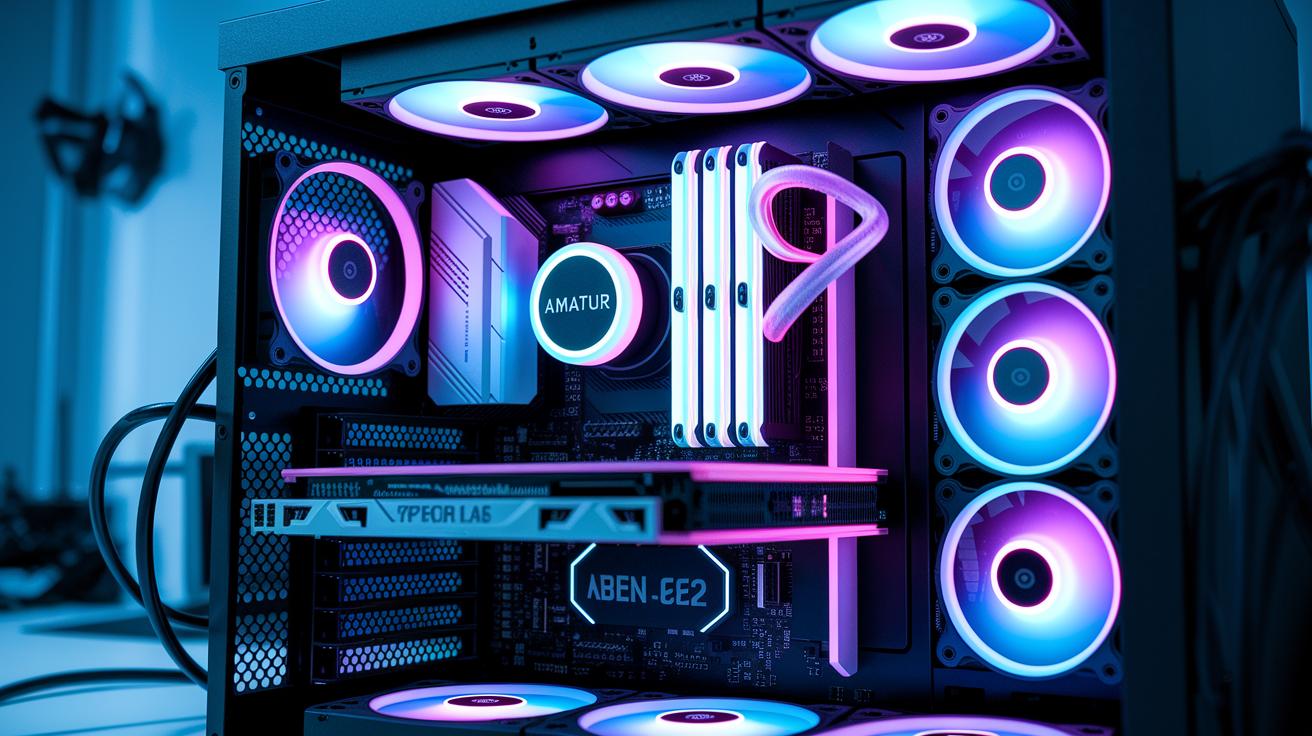
Workstation computers are built for continuous, heavy-duty tasks. They use ECC RAM, which catches and fixes memory errors, and ISV-certified GPUs that deliver reliable performance for demanding design and data-intensive work. On the other hand, standard desktops mostly rely on consumer memory and gaming graphics, which might not hold up during constant professional use. In short, workstations are the trusted choice for serious users who need long-term reliability.
Workstations also feature extra PCIe slots and enterprise-grade components, making them easy to expand and highly dependable. They're designed to operate under high duty cycles, meaning they can handle the nonstop stress of professional applications without skipping a beat. While consumer desktops are optimized for cost efficiency, workstations offer added benefits like remote management capabilities and stronger construction.
There's also a clear difference in cost and warranty support. Workstations usually come with a premium price, ranging from $1,000 to $10,000, to reflect their enhanced performance and durability. Standard desktops, however, typically cost between $500 and $1,500, which suits their lighter performance needs and shorter duty cycles. This makes them an ideal value-driven option for everyday tasks.
Workstation Computer: Powerful Performance for Pros
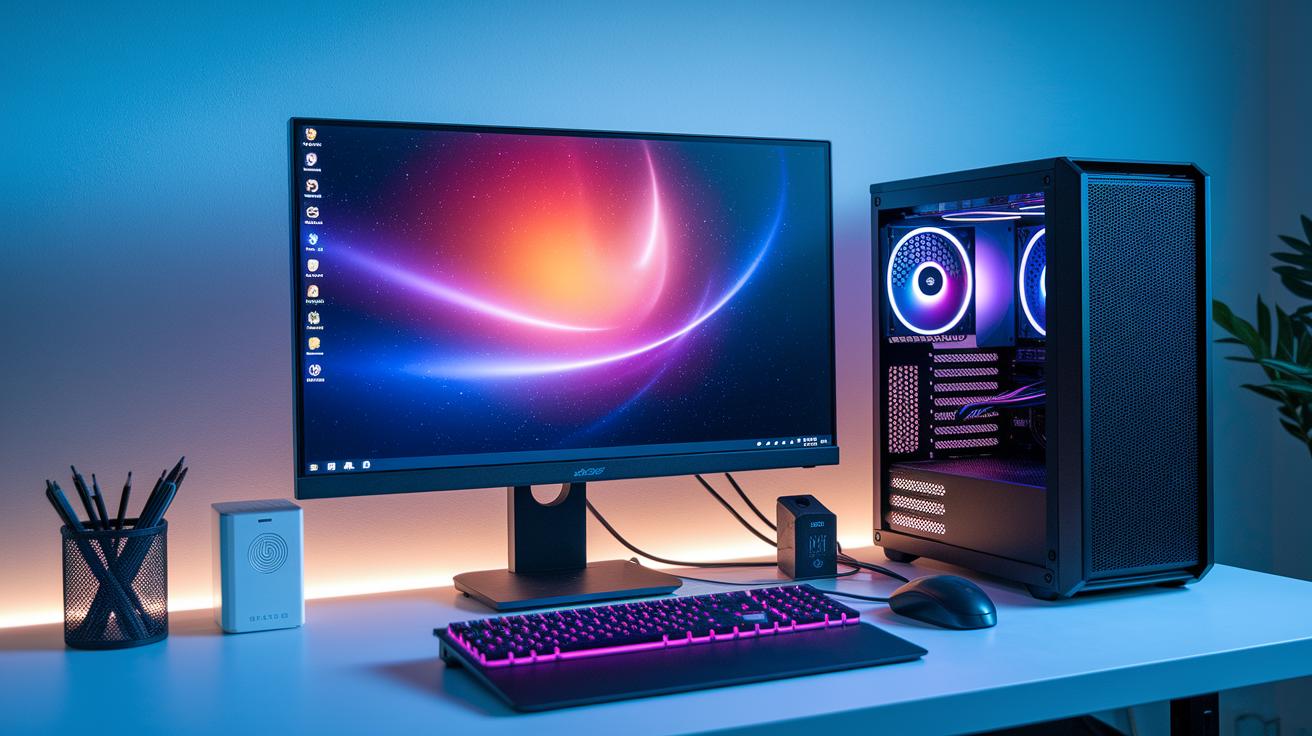
Full towers, like the HP Z2 Tower G9, are the prime choice if you need plenty of room to grow. They feature a smart, modular design built for professionals who plan to upgrade continuously. You can easily boost your system with extra storage, more memory, or even advanced cooling options. It’s like setting up a sturdy foundation that evolves as your workload expands.
Mini desktops, such as the HP Z2 Mini G9, are perfect for those working with limited space. Their compact sizes, just 2.7×8.3×8.6 inches, mean they fit effortlessly into tight spots without compromising on power. Ideal for small offices or creative studios, these machines deliver top-notch performance while quietly handling your everyday tasks.
Rackmount solutions, like the Lenovo ThinkStation PX, stand out in data centers or high-density computing setups. Their design streamlines tasks by offering easy maintenance and extensive connectivity, making them dependable for demanding professional environments. This setup is all about scalability and reliability, ensuring institutions always stay online.
Compact systems, like the Apple Mac Studio, offer a balanced mix of style and performance for modern studios. And if you like tailored solutions, custom builders such as Puget Systems let you choose everything – from the CPU to the GPU, memory, and storage – even including liquid-cooling and tool-free upgrades. It’s a highly customizable approach that fits every professional need perfectly.
Workstation Computer Buying Guide: Key Selection Criteria
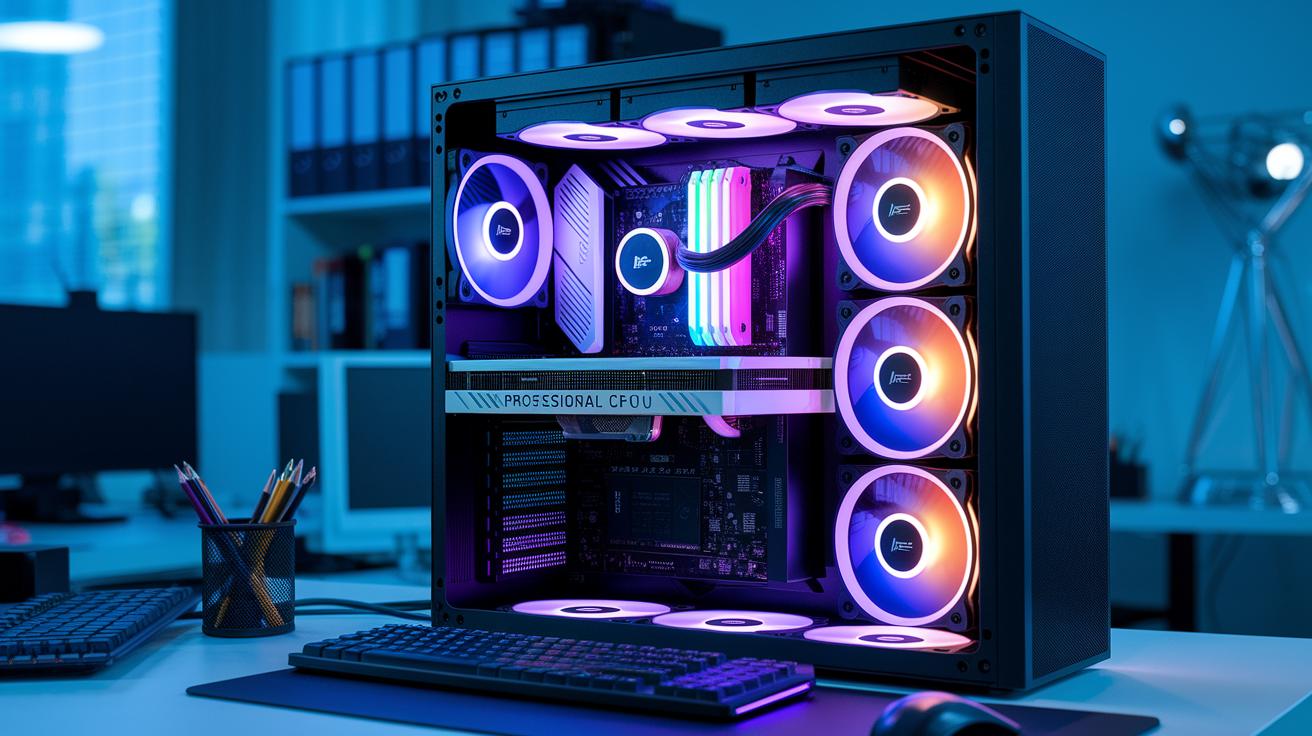
When planning your workstation investment, start by looking at the CPU specs, specifically the core and thread counts, to match what your software demands. You'll want a professional-grade GPU for that extra driver stability during heavy-duty tasks, rather than a gaming version. And if data reliability is top of mind, consider systems with ECC memory. Plus, take a close look at NVMe SSD options by weighing both performance and storage capacity. Reliable cooling also matters, especially if you expect your machine to run around the clock without a hitch.
Next, run a cost-benefit analysis by checking out available connectivity options that work best with your workflow. For instance, decide whether Thunderbolt or USB-C ports are the right match for you. And don’t forget to verify OS compatibility, whether you lean toward Windows or Linux, your system needs to fit seamlessly with your professional applications. If you plan on pushing your system to its limits, overclocking safety measures become essential to ensure your setup holds up over time.
Finally, pay close attention to warranty and service terms along with remote management support. A strong warranty keeps operations smooth even when issues arise, and remote management lets you troubleshoot quickly to cut downtime. On top of that, reviewing your system for energy efficiency not only protects your investment but also fits well within a budget-conscious, professional computing setup.
Top Workstation Computer Models for 2025 with Reviews

In 2025, workstation computers are reshaping how professionals tackle design, data analysis, and creative production. Top brands have fine-tuned these machines for superior performance, solid reliability, and versatile use, meeting the dynamic needs of both tech enthusiasts and creative pros.
These systems pack robust multi-core processors, generous memory options, and advanced graphics capabilities. Plus, many now feature innovative liquid cooling to keep things running smoothly under pressure. Whether you’re crafting detailed 3D scenes, editing crisp high-resolution media, or crunching complex datasets, these workstations are built to handle every challenge.
From budget-friendly models for everyday tasks to high-end rigs engineered for relentless, heavy-duty work, each option is designed to deliver precision and speed during prolonged use. Take a look at the table below, it breaks down six standout models for 2025, highlighting core features, price estimates, and the best use cases to help you find the perfect system for your projects.
| Model | Key Specs | Price Range | Best For |
|---|---|---|---|
| HP Z2 Tower G9 | Intel Core i9 K; Up to 128 GB DDR4; 48 TB storage | Starting around $1,000 | Everyday creative projects |
| HP Z4 G5 | Intel Xeon W7-2495X; NVIDIA RTX A4000 | Approximately $6,691 | Design and rendering tasks |
| Lenovo ThinkStation PX | Dual Xeon Gold 5420+; 256 GB RAM; 4 TB SSD; RTX A5500 | About $5,900 | High-end content creation |
| Falcon Northwest Talon | AMD Threadripper Pro 64-core; 256 GB RAM; RTX 6000 | Premium category | Intensive multi-core workloads |
| Apple Mac Studio (M3 Ultra) | 32-core CPU; 80-core GPU; 256 GB RAM; 4 TB SSD | High-end investment | Multimedia and demanding design |
| Dell Precision 5860 |

