
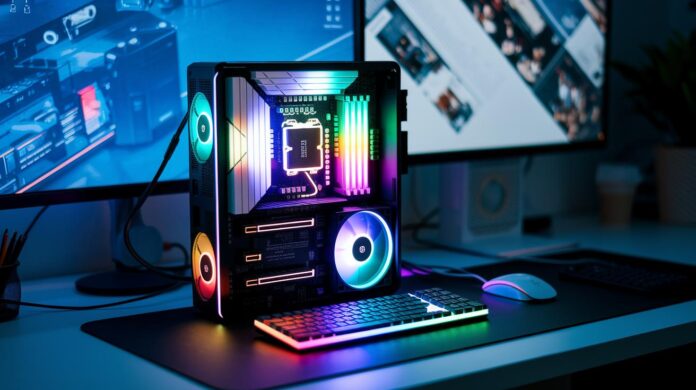
Have you ever wondered how your computer turns hidden instructions into the clear images and crisp sounds you enjoy? It all starts with output components that transform streams of zeros and ones into things you can actually see and hear, imagine them as clever gadgets that make digital content feel real.
Consider the way your monitor lights up with detailed visuals or how your speakers deliver perfectly timed audio. These devices work together to bridge the gap between a computer’s complex language and your everyday experience.
Stick with us as we explore how these amazing components brighten up our digital world.
Key Output Components of a Computer
Output devices are the cool gadgets that turn computer data into stuff we can actually enjoy. They take the binary language of computers and convert it into images, sound, or even physical prints. Think of it as translating computer code into the smooth click of a high-resolution display or the clear melody from a speaker, making computers much friendlier for us.
These gadgets come in four main flavors. First, visual devices like monitors and projectors create sharp and vibrant images for us to look at. Next, audio tools such as speakers and headphones take digital signals and spin them into sounds we can hear. Then there are print devices, printers and plotters, that offer a tangible touch by producing physical copies. Lastly, specialized devices, like Braille readers and interactive panels, serve those with unique needs and ensure accessibility. Together, they make sure that what comes out of our computers is always accessible and engaging.
| Category | Example | Function |
|---|---|---|
| Visual | Monitor | Displays images and videos |
| Audio | Speakers | Converts signals into sound |
| Printer | Produces physical copies | |
| Specialized | Braille Reader | Provides tactile outputs for accessibility |
Visual Output Components: Monitors and Projectors
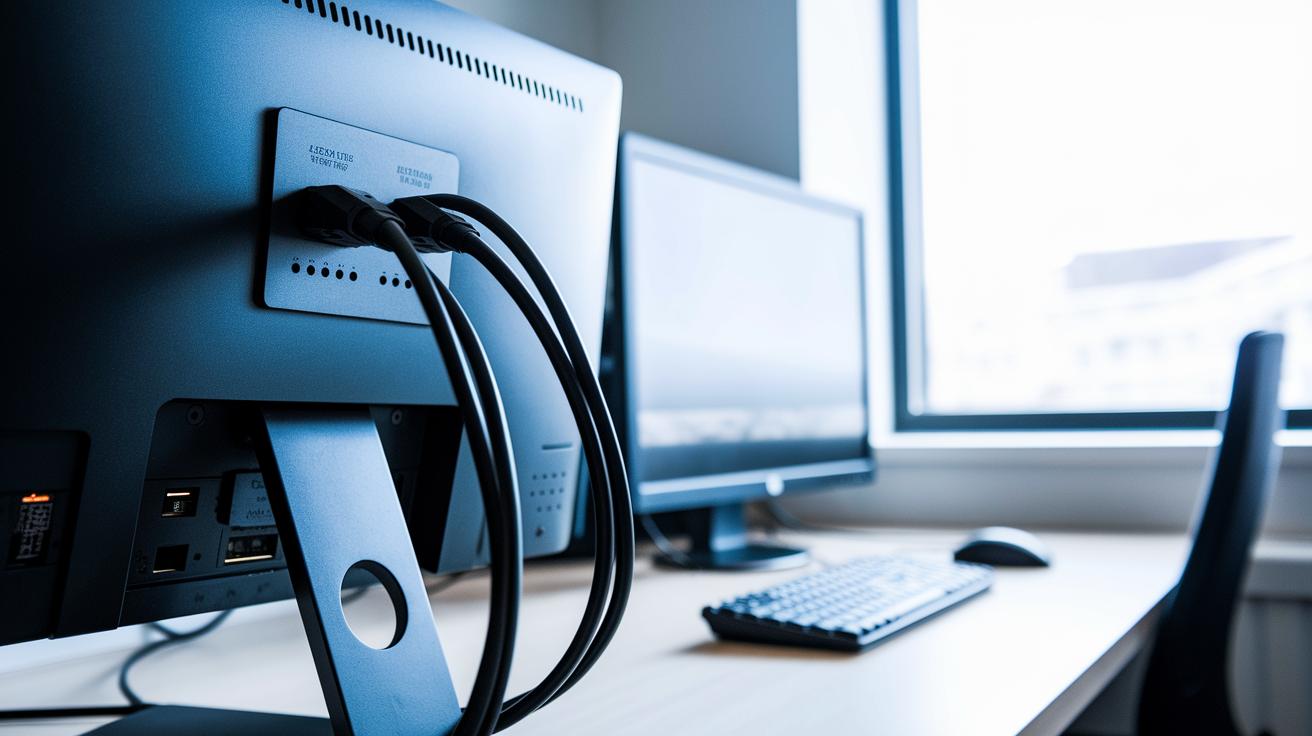
High-resolution screens and projectors bring your digital world to life. They make images sharp and vivid, whether you're digging into detailed graphics or sharing data in a meeting. Not only do these devices create a lively visual experience, but they also help boost your productivity with lots of connectivity options.
Monitor
Today’s monitors are built to handle multiple connection types like HDMI, DisplayPort, and VGA. This means they easily fit into nearly any setup, becoming a go-to piece in your computer parts lineup (check out more details at https://brainyreport.com?p=229). With their ultra-thin frames and sleek designs, they not only look great but also offer a super responsive viewing experience.
Performance is key here. Monitors pack millions of pixels into high resolutions, sport fast refresh rates, and include adjustable brightness settings. This combination ensures you see lifelike images that flow smoothly, something especially important whether you’re gaming, designing, or just managing everyday tasks.
Projector
On the flip side, projectors are perfect for turning your visuals into a big-screen experience. They let you enlarge content on walls or screens, making them ideal for group settings and collaborative projects. With straightforward connections via HDMI or VGA, setting up a projector for a group presentation or demo is a breeze.
Projectors work with various engine types, like DLP, LCD, or LED, to guarantee clear, vibrant colors. Their brightness and resolution capabilities are tailored to different room sizes and lighting, so they adapt easily to any environment.
In short, when choosing visual hardware, think about how you'll use it. For detailed tasks at a desk, a high-resolution monitor with a speedy refresh rate is the way to go. But if you’re looking to share content with a group, a projector with strong brightness and a wide display area will work best.
Audio Output Components: Speakers and Headphones
Digital audio signals start off as streams of numbers that eventually transform into the sounds we enjoy. In simple terms, electronic circuits and sound cards take these streams of ones and zeros and convert them into voltage shifts that move speaker diaphragms or headphone drivers. Whether the connection is made through digital ports or analog plugs, the end result is clear, vibrant audio that fuels our everyday media experiences.
- Desktop speakers: These provide stereo sound across a wide frequency range and typically connect via wired interfaces like analog cables or USB. They're a solid choice for both home and office setups.
- Soundbars: Designed for a compact and neat setup, soundbars spread sound widely and are perfect for boosting your TV audio. Many even come with built-in subwoofers.
- Over-ear headphones: Experience deep, immersive sound with these. They focus on keeping ambient noise out while delivering rich acoustic details, and you can choose between wired or wireless options.
- Gaming headsets: Perfect for interactive environments, these combine crisp, high-fidelity sound with integrated microphones for seamless communication during gameplay.
Choosing the right audio device really depends on your listening space and sound quality needs. In quieter environments, desktop speakers or soundbars can deliver a full range of sound ideal for various media. On the other hand, over-ear headphones and gaming headsets are tailored for immersive audio, emphasizing noise isolation and precision. Taking the time to check connectivity options and frequency response ensures your audio setup will perfectly match your style and environment.
Print Output Components: Printers and Plotters
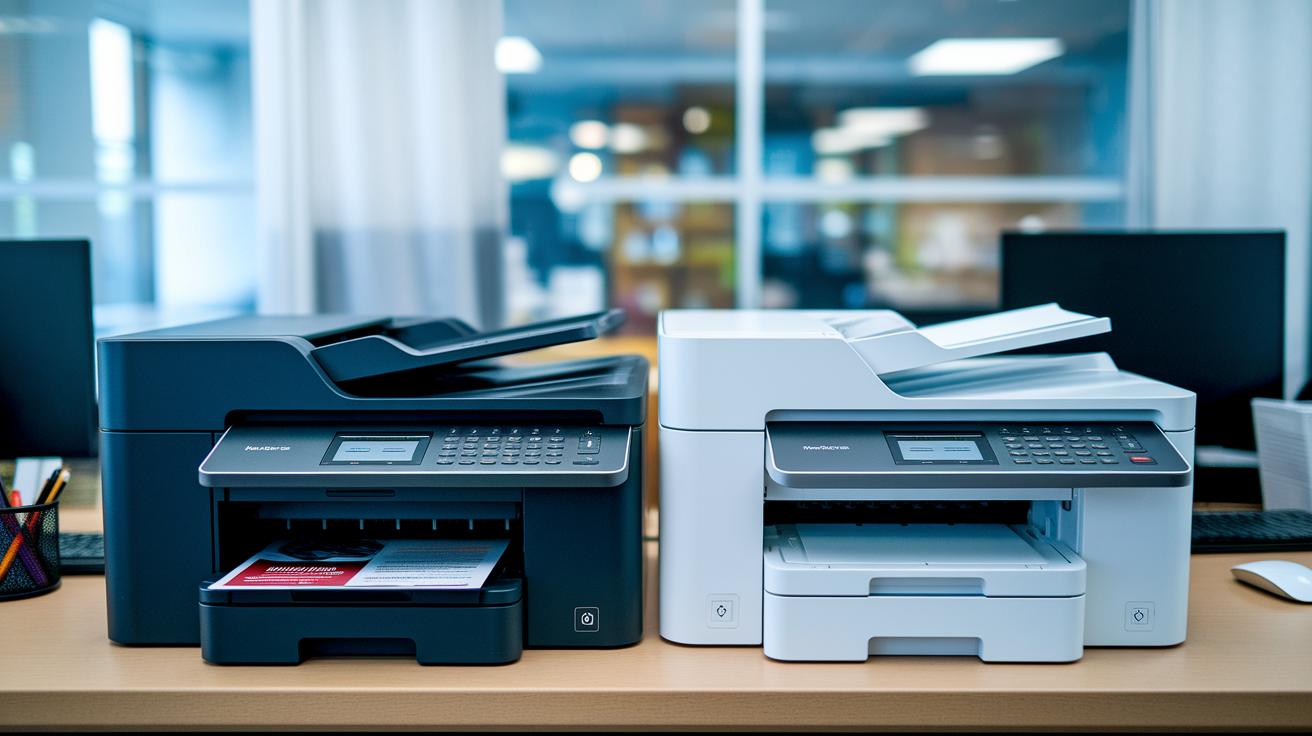
Turning digital data into tangible paper has always been crucial. Whether you're in an office, classroom, or design studio, these devices transform screen details into clear documents and vibrant graphics.
Printers come in two main types: inkjet and laser. Inkjets work by spraying tiny droplets of liquid ink onto paper, creating smooth color transitions and fine details while keeping initial costs low. Laser printers, by contrast, use toner and heat to produce sharp text and robust images faster, perfect for high-volume needs.
Modern printers aim for high DPI, meaning every detail pops with clarity. They also focus on increased page yield so you spend less time replacing cartridges and more time printing seamlessly. It’s all about striking the right balance between affordability and performance.
Plotters are a different breed altogether. They specialize in vector-based graphics that can be scaled without a hiccup, which is ideal for engineering drawings and detailed blueprints. With a plotter, every line and curve is rendered with laser accuracy on paper or even specialized surfaces.
| Feature | Description |
|---|---|
| Resolution | Delivers clear, detailed images ensuring every nuance is visible |
| Speed | Determines how quickly the device produces prints or plots |
| Media Support | Accommodates a variety of paper sizes and even specialized surfaces |
| Connectivity Options | Offers interfaces like USB or wireless for easy, seamless integration |
Advanced Output Components: Interactive Panels and Assistive Devices
Technology is increasingly blending with our everyday lives, and output devices are at the forefront of that change. Today’s interactive and assistive tools go far beyond plain screens. They invite you to engage directly with digital content, bridging the gap between the physical and virtual worlds. This smart evolution not only creates a more dynamic experience but also supports users who depend on adaptive technology.
Interactive touch panels bring innovation to the table by combining capacitive sensing with multi-touch gestures. You’ll find them in places like kiosks and smartboards where a swipe, tap, or pinch turns a simple display into an engaging, hands-on control center. Imagine quickly browsing a digital catalog or zooming in on an interactive map with just a touch. It’s all about making technology feel natural and immediate.
Assistive output devices add another layer of inclusivity. Tools like Braille displays and speech generators convert text into tactile feedback or sound, ensuring essential information is accessible to those with visual or speech challenges. These devices tailor content to individual needs, making both educational and professional spaces more welcoming.
Looking ahead, emerging trends point to output systems that blend immersive VR or AR headsets with personalized digital environments. These innovations promise a future where virtual elements enhance physical interactions, offering a user-centric experience that adapts to each person’s needs.
Output Components of a Computer: Connectivity & Troubleshooting
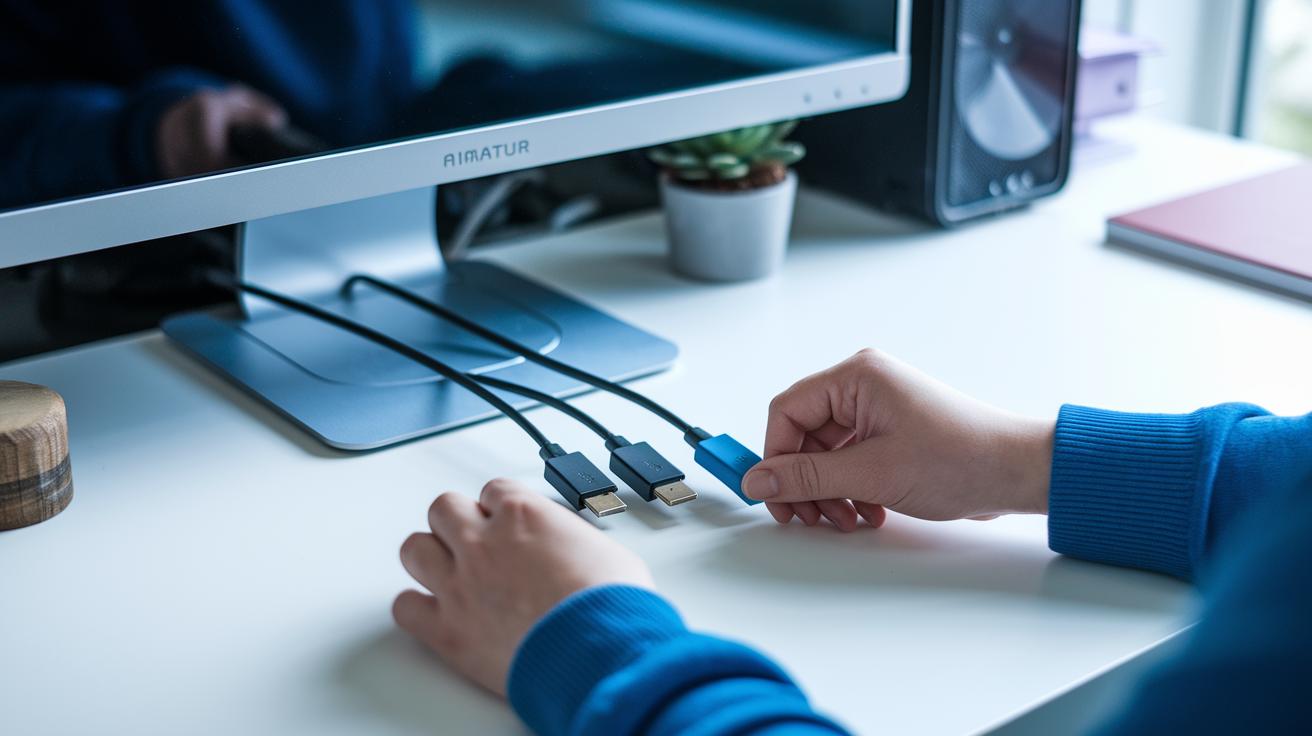
When you hook up your computer’s output devices, you’ll typically use interfaces like HDMI, DisplayPort, USB, or even Bluetooth. Most gadgets need the right driver or firmware installed to function smoothly. If cables aren’t firmly connected or drivers are outdated, you might end up with a blank screen, distorted sound, or a printer that simply won’t respond. That’s why it’s so important to ensure each connection is set up correctly. And don’t forget calibration, adjusting monitor color settings or speaker volume is key to keeping everything in check.
- Double-check that all cables are securely in place.
- Update your drivers to the latest versions for better compatibility.
- Tweak settings like monitor color and speaker volume to maintain balanced output.
- Test different ports or cables if you suspect a hardware issue.
- Confirm firmware updates to keep device performance stable.
Well-configured output devices not only boost your productivity but also deliver reliable, high-quality performance. When you build a routine of proper setups and thorough troubleshooting, your system becomes more responsive. In truth, when each hardware component communicates seamlessly, your work environment feels smoother and more enjoyable, making digital interactions stress-free and efficient.
Final Words
In the action, we explored the output components of a computer, from converting data into images and sounds to creating tangible print and interactive displays. We broke down visual, audio, print, and advanced assistive devices, showing how these systems work together to bring processed data to life.
This guide makes it easier to understand how each component connects and functions. Enjoy applying these insights as you make informed tech decisions and boost everyday productivity.
FAQ
What are the output components of a computer?
The output components of a computer include devices like monitors, printers, speakers, and interactive panels that convert processed digital data into formats such as visuals, prints, sound, or tactile feedback for user interaction.
What are output devices on a computer?
Output devices on a computer are hardware units that transform processed data into readable formats like images, audio, or paper prints, thereby presenting information in forms accessible to users.
What is an output component?
An output component refers to any device that changes digital data into human-friendly formats, whether displaying visuals, producing sound, or printing documents, helping users easily consume information.
What are the 5 output devices of a computer?
The five common output devices include monitors, printers, speakers, projectors, and plotters, each delivering information in visual, printed, or audio forms tailored to different user needs.
What are some examples of output devices?
Examples of output devices include monitors, printers, speakers, projectors, plotters, headphones, smart displays, interactive screens, Braille readers, and VR headsets, all converting data into tangible outputs.
What are input devices of a computer?
Input devices of a computer are tools such as keyboards, mice, scanners, and microphones that translate user actions and physical information into digital data for processing.
What are storage devices of a computer?
Storage devices of a computer involve hardware such as hard drives, solid-state drives, and USB drives that hold digital data, ensuring files and system information are preserved for later use.