

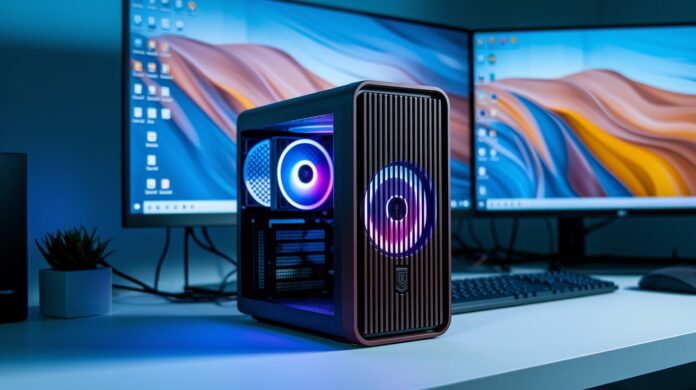
Ever wondered if a little computer could pack the same punch as a bulky desktop? Small form factor PCs show that size isn’t a barrier to performance. They offer speedy processing, efficient cooling, and they fit neatly into any space. In this article, we’ll chat about choosing between prebuilt systems and build-it-yourself kits, focusing on the perks of portability and smart connectivity. Even the tiniest setup can tackle intense tasks, making it a great option for busy users who want performance without compromising on style.
Choosing the Right Small Form Factor PC
Before mini PCs hit the market, folks were often stuck choosing between clunky desktop towers and underpowered laptops that just couldn’t keep up. Today’s small form factor PCs deliver a slick, compact design without sacrificing power, giving you a blend of portability and efficiency that’s hard to beat.
When it comes to making your choice, you can go down one of two roads. On one side, prebuilt systems come fully assembled with quality-tested components and handy features like VESA mounting, multiple USB ports, and even Thunderbolt connectivity. They’re ready to roll right out of the box after some rigorous stress testing. On the flip side, if you prefer building your own, a bare-bones kit lets you handpick every piece, from the CPU and GPU to storage, so you can tailor the setup exactly to your performance needs and taste.
Next, think about graphics. Integrated graphics are usually enough for everyday tasks and some light gaming, ideal if you’re really into a compact design without extra frills. However, if you plan on enjoying graphically demanding workloads or serious gaming, investing in a dedicated graphics card is the way to go. And don’t overlook the CPU; a model that balances single-core and multi-thread performance means your system will handle everything from streaming to multitasking with ease.
Connectivity also plays a big role in your decision. For example, if you need to support multiple displays, having a system with a broader range of I/O options might push you towards a particular setup, whether it’s prebuilt or DIY.
Take a minute to figure out which features you can’t live without. Are you looking for a machine that’s ultra-portable and fast, or do you prefer a design that lets you upgrade components down the road? Pinpointing what matters most to you will help you decide on the perfect small form factor PC, whether you opt for a reliable prebuilt model or the fun of a custom DIY build.
Essential Components for Small Form Factor PC Builds
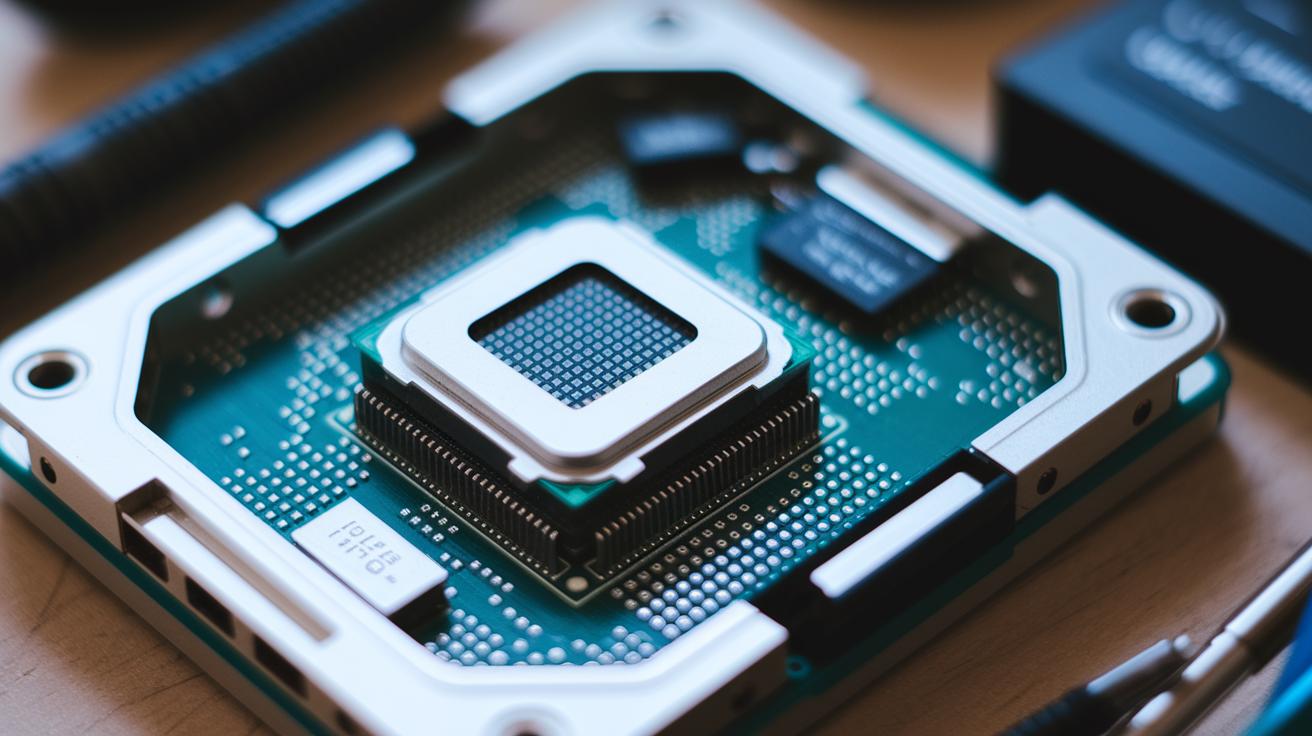
When picking parts for your mini PC, it’s all about balancing performance with how everything fits together. Start by looking at the CPU socket and its TDP (thermal design power, which is basically how much heat your chip produces). A modern, low-TDP processor paired with a good heatsink makes sure your system won't struggle under pressure or overheat during long sessions.
Next up, think about your graphics. You’ve got two main routes: low-profile GPUs, which are built for tight spaces and can handle gaming or graphic work without hogging room, or integrated graphics that are perfect for everyday tasks. Integrated options save space and keep things simple when you don’t need heavy-duty visuals.
Motherboards also play a big role. If you’re juggling future upgrades and extra accessories, weigh your options between micro-ATX and Mini-ITX boards. Mini-ITX boards are super compact but might give you fewer ports, while micro-ATX boards often offer more connectivity and expansion slots. And don’t forget about storage, NVMe SSDs are great for lightning-fast data access in a small package, even though SATA drives still do a decent job balancing cost and capacity.
For power, stick with SFX or TFX PSUs which are designed just for compact builds, ensuring energy efficiency without adding bulk. Lastly, prioritize a variety of ports. Multiple USB, display, and network connections mean you can hook up your keyboard, mouse, and additional devices without a hassle.
Advanced Cooling and Thermal Management in Compact SFF PCs
Keeping temperatures in small form factor builds safe is a challenge, but with clever cooling methods, it’s entirely possible. When space is tight, low-profile air coolers and all-in-one liquid coolers play a crucial role. For instance, imagine a compact cooler that fits neatly into a mini chassis while effectively dispersing heat. It’s a bit like having a high-performance engine housed in a tiny sports car. Heatpipe designs also help by spreading heat evenly, so hotspots are kept in check even during heavy use.
Optimized airflow is equally important. Placing your case fans strategically can guide cool air to the right spots, reducing noise while boosting performance. You might try different fan setups, such as front-to-back exhausts or side intakes, to see what works best for your layout. And don’t forget, a pea-sized amount of thermal paste on the CPU creates a solid thermal bond, which is key in reducing resistance in these closely packed systems.
Choosing the right cooling hardware is all about finding the balance between quiet operation and efficient performance. Sometimes it means experimenting with various combinations until your system reaches that perfect balance of low noise and effective cooling. With the right design, even compact builds can perform like larger rigs without the risk of overheating.
Top Prebuilt Small Form Factor PC Reviews and Comparisons
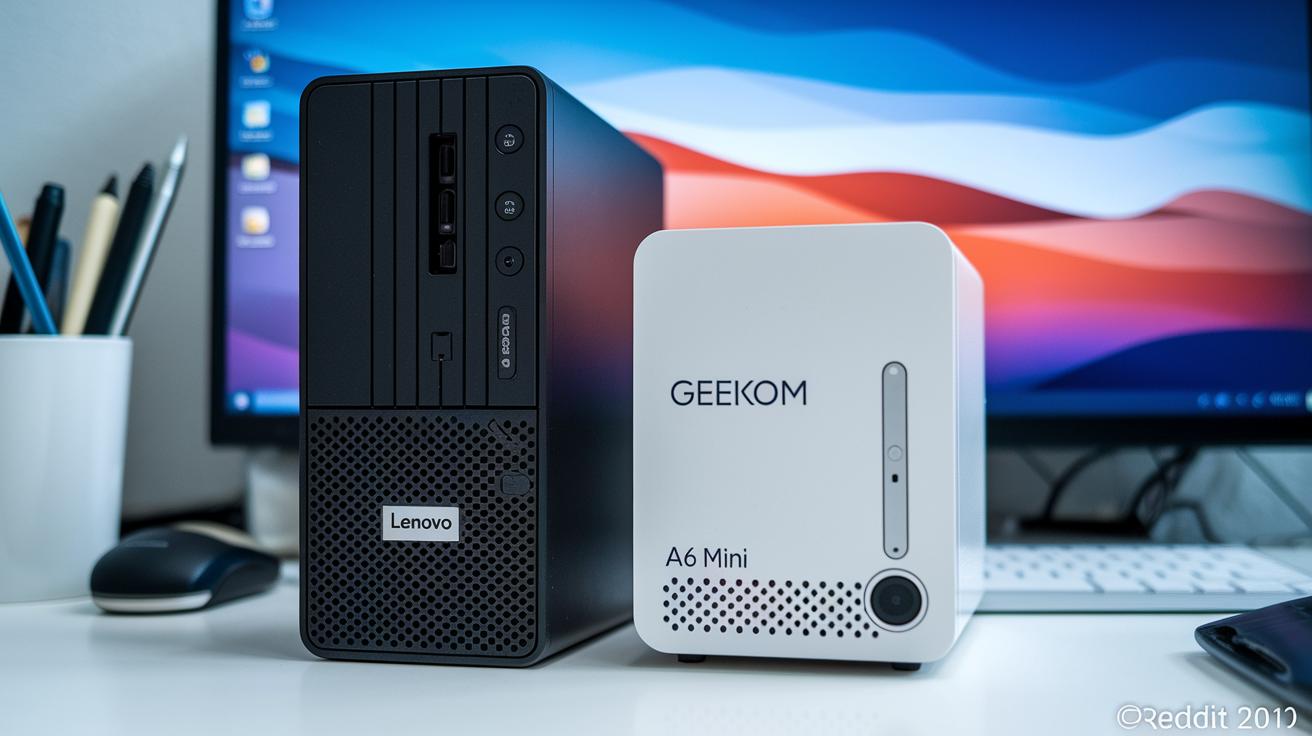
Small form factor PCs are shaking up our ideas about desktop performance by packing a punch in an ultra-compact design. These machines look sleek while not sacrificing an ounce of power, whether you're boosting business productivity, conquering gaming worlds, or diving into creative projects. For instance, the Lenovo IdeaCentre Mini (2023) mixes a strong Intel Core i7-13700H with plenty of memory and storage, making it a reliable workhorse for day-to-day tasks. Meanwhile, the Geekom A6 Mini stands out, powered by an AMD Ryzen 7 6800H and packed with 32GB of memory, all for a wallet-friendly price of $449.
Other models are tailored for business and workstation setups. The Asus NUC 14 Pro offers an Intel Core Ultra with vPro integration, giving you enterprise-grade security in a compact frame, and features like VESA mounting to boost its flexibility. Similarly, the MSI Cubi NUC 1M strikes a nice balance by offering dual 2.5Gbps Ethernet and support for up to four monitors, all for an accessible price of $649.99.
Gaming fans aren’t left out either. The Asus ROG NUC 970 is built with a dedicated RTX 4070, ready to handle heavy graphics even in its small form factor. And if you’re after a customizable option, the Framework Desktop comes with an AMD Ryzen AI Max+ 395 and can be stacked with up to 128GB of unified memory for those demanding creative projects. Business users will also appreciate the Acer Veriton Vero Mini, known for its seven USB ports and VESA support which makes connecting your devices a breeze.
| Model | CPU | GPU | RAM | Storage | Price |
|---|---|---|---|---|---|
| Lenovo IdeaCentre Mini (2023) | Intel Core i7-13700H | Integrated | 16GB | 1TB SSD | $909 |
| Geekom A6 Mini | AMD Ryzen 7 6800H | Integrated | 32GB | 1TB SSD | $449 |
| Asus NUC 14 Pro | Intel Core Ultra | Integrated vPro | 16GB | 512GB SSD | N/A |
| MSI Cubi NUC 1M | Intel Core 7 150U | Integrated | 32GB | 1TB SSD | $649.99 |
| Asus ROG NUC 970 | Core Ultra 9 185H | RTX 4070 | 32GB | 1TB SSD | N/A |
| Framework Desktop | AMD Ryzen AI Max+ 395 | Integrated | Up to 128GB | Configurable | N/A |
| Acer Veriton Vero Mini | N/A | Integrated | N/A | N/A | N/A |
DIY Assembly Tips for Your Small Form Factor PC Build
Building a mini PC means every square inch counts. With careful planning and a little hands-on spirit, you can create a system that’s both high-performing and visually neat. Here are some actionable tips to help you along the way.
-
First, measure all your components against the space inside your case. Compare part sizes with available interior dimensions to steer clear of any last-minute fit issues.
-
For Mini-ITX or micro-ATX setups, take a moment to check that your case’s standoffs line up with your motherboard’s mounting holes. This ensures stability and helps prevent potential short circuits.
-
Consider opting for a modular SFX or TFX power supply. With detachable cables, you only hook up what you actually need, boosting airflow and keeping the interior tidy.
-
When it comes to thermal paste, a small, pea-sized dab on your CPU is just right. It’s all about optimizing heat transfer without spreading a mess.
-
Route cables behind the motherboard tray and secure them with zip ties. This simple step not only enhances airflow but also makes any future upgrades or troubleshooting much easier.
-
Secure your system’s fans using rubber dampers. They help absorb vibrations and cut down on noise, keeping your compact build nearly whisper-quiet.
-
Finally, give your build a full power-on and stress-test. Check benchmarks, temperatures, and listen carefully for any odd sounds to confirm everything is working smoothly.
Follow these steps for a compact desktop that’s as reliable as it is organized, and enjoy the satisfying process of building your perfect mini PC.
Performance Benchmarks and Overclocking in Small Form Factor PCs
Mini rigs are proving that size isn’t everything. Take the Asus ROG NUC 970 for example, its numbers show that even a compact system can perform like a full-size gaming desktop. In tests, Cinebench R23 hit around 12,000 multi-core points, while 3DMark Time Spy came in at nearly 9,500. These results remind us that great performance can come in a small package.
Even when pushed to their limits, these systems impress. Gamers and power users notice that temperatures stay steady and noise levels remain low, even under heavy loads. By carefully tweaking settings, adjusting both memory and CPU, a 5–10% boost in performance is achievable without shortening the system’s lifespan. It pays to take gradual steps, testing after every little adjustment, to keep everything balanced.
There’s more to it than raw numbers. Customizing fan setups and ensuring smooth airflow inside the chassis are key. With limited space, every tweak counts, whether it’s squeezing out those extra frames per second or boosting overall computing power. This approach not only highlights impressive benchmark scores but also ensures a durable mini PC build ready to handle gaming at full tilt.
small form factor pc: Sleek Compact Performance
Planning ahead for upgrades is essential when you're building something compact. Start by choosing a motherboard with dual M.2 slots and extra RAM sockets. This setup lets you easily expand storage and memory as your workload grows, keeping performance brisk.
A case featuring dedicated 2.5-inch drive bays means you can add extra SSDs or HDDs without sacrificing valuable space. It's a smart way to ensure your compact system keeps pace with your evolving needs.
Thinking about graphics? An external GPU enclosure via Thunderbolt gives you extra graphics power without a full system overhaul. Choosing a modular power supply not only keeps the inside neat by using only the cables you need, but extra fan headers also offer the chance to add more cooling later.
And there's more: features like BIOS flashback make sure your motherboard can get ready for future CPU releases. With these upgrade paths in place, your small form factor PC remains flexible and reliable, ready to take on new tech challenges as they arise.
Final Words
In the action, we broke down the essentials of selecting a small form factor pc that offers both performance and a compact design. We compared ready-made systems to DIY builds, covered component choices like CPUs, graphics, and storage, and shared tips on cooling and future upgrades. The discussion emphasized practical steps for keeping your setup efficient and adaptable. Enjoy applying these insights to make your tech decisions simple and confident.
FAQ
What is a small form factor PC?
A small form factor PC is a compact computer system designed for limited space while delivering solid performance. It offers a balance between size and functionality for everyday tasks and multimedia use.
Is a small form factor PC worth it?
A small form factor PC proves valuable for space-saving setups and portability. It handles daily tasks well and can support light gaming, although its upgrade potential may be more limited.
What is the best small form factor PC?
The best small form factor PC varies by need. Some models excel with robust prebuilt configurations, while others allow for DIY customization, catering to both casual users and performance enthusiasts.
What are key design features of small form factor PC cases?
Key design features include compact builds with efficient airflow, organized cable management, and versatile aesthetics. These cases are constructed to support powerful hardware in a limited space.
What insights do community discussions on platforms like Reddit and Dell offer?
Community discussions on platforms like Reddit and Dell provide real-world reviews, tips on customization, and performance experiences. They help users weigh options between prebuilt systems and DIY builds.
What are common disadvantages of mini PCs?
Common disadvantages of mini PCs include limited upgrade options and potential thermal constraints. These factors can restrict high-demand usage and overclocking compared to larger systems.
How do prebuilt small form factor PCs differ from DIY builds?
Prebuilt options offer immediate use with verified component compatibility, while DIY builds allow personalization and component selection. Each approach has trade-offs in performance, cost, and assembly complexity.

