


Ever wonder if your PC could do more with a perfectly matched motherboard? Think of the motherboard as the heart of your computer, it links your CPU, memory, storage, and other key components in one smooth network. Choosing one that fits your needs can speed up your system, boost reliability, and even set you up for future upgrades. Smart buyers know that a well-chosen motherboard doesn’t just handle what you need now; it paves the way for tomorrow’s innovations. This guide will walk you through selecting a board that delivers top performance without compromise.
Motherboard Buying Guide: Essential Features and Compatibility
Your motherboard is really the beating heart of your PC, connecting every component so they can talk to each other seamlessly. It acts as a central hub, linking the CPU, memory, storage, and peripherals. Modern boards come in various sizes like ATX, Micro-ATX, and Mini-ITX, each tailored for different builds. For example, an ATX board usually offers seven or more PCIe slots along with a wide array of I/O options and state-of-the-art connectivity features such as USB4, USB 3.2 Gen2, Thunderbolt 4, and Wi-Fi 7.
Micro-ATX boards, being a bit smaller, typically include around four expansion slots, which is perfect if you’re working with a more compact setup. Then there are Mini-ITX boards designed for ultra-compact builds, featuring just one PCIe x16 slot. It’s a bit like choosing between a full orchestra and a small jazz combo depending on your project’s scale and room.
But the choice isn’t just about size, the CPU socket matters a lot. Intel boards, sporting chipsets like H810, B860, and Z890, are set up for LGA 1851/1700 processors from the 12th to 14th generations. On the other side, AMD options such as B650, B650E, X670, or X670E support new AM5 sockets, although older AM4 boards might need a BIOS update if you plan to run a Ryzen 7000 series processor. These options directly impact performance and how future-proof your system is.
Memory and storage support on modern motherboards is equally impressive. You might find support for DDR5 speeds (up to 9200+ MHz with overclocking) and memory capacities of up to 192GB. Plus, there are many M.2 slots, sometimes up to six, with some models featuring PCIe 5.0, and traditional SATA ports for your hard drives and SSDs. Picture it like this: every part of your PC works in harmony, much like different sections of a symphony, each playing its role to ensure smooth performance.
| Category | Options |
|---|---|
| Form Factors | ATX, Micro-ATX, Mini-ITX |
| CPU Compatibility | Intel LGA 1851/1700, AMD AM5 |
Savvy buyers weigh these key features against their budget, which usually falls between $189.55 and $484.99. Of course, if you’re exploring more computer parts, taking a look at the linked “computer parts” guide can give you additional ideas to complete your build.
Motherboard Form Factors: ATX, Micro-ATX, Mini-ITX Explained

When you're picking out a motherboard, it helps to consider its size from the start. Take ATX boards, for instance, they measure around 12 by 9.6 inches and come with seven or more PCIe slots. Think of an ATX like a spacious concert hall where every instrument has its own room.
If you're leaning towards a more compact design, a Micro-ATX board might be your best bet. These boards are roughly 9.6 by 9.6 inches and usually offer about four PCIe slots. They strike a friendly balance between saving space and covering all the essentials, much like an intimate venue where every performance still shines.
For those really tight on space, Mini-ITX boards measure about 6.7 by 6.7 inches. They're perfect for compact setups where fitting the case and managing cooling take center stage. Imagine a Mini-ITX as a pop-up theater: small but built to deliver a powerful show. Even in its compact form, it packs a surprising amount of performance.
Dimensions and Compatibility Checklist
- Ensure your PC case fits the motherboard’s dimensions.
- Confirm the number of PCIe slots meets your expansion needs.
- Check that your cooling and airflow solutions align with your build size.
Motherboard Chipsets and CPU Socket Compatibility
Intel chipsets like H810, B860, and Z890 each play a unique role in your system’s performance. The Z890, for instance, is designed with advanced voltage regulation modules that help smooth out heavy load operations. Fun fact: high-end systems using the Z890 can see speed boosts of 10-15% compared to mid-tier boards when tuned perfectly.
On the AMD side, chipsets such as B650, B650E, X670, and X670E offer tailored options to maximize system throughput. The X670E especially shines with its excellent PCIe lane distribution and faster memory interfaces , much like choosing a high-performance engine for rapid acceleration. Imagine a gamer noticing quicker load times and steady performance during long gaming sessions thanks to this choice.
Upgrading from AM4 to AM5 is more than just skipping BIOS updates for Ryzen 7000 processors. It represents a shift toward systems that support faster data paths and higher power efficiency. In this new era, technical benchmarks like memory latency and power regulation become key factors in selecting a board that meets demanding performance standards.
| Chipset | Performance Focus | Technical Specs |
|---|---|---|
| Z890 | Advanced overclocking | Enhanced voltage regulation, multiple PCIe lanes |
| H810 | Cost-efficient design | Standard performance, basic expansion support |
| X670E | High-end throughput | Robust PCIe lane distribution, optimized memory interfaces |
| B650/B650E | Balanced performance | Solid build quality, effective power management |
Paying close attention to these details shows how chipset features and technical specifications can impact everyday use while also laying a strong groundwork for future upgrades.
pc motherboard: Superior Performance for Smart Buyers
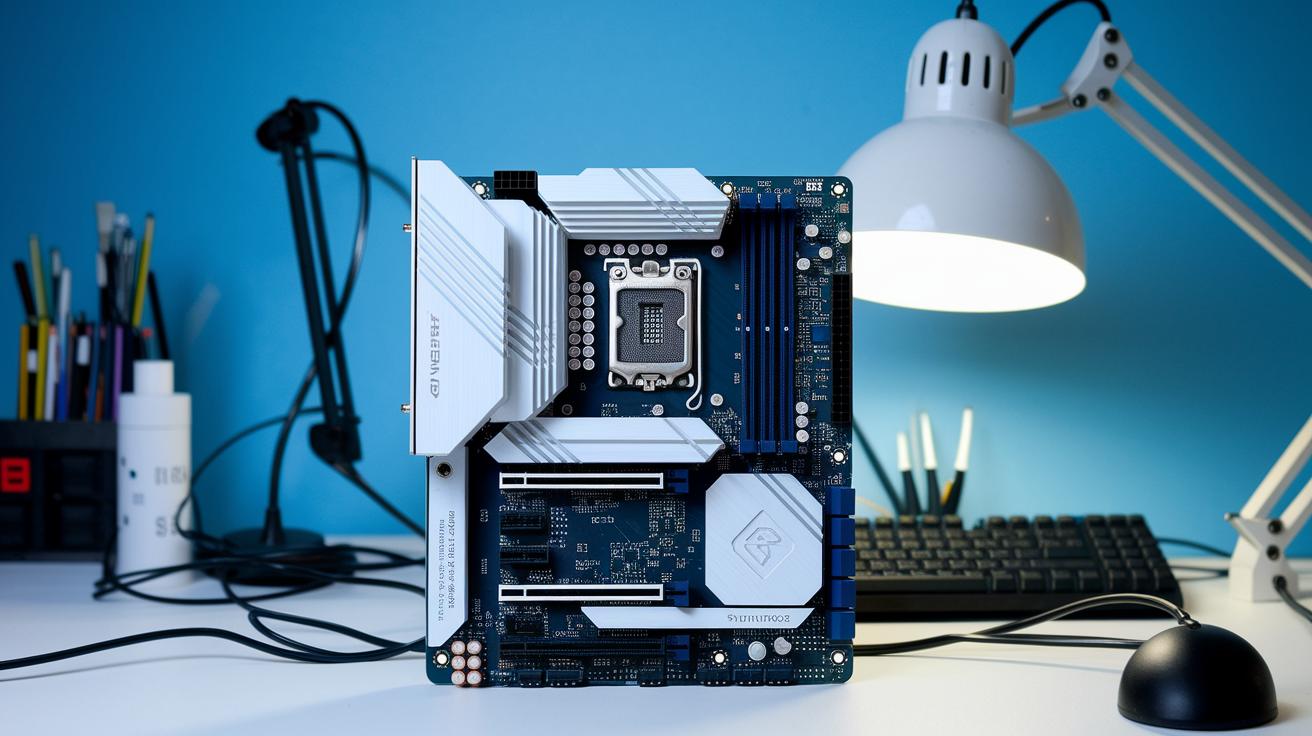
The ASUS ROG Maximus Z890 Hero and its peers now come with thermal sensors and smart fan controls that adjust cooling based on the workload. In plain terms, real-world tests have shown that during a 30-minute stress run, one board kept its CPU roughly 10°C cooler than its competition. Plus, refined power management and precise voltage regulation ensure the system stays reliable no matter how tough the task.
When comparing similar boards, those with flexible cooling systems face fewer slowdowns due to heat, offering up to a 20% boost in consistent performance during prolonged heavy use. One handy tip we spotted was setting your fan speed to ramp up at 65°C. This method strikes a perfect balance between quiet operation and effective cooling, making sure even rigorous computing tasks run seamlessly.
Motherboard Power Delivery and Thermal Management Features
Modern motherboards now boast more than 14 VRM phases paired with large aluminum heatsinks and heat-pipes. This setup keeps voltage steady, even when the system is under heavy load, and real-world tests show it handles high-end processors like the Ryzen 9 7950X with ease.
These boards also include built-in thermal sensors and fan headers that let you control cooling through the BIOS or dedicated software. Some models even use AI-driven fan curves to adjust speeds automatically based on current temperatures, making sure you get peak performance without too much noise. Testing consistently reveals that these smart cooling systems improve both thermal benchmarks and voltage regulation, which means extra headroom for overclocking.
- Over 14 VRM phases help minimize voltage drops during intense operations.
- Large heatsinks and heat-pipes work together to maintain consistent power delivery.
- Onboard sensors with BIOS or software-managed fan headers provide dynamic cooling.
- Adaptive AI fan curves adjust speeds in real time based on temperature readings.
This integrated design blends solid power phase quality with smart cooling techniques, giving tech enthusiasts clear insights into both thermal management and voltage stability.
Motherboard BIOS, UEFI Interface, and Firmware Updates
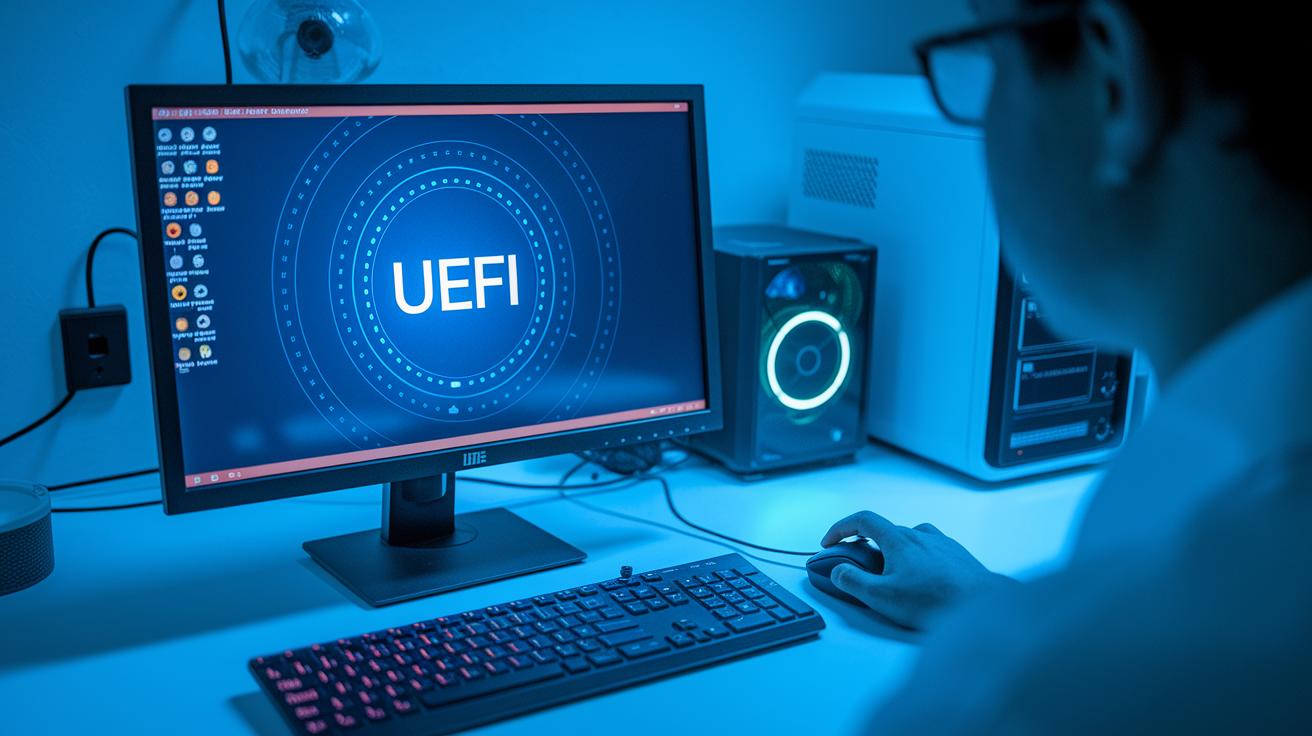
Today’s motherboards often come with UEFI interfaces that fully support mouse navigation, making the whole experience as smooth as using your favorite smartphone app. The clunky, keyboard-only BIOS screens are largely a memory of the past. Instead, these modern, graphical tools let you adjust settings and monitor system health with ease. Ever seen a prompt like, “Click right here to modify boot order”? It takes the stress out of what used to be an intimidating process.
Manufacturers have also rolled out nifty features like BIOS Flashback or the Flash BIOS Button. This means you can update your firmware without even having a CPU installed, almost like updating an app on your phone. And if that isn’t cool enough, some boards now offer dual-BIOS backups that serve as a safety net, stepping in with a built-in recovery mode if one update goes wrong.
Troubleshooting has never been easier either. Built-in diagnostic LEDs and POST code displays quickly pinpoint any issues during an update, so you’re never left guessing.
- UEFI interfaces with mouse support
- BIOS Flashback for CPU-less updates
- Dual-BIOS backup systems
- Diagnostic LEDs and POST code tools
Motherboard I/O Connectivity: Ports, Networking, and Wireless
When you're shopping for a motherboard, you'll find that today's models offer an impressive variety of ports to connect all your devices with ease. Many boards now come with as many as 21 rear USB ports, featuring modern standards like USB4 and USB 3.2 Gen2, so you can hook up all your gadgets without scrambling for extra hubs.
For those who need super-fast wired networking, there's no need to worry. With onboard LAN options offering speeds of 2.5 Gbps or even 10 Gbps, you can transfer large files in seconds or enjoy smooth, lag-free online gaming. It's pretty amazing what modern tech can do, right?
But the benefits don't stop with wired connections. Many motherboards now include built-in wireless modules like Wi-Fi 7 and Bluetooth 5.2, which make data transfer and pairing devices seamless and quick. Plus, next-generation interfaces such as Thunderbolt 4 headers ensure that your high-speed external drives and displays perform at their best.
You'll also find dedicated ports for S/PDIF and analog audio jacks, providing clear and reliable sound, a real treat for streamers and multimedia enthusiasts alike.
- Quick accessory hookups with abundant USB ports
- Reliable wired networking with fast LAN options
- Advanced Wi-Fi and Bluetooth modules for wireless connectivity
- Enhanced interface support through Thunderbolt 4 headers
Together, these connectivity features turn your motherboard into a central hub for all your devices and applications, offering superior performance and user-friendly versatility.
pc motherboard: Superior Performance for Smart Buyers
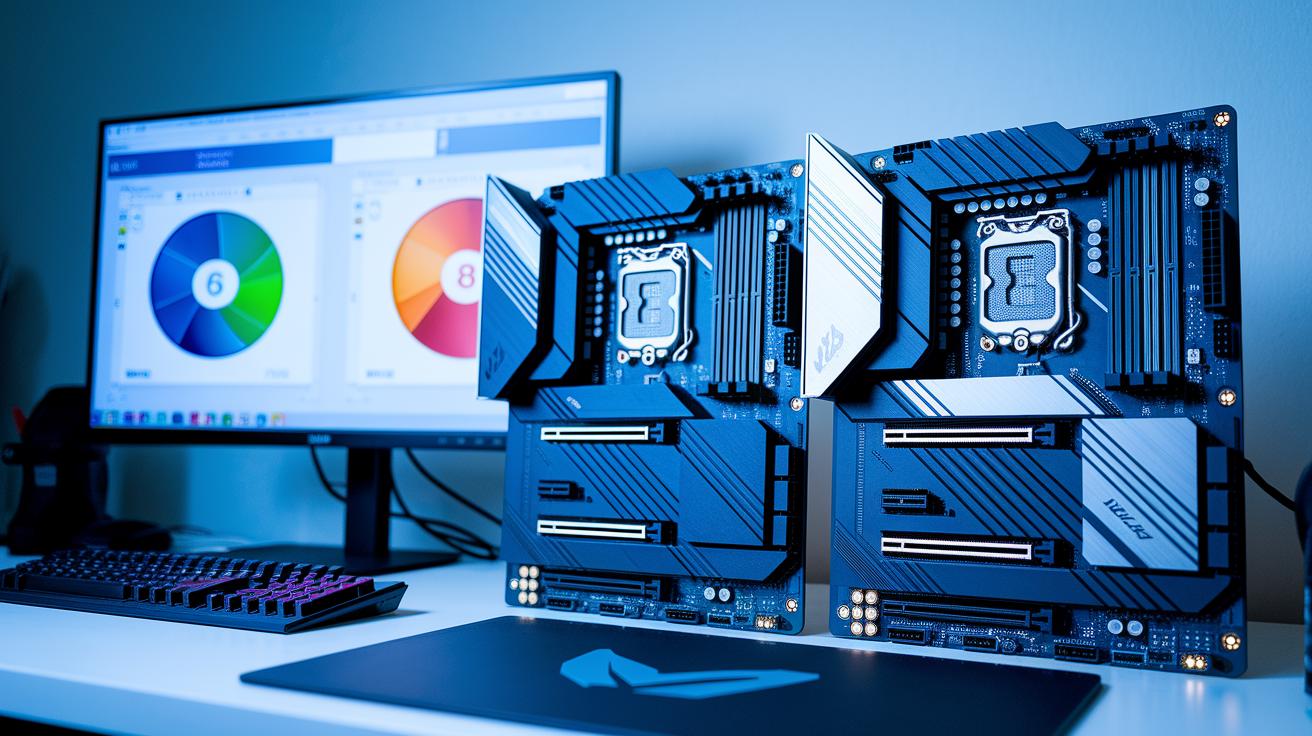
Real-world benchmarks now show clear differences between premium, midrange, and budget boards. For instance, the MSI MPG Z890 Carbon WiFi, which costs $484.99, keeps delivering top-notch gaming performance and stays cool even during heavy use. It's like a finely tuned engine that never runs out of steam, even in a high-speed rally.
The Z790 Tomahawk WiFi gives gamers a clever edge by letting them invest more in upgrades while still enjoying steady performance. Its benchmark data reveals smooth handling during demanding tasks, making it easier to appreciate what’s behind the scenes.
For those watching their budget, the ASRock B760M PG Sonic WiFi offers a great solution. Using CPU turbo mode with Intel 12th–14th Gen processors, it achieves competitive scores without any manual tweaks. And then there’s the ASUS TUF Gaming B650 Plus WiFi, which shows off its power with high-end Ryzen processors by delivering solid metrics even under heavy loads.
| Model | Unique Benchmark Insight |
|---|---|
| MSI MPG Z890 Carbon WiFi | Maintains top-tier gaming performance with excellent thermal stability |
| Z790 Tomahawk WiFi | Enables smarter budgeting through reliable, stable performance |
| ASRock B760M PG Sonic WiFi | Employs CPU turbo mode effectively for competitive scores |
| ASUS TUF Gaming B650 Plus WiFi | Delivers robust handling for high-demand tasks with Ryzen processors |
Motherboard Installation Tips and Compatibility Checklist
Before you start building your system, check that your PC case fits your motherboard’s size. It might seem trivial, but making sure they’re compatible saves you time and headaches later on. Plus, ensure there’s enough room for bigger parts like high-performance coolers or extra graphics cards.
Begin by installing the I/O shield into the case. It lines up perfectly with the motherboard’s rear ports, so you won’t struggle with alignment later. Next, carefully insert the CPU into its socket. When attaching the CPU cooler, follow the exact torque settings, this small step really helps keep your processor’s temperature in check.
Getting the RAM in the right slots is key for achieving dual-channel memory performance. Your motherboard manual will show you exactly which slots to populate first. After that, connect the 24-pin ATX and 8-pin CPU power cables; these are essential for delivering a stable flow of power throughout your system.
Before you close up the case, consider updating the BIOS if your CPU needs new support. Running POST code tests ensures every component works as it should. This checklist is designed to help you avoid common compatibility and assembly problems before you finish your build.
- Confirm your case matches the motherboard form factor
- Install the I/O shield first
- Seat the CPU and attach the cooler using the correct torque
- Populate the RAM slots as recommended for dual-channel performance
- Connect the power cables and update the BIOS if needed
- Run POST code tests before closing the chassis
Final Words
In the action, this article mapped out the essentials, from form factors and socket compatibilities to power delivery and connectivity insights, making the world of the pc motherboard more tangible.
We broke down performance benchmarks, installation tips, and upgrade paths, guiding you through clear, step-by-step insights.
Built to spark confidence in your tech decisions, the guide blends technical details with practical advice.
Step forward, knowing that each bit of information puts you in a better spot for smart, informed choices. Enjoy the path ahead with a newfound clarity.
FAQ
What does a PC motherboard do?
A PC motherboard functions as the main hub that connects the processor, memory, storage, and peripherals, allowing all components to communicate and keep your computer running efficiently.
Which motherboard is best for a PC?
The best motherboard for a PC depends on your needs, whether gaming or productivity. It should offer compatible chipsets, sufficient expansion options, and the right form factor to support future upgrades.
What types and price ranges are available for PC motherboards?
PC motherboards come in various forms like ATX, Micro-ATX, and Mini-ITX, with options supporting DDR4 or DDR5. Prices typically range from around $190 to over $480 based on features and performance.
What features define a gaming motherboard?
A gaming motherboard is designed with robust power delivery, multiple expansion slots, and efficient cooling, along with high-speed connectivity to ensure smooth performance in intensive gaming setups.
Is a $1000 gaming PC worth it?
A $1000 gaming PC can offer a balanced mix of performance and features to run most modern games effectively, though its value largely depends on your gaming expectations and upgrade plans.
Is it worthwhile to replace a motherboard on a computer?
Replacing a motherboard can be worthwhile if it improves compatibility with new components or resolves persistent hardware issues, ultimately extending your computer’s lifespan and performance.
Where can I buy a PC motherboard online?
You can purchase a PC motherboard online from reputable computer parts retailers that offer competitive pricing, detailed specifications, and customer reviews to help you choose the best option for your build.

