

Ever wondered if a compact computer could pack the same punch as a larger one? NUC computers show that less really can be more. They offer fast, smooth performance whether you’re tackling work projects, streaming your favorite shows, or handling everyday tasks.
Imagine a sleek machine that fits neatly on your desk, quietly managing your digital life. In this article, we explore how these little powerhouses blend efficiency and dependability, proving that a tiny design can have all the muscle you need in today’s tech landscape.
nuc computer: Compact Power and Reliable Performance
Intel’s Next Unit of Computing systems are ultra-compact PCs that come in chassis as small as 0.8L and even feature a VESA-mountable design. Think of it as a mini desktop that delivers the performance of a full-sized computer, perfect for everything from browsing the web and tackling office work to streaming stunning 4K videos. Imagine having all that power tucked neatly into an inconspicuous space, like a quiet workhorse hidden in your cozy home office.
These systems use a variety of processors, including Intel’s Celeron, Pentium, and the Core Ultra series (models 5, 7, and 9), as well as AMD Ryzen 7 or 9 options. It’s like having a personal assistant that manages your emails, streaming sessions, and video calls without ever skipping a beat. The integrated graphics, usually Intel Iris Xe or entry-level AMD solutions, ensure that everyday multimedia tasks and light gaming run smoothly.
The clever, space-saving design makes NUC computers a great fit for small offices, digital signage displays, or even home media centers where every cubic inch matters. And connectivity? These mini machines don’t play around, they come loaded with multiple USB ports, HDMI, and Thunderbolt 4, so you can hook up all your devices without a hassle.
For anyone who loves a minimalist but high-performing setup, the NUC perfectly blends power with modern design, embodying the spirit of innovation in the world of mini PCs.
NUC Computer Hardware Specifications: Processors, Graphics, and Memory

These compact machines pack impressive power and versatility into a small frame. They typically run on CPUs like Intel’s Core Ultra 5-255H, 7-255H, or 9-285H, while some configurations feature AMD Ryzen 7 6800H or Ryzen 9 processors. In simple terms, whether you’re casually browsing or diving into creative tasks like photo editing and 4K video work, there’s an option tailored for you.
Memory in these systems kicks off at 8 GB and can ramp up to an ample 128 GB using two SO-DIMM slots. This means even with several applications open, you’ll experience fluid and reliable performance. Storage is usually managed with one or two M.2 NVMe SSD slots, which translate to snappy boot times and quick data retrieval.
On the graphics front, these PCs mostly rely on integrated solutions like Intel Iris Xe, ideal for standard multimedia tasks and light gaming. Some models even step it up with discrete mobile GPUs, giving you that extra visual edge whenever needed.
Connectivity isn’t overlooked either. With ports like Thunderbolt 4, USB 3.2 Gen 2 Type-A/C, HDMI, DisplayPort 1.4a, an SD card reader, and dual 2.5 GbE LAN, these machines make it easy to hook up all your essential devices without a hitch.
NUC Computer Performance Benchmarks: Productivity and Gaming Tests
Benchmarks show that NUC systems breeze through daily tasks. When loaded with 16 GB or more of memory, they make web browsing, document editing, and even light 4K video editing feel effortless. Cinebench R23 reveals that multi-core scores from setups with a Core i7 or Ryzen 7 nearly match the output of larger desktop systems, which is pretty impressive for productivity work.
Ever been surprised by how small devices can deliver big performance? For example, a Core i7-13700H-based NUC achieved almost 9,500 points on the Cinebench R23 Multi-core test. It’s a cool reminder that good things can come in small packages. Typically, the integrated graphics on these systems push out around 60 fps at 1080p for older or indie games. However, modern AAA titles might push them a bit beyond their comfort zone, making them perfect for everyday computing and some moderate gaming.
| Processor | Cinebench R23 Multi-core Score |
|---|---|
| Core i7-13700H | ~9,500 |
| Ryzen 7 6800H | ~8,200 |
Key observations:
- NUC systems excel when handling productivity tasks.
- They offer smooth light gaming for classic titles.
- Their multi-core performance puts them on par with larger desktop systems.
This data shows that while NUCs pack a robust punch for everyday applications and casual gaming, those with heavy graphical demands might find them a bit limited for the latest, most demanding titles.
Upgrading and Customizing Your NUC Computer for Enhanced Performance
The NUC’s design truly shines when it comes to upgrading. Many models feature a removable base that gives you easy access to two DDR4 or DDR5 SO-DIMM slots, letting you boost your memory with minimal fuss, much like swapping out the battery in an old phone. Adding extra RAM is simple and effective, giving your system a quick burst of new life.
You can also install one or two M.2 NVMe SSDs, which means upgrading your storage isn’t a headache. This step not only speeds up boot times but also makes data management feel snappy and efficient. It’s like fine-tuning your favorite device to run smoother and faster.
For those who like to get hands-on, some models offer an optional PCIe x8 add-in card slot. This provides room for expansion cards, allowing you to tailor your mini PC for creative projects or specialized tasks. Think of it as upgrading your bicycle with custom parts to create a ride that truly feels your own.
Barebones systems do require you to buy memory and storage separately, a bit different from plug-and-play devices like the Mac mini that aren’t built for upgrades. To keep your NUC performing at its best, regular BIOS and driver updates via Intel Rapid Storage Technology are key for long-term stability.
Consider this: adding 16GB of RAM might transform your NUC into a faster, more capable workstation. It’s a clear example of how a few smart tweaks can make everyday performance feel remarkably upgraded.
NUC Computer Price Evaluation: Barebones Versus Fully Configured Systems
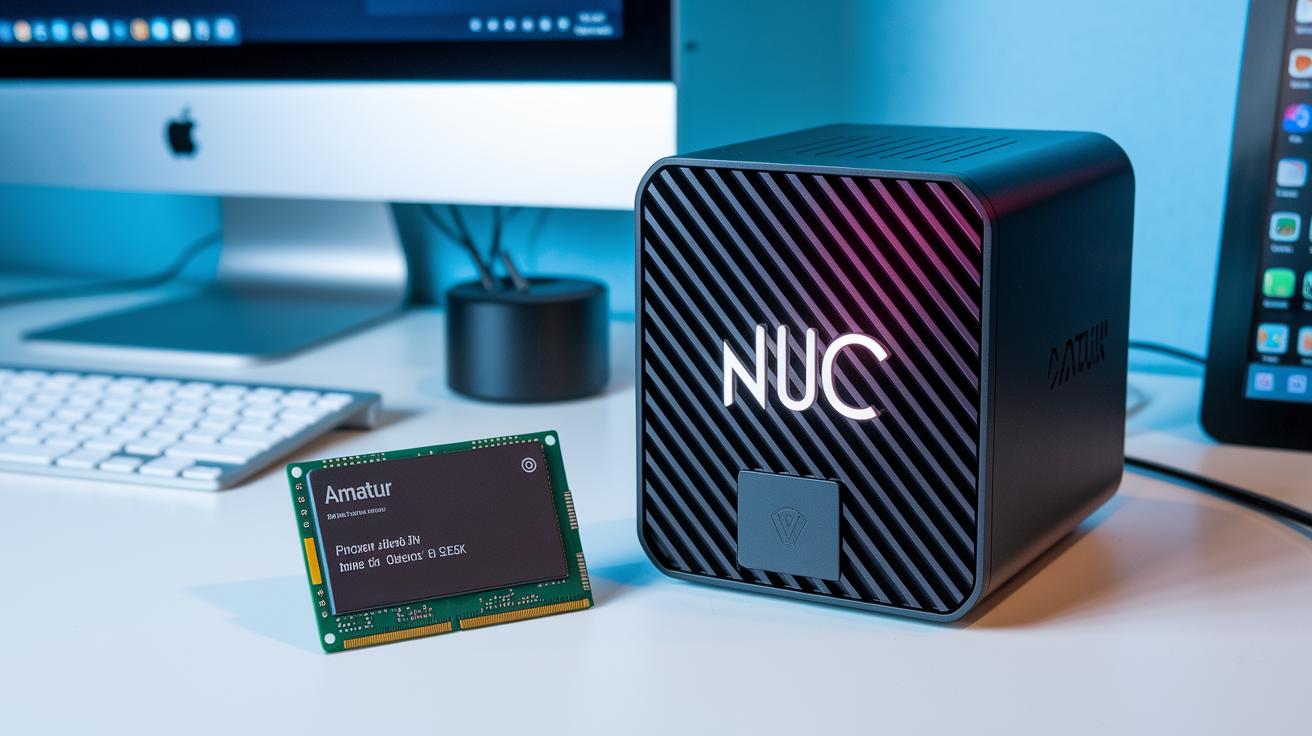
When it comes to NUC computers, the price tags shift depending on how much you customize. For instance, if you're leaning towards a barebones kit like the one featuring the Core Ultra 5 255H, you're looking at about $615. This option gives you a reliable base, but you'll need to pick up extra memory and storage, ideal for those who love to tailor their hardware to their exact needs.
Moving up a bit, the mid-range kits come ready to go with 16GB of RAM and a 1TB SSD priced around $799. These setups are perfect if you don’t want to deal with extra assembly. They’re designed to offer smooth performance in everyday tasks while striking a balance between convenience and cost.
Then there are the high-end models equipped with the Core Ultra 9 285H. Priced at approximately $1,199, they pack a punch with robust processing capabilities that's great for demanding applications and creative work. Just keep in mind, these high-performance machines focus more on productivity rather than being gaming powerhouses due to their integrated graphics.
It’s also interesting to compare these with budget-friendly alternatives on the market. Take the premium Apple Mac mini M4, which costs around $2,199, versus mini PCs like the GMKtec NucBox M5 Plus and the Geekom A6 Mini at roughly $469. This comparison really shows the trade-offs between building your own system with a barebones kit and opting for a fully configured setup, highlighting the diverse price-to-performance landscape in the mini PC world.
Comparing NUC Computers to Other Mini PCs and Gaming Micro Desktops
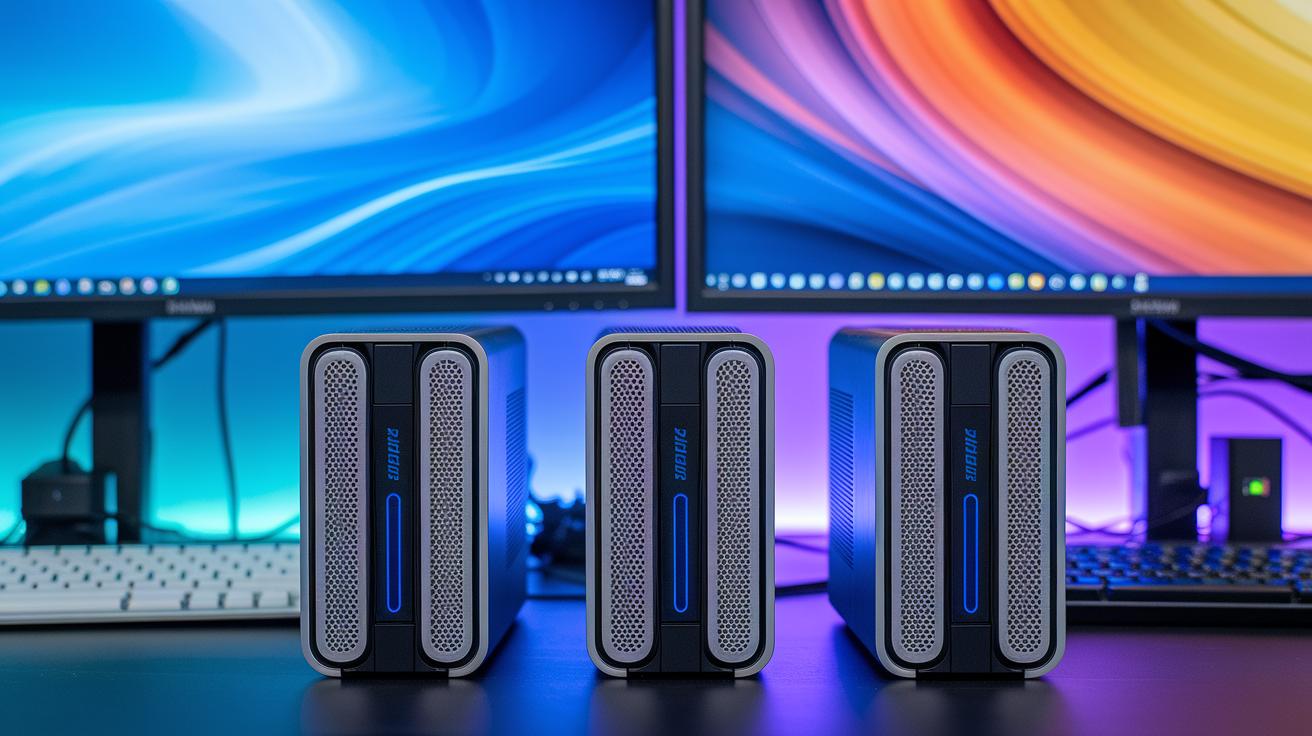
If you're browsing the mini PC market, you'll quickly notice that some models really stand out because each brings its own unique strength. Take the Intel NUC 14 Pro, for example, it boasts excellent multi-core CPU performance and top-tier connectivity, often beating systems like the Dell OptiPlex Micro Plus 7020 that lean more towards business reliability.
The MSI Cubi NUC 1M might catch your eye too. It's compact and quiet, though its multi-core performance falls a bit behind. Still, its support for up to four monitors and dual 2.5Gbps Ethernet ports is a solid selling point if you need multiple displays or a reliable network setup.
Then there's the Geekom AX8 Pro, designed for Windows users seeking an extra boost in processing power. With a robust chassis and plenty of upgrade slots, adding more memory or storage is straightforward. On the flip side, the Asus ROG NUC 970 shifts gears entirely. It comes with an RTX 4070 and is built for gamers, with a discrete GPU that delivers higher fps in select titles, even if its upgradability isn’t as flexible and it tends to run a bit louder during heavy use.
Key comparison points include:
- CPU multi-core performance: NUC models generally lead this category.
- Graphics: The Asus ROG NUC 970 shines with its discrete GPU for better gaming fps, while other models handle everyday graphics needs easily.
- Noise levels: Business-oriented systems like the Dell OptiPlex Micro Plus stay quiet, whereas gaming-focused setups can be noticeably louder.
- Build and upgrade options: NUC designs typically offer flexible connectivity and multiple upgrade slots for easy expansion and customization.
Ultimately, these models cater to varied needs, whether you’re after advanced productivity, creative performance, or a balanced gaming experience.
DIY NUC Computer Builds: Selection, Assembly, and Troubleshooting Guide
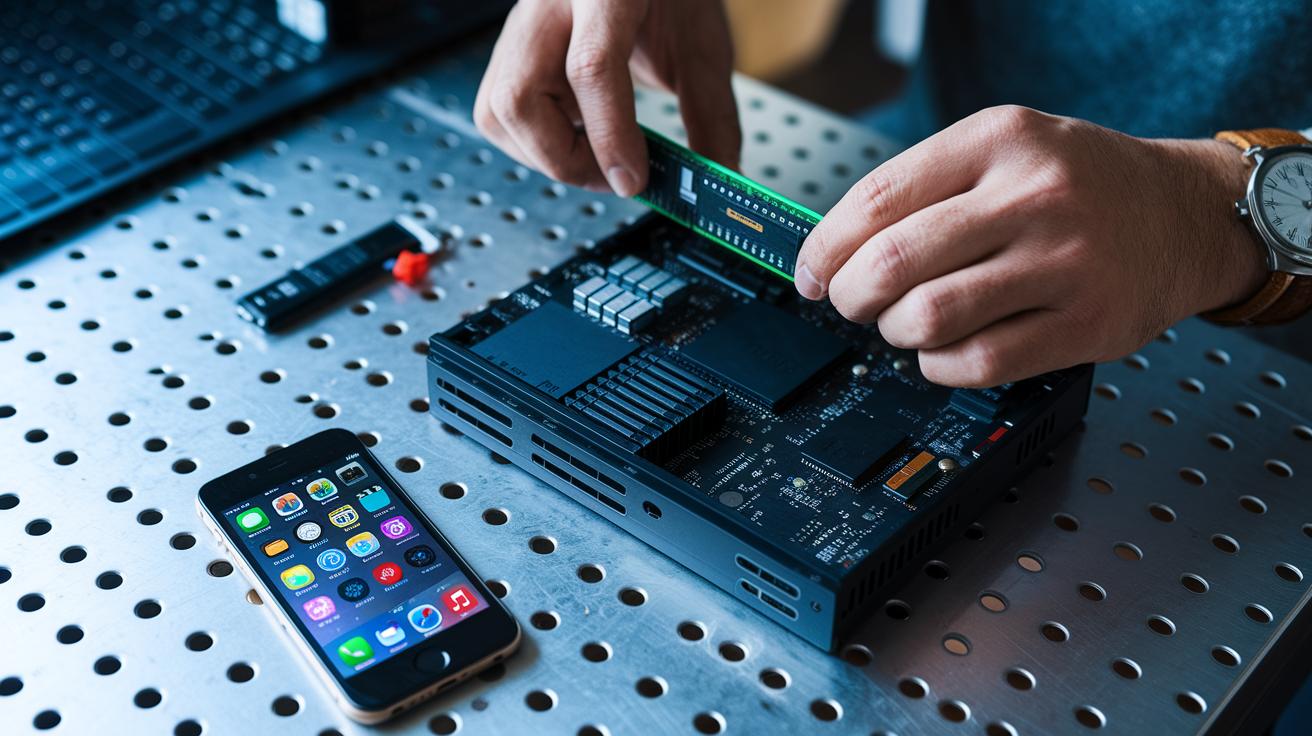
Begin your build with a clear plan. First, pick out your kit and take a close look at all the components inside. And before you even think about powering it up, make sure you ground yourself properly to keep any pesky static from causing damage.
Start by unpacking your barebones kit. As you do, hold it in your hand and place yourself near a metal surface that’s well-grounded, this helps prevent any static discharge. Next, insert your RAM modules into the SO-DIMM slots. You should hear a satisfying click when they’re securely in place.
Then, slide in your M.2 NVMe SSD, ensuring you fasten it with the screw provided for reliable data access. If your setup allows, add an optional PCIe x8 card to boost your system’s expansion capabilities. After that, don’t forget to apply a small amount of thermal paste to your processor before mounting the cooler. This step is key to keeping your temperatures under control.
Wrap things up by completing the initial BIOS setup and installing the Intel RST driver, which helps your system recognize all hardware smoothly during startup.
Common pitfalls to watch out for include memory mismatches, boot device errors, and BIOS update hiccups. If your system isn’t booting, double-check that your RAM and SSD are the right fit for your NUC model. A failed BIOS update might mean you need to carefully retry the process or revert to factory settings. And if some hardware isn’t being recognized, be sure to verify all cable connections and that any expansion cards are properly seated.
With these practical installation tips and troubleshooting techniques, you’ll be well on your way to building a reliable, high-performance NUC computer ready to handle your daily tasks.
NUC Computer Connectivity and Accessory Ecosystem
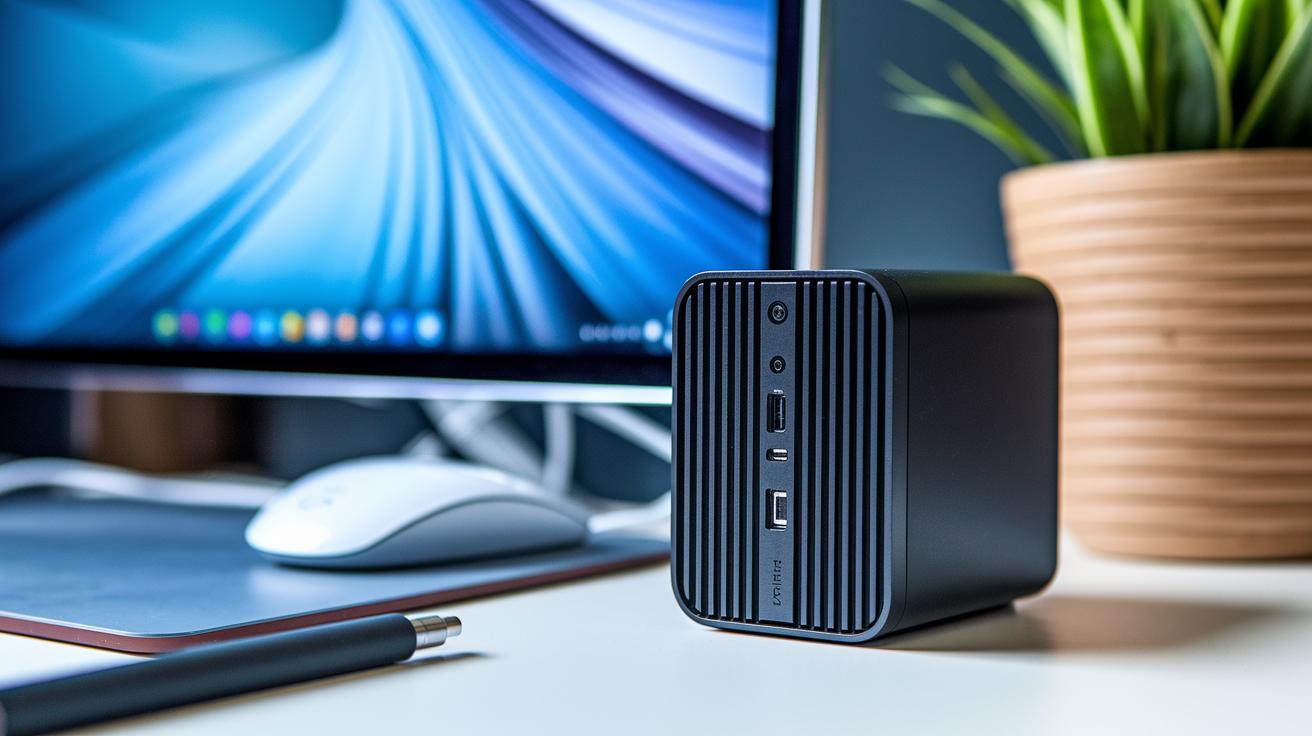
NUC computers come loaded with a variety of ports and wireless features that make them incredibly adaptable. They offer a mix of connections including one Thunderbolt 4 port, one USB 3.2 Gen 2 Type-C port, and five USB 3.2 Gen 2 Type-A ports. Plus, you get both HDMI and DisplayPort 1.4a outputs, a 3.5 mm audio jack, an SD card slot, and dual 2.5 GbE LAN ports for smooth network access. In short, you can attach everything from external displays to high-speed storage without any hassle.
On the wireless side, these systems don’t fall behind. With Wi-Fi 6E and Bluetooth 5.2 built in, you can expect fast and stable connections whether you’re streaming, gaming, or syncing your mobile devices. It’s a bit like setting up a cloud-connected workspace where data moves almost in real time.
And there’s more, accessories help you push the capabilities even further. Many users add VESA mount kits to securely attach their NUCs to a wall or monitor, use external GPU enclosures via Thunderbolt to boost graphics performance, or rely on compact docking stations that turn the NUC into a full workstation. Each of these add-ons is like a mini upgrade that multiplies what your system can do.
NUC Computer for Business and Enterprise: Deployment Strategies and Scalability

In the fast-evolving business world, NUC computers are an excellent pick for those looking to set up kiosk displays, digital signage, or even small edge computing clusters. These compact devices slip right into professional settings, offering energy-saving performance without the headache of heavy maintenance. Imagine a retail kiosk running a lively, interactive customer interface with a NUC that stays cool, performs reliably, and sips power instead of guzzling it.
With smart features like Intel vPro and AMD Pro support, these systems can be managed remotely via AMT. This means troubleshooting becomes a breeze, letting IT teams handle issues from afar. Plus, they come packed with security enhancements such as TPM, BIOS lockdown, and even a Kensington lock slot for physical security. It’s like having a built-in safety net that protects both your data and your operations.
Now, think about light desktop virtualization with VDI. For remote work scenarios, a single NUC can turn into a secure and nimble endpoint for virtual desktops. And there’s more flexibility. Many models support VESA mounting or work well with rack kits, making it easy to design compact data closets or mini clusters as your business grows.
| Key Benefits | Advantages |
|---|---|
| Versatility | Great for kiosks, digital signage, and edge computing setups |
| Remote Management | Effortless upkeep via Intel vPro or AMD Pro, boosting productivity |
| Scalability | Flexible mounting options that grow with your enterprise needs |
This blend of remote management, robust security, and a scalable design makes NUC systems a smart choice for businesses that need small yet powerful computing power. Don’t you just love when tech works as hard as you do?
Final Words
In the action, this article mapped out the core design, technical specs, performance benchmarks, and upgrade strategies of a nuc computer. We touched on everything from hardware details to DIY builds and smart cost comparisons. The discussion broke down complex ideas into clear steps, making tech integration accessible even for the most discerning enthusiasts. Each section built a step-by-step outlook meant to empower informed decisions and simplify your daily tech experience, leaving you ready to embrace smarter computing solutions.
FAQ
What is a NUC computer and what are its specifications?
The NUC computer is an ultra-compact desktop designed for efficient performance. It features robust processors, integrated graphics, two memory slots, and NVMe storage, making it ideal for everyday computing tasks.
How do NUC computers compare to other mini PCs and portable systems?
NUC computers stand out with a space-saving design that offers high connectivity and solid performance for productivity tasks. They serve as a compact desktop alternative rather than a true laptop option.
How is the pricing and review consensus for NUC computers?
NUC pricing ranges from basic systems around $615 to premium models exceeding $1,000. Reviews praise their strong performance and modern connectivity, though expansion capabilities can vary by model.
Why are some NUC models discontinued?
Some NUC models are phased out as manufacturers update their product lines. The core NUC concept remains active, with newer, more powerful iterations replacing certain older designs.
What are the disadvantages of a NUC computer?
NUC computers offer limited expansion and may face thermal constraints during heavy workloads. These factors make them best suited for light productivity and casual entertainment rather than intensive tasks.
What operating systems can run on a NUC computer?
NUC computers support various operating systems, including Windows, popular Linux distributions, and select versions of Chrome OS, offering flexibility for both business and personal environments.

