

Ever wonder how your PC might run smoother with just a few smart tweaks? Imagine MSI motherboard software as that dependable helper who quietly takes care of routine updates and custom settings, ensuring your system stays in excellent shape. It’s like having a trusty assistant that keeps your computer running up to speed, whether you’re just starting out or have been tinkering with tech for years. In this post, we’ll take a closer look at how MSI’s tools can boost your PC performance and make your everyday computing experience a whole lot simpler and more efficient.
MSI Motherboard Software: Boost Your PC Performance
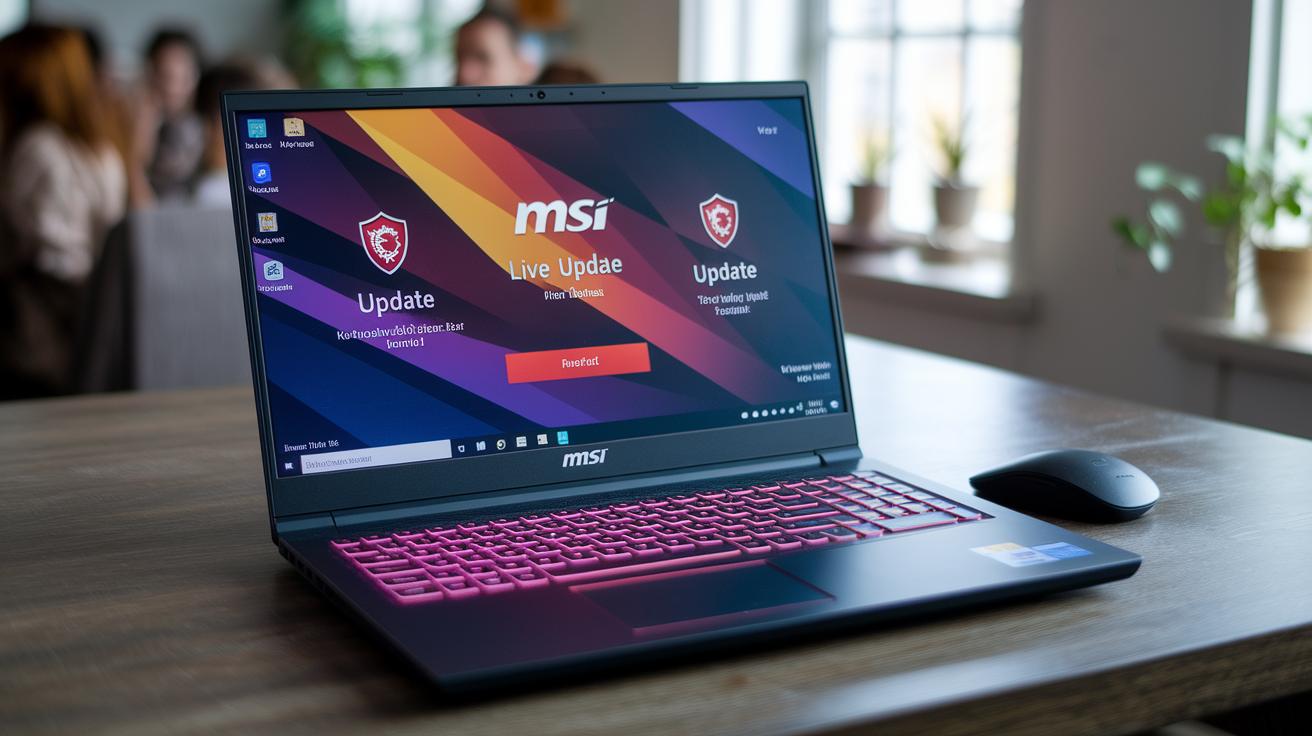
Ever wonder how your PC can stay up-to-date without you even lifting a finger? MSI Live Update 6 makes that possible by automatically scheduling BIOS, driver, and utility updates. It’s a friendly little tool designed to alert you clearly when updates are pending, whether you choose daily or weekly check-ins. It keeps an eye on your system so everything runs smoothly, much like a personal assistant for your computer.
MSI also bundles together a suite of handy tools with MSI Center 2.0. This feature-packed application brings together everything from LED control with Mystic Light to smart temperature management using Frozr AI Cooling. It even offers overclocking options to boost performance when you need it most. Plus, the built-in M-Flash BIOS updater lets you update your BIOS via USB drive, supporting files up to 16 MB for a hassle-free upgrade.
Remember, all MSI software requires a Windows 10/11 64-bit system and at least 4 GB of RAM to perform at its best.
Below are the main software components available for MSI motherboards:
- MSI Live Update 6
- MSI Center 2.0
- M-Flash BIOS updater utility
- Driver installer for MSI motherboards
- Firmware upgrade tool for MSI boards
With tools like these, MSI makes it easy for anyone, from beginners to pros, to effortlessly keep their system performing at its peak.
Installing MSI Motherboard Software: Step-by-Step Guide
First things first, download the MSI Live Update 6 installer, it’s roughly 40 MB. Make sure you run it as an administrator so it can access all the necessary system files. On the initial screen, you’ll notice checkboxes for various components like the BIOS updater, chipset driver, audio, LAN, and other utilities. Each box lets you decide exactly what you want to install. For instance, if you’re focused on keeping your firmware and essential drivers in top shape, simply check the BIOS updater and chipset driver options.
Once you’ve made your selections, you’ll be nudged to choose a scheduling option. You can set the update checks to happen daily or weekly, which gives you some really handy flexibility depending on how much you use your PC. Finally, don’t forget to reboot your computer to lock in all those driver and firmware changes.
Installing MSI Live Update
As you work through this part, follow each prompt carefully. You can tick checkboxes for specifics like audio and LAN components, and use the scheduling setup to automatically handle future updates. It’s all designed to keep your system running smoothly without much hassle.
Installing MSI Center
Next up is MSI Center. You have two options here: download it from the Microsoft Store or use the direct .exe installer, which is about 150 MB. Once you’re in the setup, agree to the EULA, select your installation path, and choose to enable auto-launch. This little extra step helps your system start up more smoothly, ensuring that everything MSI has to offer is ready when you need it.
MSI System Monitoring and Smart Fan Control Software
MSI Center’s Frozr AI Cooling is like a smart thermostat for your computer. It keeps an eye on your CPU, GPU, and VRM temperatures and adjusts the fan speeds via 4-pin fan headers. It monitors temperatures from a cool 20 °C to a warmer 90 °C so you can trust it to keep your PC running smoothly. Plus, you get real-time sensor updates with graph overlays every second, just like in your favorite hardware monitor.
The software offers a variety of fan profiles to suit your cooling needs. Want a quieter setup? The Silent profile gently runs the fans at 30%–50% speed when temperatures linger between 20 °C and 40 °C. For a balanced approach, the Balanced profile tweaks speeds between 50% and 75%. And if your system gets particularly warm, the Performance profile cranks the fans up from 75% to 100% to cool things down fast. Below is a quick guide to help you choose the right preset:
| Profile | CPU Temp Range | Fan Speed |
|---|---|---|
| Silent | 20 °C–40 °C | 30 %–50 % |
| Balanced | – | 50 %–75 % |
| Performance | – | 75 %–100 % |
The suite also supports water-pump headers with customizable RPM curves, so you can fine-tune your cooling setup just the way you like it. This smart control system constantly monitors your hardware and adjusts fan speeds on the fly, ensuring your computer runs at its best and stays reliable over the long haul.
Overclocking and Performance Tuning with MSI Software
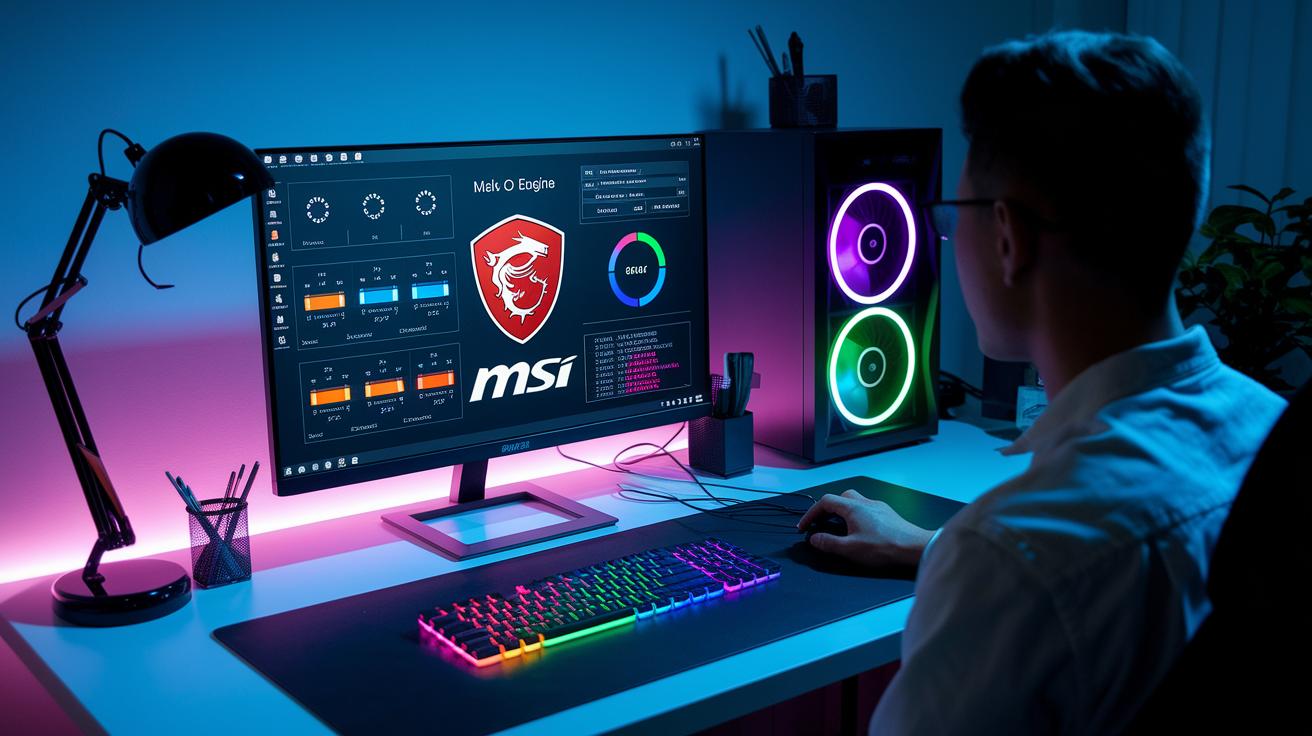
MSI performance tuning software gives you a robust toolkit to unleash your system’s potential while keeping things stable. At its core is the OC Engine module within MSI Center, which lets you adjust the CPU multiplier, from x36 to x60, and fine-tune the base clock (BCLK up to ±5%). This means you can tailor your processor for peak performance through an interface that feels like your personal digital dashboard, balancing power and safety seamlessly.
Looking for even more control? Advanced settings allow you to tweak memory parameters, adjusting voltage from 1.2 V to 1.5 V and pushing DRAM frequencies up to 6000 MHz. These options are essential when you’re aiming for higher speed and a responsive system under heavy loads. With the integrated overclock manager, you can create and save custom profiles, so after experimenting, you can simply revert to a setup that you know works perfectly.
If you’d rather keep it simple, OC Genie offers one-click overclock presets that bump up your CPU performance by 10%–15% without the need for deep technical tweaks. Meanwhile, the MSI performance benchmark tool evaluates your CPU, RAM, and storage throughput, delivering a composite score out of 1000. This score helps you see the tangible benefits of your tuning efforts while monitoring for any thermal or stability issues.
| Feature | Description |
|---|---|
| CPU & BCLK | Adjust CPU multiplier from x36 to x60 and fine-tune BCLK by ±5% |
| Memory Voltage | Tweak voltage from 1.2 V to 1.5 V |
| DRAM Frequency | Boost performance up to 6000 MHz |
| OC Genie | One-click presets for an instant 10%–15% performance boost |
| Benchmark Tool | Provides a composite score out of 1000 to gauge overall system performance |
Overall, these tools combine ease of use with detailed control, making MSI software a powerful ally for anyone looking to squeeze extra performance from their PC. Whether you’re a seasoned overclocker or just starting out, it’s like having a personal performance expert by your side.
Custom RGB Lighting Control in MSI Motherboard Software
MSI’s Mystic Light in MSI Center lets you truly make your system your own by controlling not just the onboard LEDs, but also your GPU, RAM, and even external LED strips. You can pick from effects like Static, Breathing, Rainbow, Wave, and Flash, each one designed to set the perfect mood. Imagine choosing the Rainbow effect, where vibrant colors cascade across your PC components, transforming your workspace before you even start your work.
The software offers a staggering 16.8 million colors, which means you have endless options to reflect your mood or style. And if you love a unified look, the syncing with popular platforms such as SteelSeries GameSense, Corsair iCUE, and Razer Chroma makes sure that whether you’re gaming or working, every device lights up in harmony.
Want even more control? You can import and export your setups using the .mlprofile format, allowing up to 10 saved configurations. Whether you prefer a professional look during work hours or a playful vibe when it's time to relax, switching between your favorite styles is just a click away.
Plus, tweaking the RGB settings in MSI software is straightforward. You can fine-tune brightness, speed, and color combinations so that your system’s lighting perfectly mirrors your dynamic personality.
Troubleshooting and Diagnostics with MSI Software Utilities
MSI ToolKit's Diagnostics tab is a trusty companion when your computer starts acting up. It gathers DMI data (detailed hardware info), records POST error codes (alerts during startup), and creates clear reports so you can pinpoint issues without the hassle. Imagine your PC struggling at boot, this tool logs the error and reveals the problematic component, letting you verify your hardware’s health right away.
The Reliability Checker puts your system through its paces by stress testing memory, checking VRM voltage stability for a steady power supply, and evaluating storage read/write performance. Think of it as a quick health check that spots the parts needing extra attention. This smart framework gives you peace of mind, making sure your components are running safely and catching issues early.
When outdated or problematic drivers are detected, the System Optimizer takes the stage. It clears driver caches, scans for outdated parts, and prompts you when it’s time to reinstall drivers. Many users have noted a marked boost in system responsiveness after running this optimizer during routine maintenance.
On top of that, the Live Update history log offers a clear window into past maintenance activities. It displays timestamps and version numbers for every update, helping you track every small change made to your system. Whether you’re troubleshooting a specific glitch or handling regular check-ups, MSI's suite of diagnostic and repair utilities keeps your system running smoothly and efficiently.
Final Words
In the action, we explored how to manage and update your system with some of the finest MSI motherboard software. We covered everything from download specifics and installation steps to monitoring, overclocking, and customizable lighting setups. Key MSI software components include:
• MSI Live Update 6
• MSI Center 2.0
• M-Flash BIOS updater
• Frozr AI Cooling software
• OC Genie overclocking module
Each tool simplifies decision-making and integration. Enjoy a smoother, smarter computing experience with your msi motherboard software.
FAQ
Frequently Asked Questions
What is MSI motherboard software?
The MSI motherboard software provides tools for BIOS updates, system monitoring, RGB control, overclocking, and diagnostics. It includes:
- MSI Live Update 6
- MSI Center 2.0
- M-Flash BIOS updater
- MSI Command Center
- Driver Utility Installer
How to download MSI motherboard software?
The MSI motherboard software downloads are available on MSI’s official website or through the Microsoft Store. The installer requires Windows 10/11 64-bit along with a minimum of 4 GB RAM.
Does MSI have a motherboard app?
The MSI motherboard app, called MSI Center, combines utilities like Mystic Light, cooling controls, and overclocking tools to manage system settings in one convenient application.
How to control RGB on MSI motherboard?
The MSI motherboard software controls RGB lighting using Mystic Light in MSI Center, offering effects like Static, Breathing, and Rainbow with customizable profiles for seamless device synchronization.
What are the options for MSI software downloads on Windows 10?
MSI software downloads for Windows 10 cover essential system updates, maintenance tools, and utility installers, ensuring a reliable and optimized experience on your MSI motherboard.

