

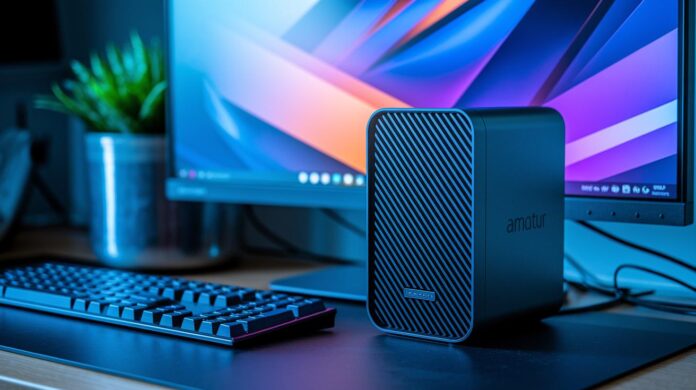
Ever thought a tiny computer couldn’t pack a serious punch? Think again. Mini PCs combine smart design with solid performance, freeing up space on your desk while handling everyday tasks with ease.
These compact desktops come in a range of options, from wallet-friendly models to high-end machines, that completely redefine efficient workspaces in both home offices and tight business settings.
This post shows how mini PCs deliver all the tech you need without the bulk. So if you’re ready to optimize your space and upgrade your workflow, mini PCs might just be the perfect choice.
Mini PC Overview: Compact Desktops for All Needs
Mini PCs are these nifty little computers designed to pack solid performance into a very compact package. They work great if you need power without hogging your desk space. Some of these machines can be as small as 4" x 4" x 1.6" and are built to be energy smart, with certain models drawing as little as 6 watts at their base level. It makes them a smart choice for home offices, media centers, or even tight business setups.
The price tags on mini PCs vary widely, so you can find one that fits your budget and needs. For example, you’ve got affordable options like the Kamrui Essenx E1 at around $131.82. It sports an Intel N150 processor, 16GB of DDR4 RAM, a 512GB SSD, and runs on Windows 11 Pro, perfect for everyday tasks like browsing or editing documents. On the flip side, there are high-end choices such as the Asus ROG NUC 970 that top out at over $1,600, delivering advanced graphics and processing power that both gamers and professionals appreciate.
And there’s more than just price differences. Mini PCs come with an array of core components to tailor them for your specific needs. Some use basic Intel Celeron or Pentium processors while others boost performance with options like the Ryzen 7 6800H or Intel Core Ultra series. A few models even include dedicated graphics such as the RTX 4070, a feature typically found in larger setups. With support for systems like Windows 11 Pro, configurations that go up to 32GB DDR4 memory, and storage options reaching up to 1TB NVMe SSD, these tiny machines are built to handle everything from office work and gaming to business applications. Plus, many offer VESA mounting, making it a breeze to install them in even the most cramped spots.
Mini PC Specs and Compact PC Design
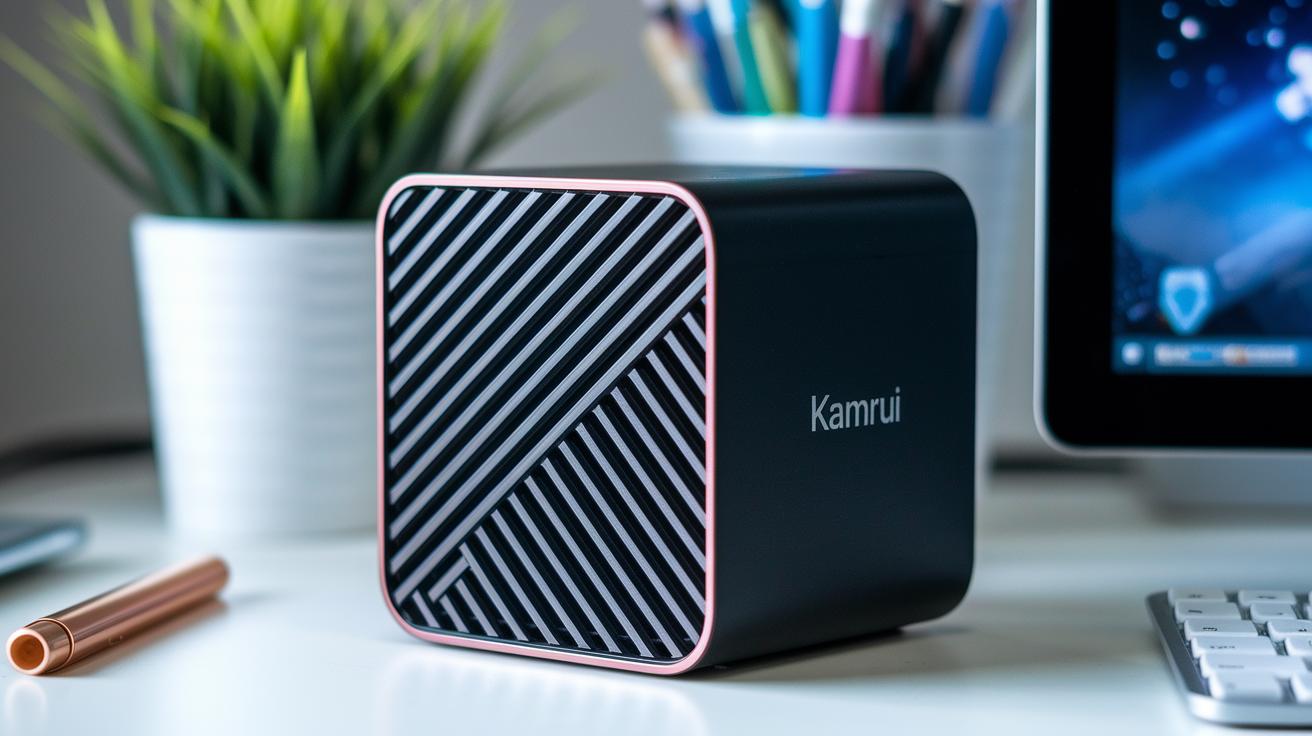
Mini PCs come in a range of sizes, from ultra-compact models around 4" × 4" to larger ones close to 7" × 7". Some feature solid metal bodies that help keep the system cool, while others rely on durable plastics with smartly designed vents to keep air flowing. These differences matter, so here’s a quick look at a few popular models:
| Model | Dimensions | Processor | Memory & Storage |
|---|---|---|---|
| Kamrui Essenx E1 N150 | 4″ × 4″ × 1.6″ | Intel N150 (4 cores/4 threads, 6 W, 3.6 GHz) | 16 GB DDR4, 512 GB SSD |
| Lenovo IdeaCentre Mini (’23) | 7″ × 7″ × 2″ | Intel Core i7-13700H | 16 GB, 1 TB SSD |
| Geekom A6 Mini | 4.9″ × 4.9″ × 1.8″ | AMD Ryzen 7 6800H | 32 GB, 1 TB SSD |
| Asus NUC 14 Pro | 4.6″ × 4.4″ × 2″ | Intel Core Ultra 7 | Up to 64 GB, 2 TB SSD |
Mounting options like VESA compatibility give you the freedom to tuck your mini PC neatly behind a monitor or even mount it on a wall, keeping your desk clutter-free. And with thoughtfully arranged ports, including USB-C, HDMI, and Ethernet, it’s easy to connect all your peripherals. Plus, many models offer upgrade paths via M.2 slots and removable RAM modules, making it simple to boost performance as your needs grow.
Mini PC Performance: Benchmarks and Real-World Tests
Mini PCs offer a range of CPU speeds that make them a strong choice for nearly any task. For instance, a 6 W Intel N150 handles everyday tasks like browsing and editing documents with surprising ease. But if you’re planning to juggle several apps or get creative with demanding projects, stepping up to an Intel Core Ultra 9 185H model will show you a notable boost in multi-core performance. And if productivity is your goal, the AMD Ryzen 7 6800H has proven its mettle by managing complex applications smoothly while keeping energy use low.
The graphics capabilities of these compact machines are just as impressive. Take the Asus ROG NUC 970, for example, it’s equipped with an RTX 4070 and can effortlessly run AAA games at both 1080p and 1440p, matching the performance of larger gaming laptops. Meanwhile, many mini PCs with integrated graphics easily handle casual games and daily media tasks without breaking a sweat. Whether you’re streaming the latest releases or working on graphics-intensive projects, these systems are built to deliver without the bulk of a traditional desktop.
Mini PCs also shine when it comes to storage and memory. Many models feature NVMe SSDs that can hit sequential read and write speeds of up to 3,500 MB/s, which means faster load times and streamlined file transfers. Plus, configurations offering up to 32 GB of DDR4 memory ensure that multitasking is smooth and responsive. And let’s not forget, the emphasis on power efficiency makes these systems a top pick for those who need robust performance without high energy consumption.
Mini PC Use Cases: From Office Productivity to Gaming
Mini PCs have become the go-to solution for a wide variety of environments. Whether you’re setting up a home office or running a small business, these devices bring both performance and flexibility to the table. They work great for digital signage in public spaces or even at creative studios where design and editing are on the agenda. Plus, if you’re into remote work, mini PCs offer convenient, space-saving, and energy-efficient setups.
Take a look at some typical examples. For office tasks like handling spreadsheets and joining video calls, the Lenovo IdeaCentre Mini with a Core i7 and 16 GB of RAM makes a strong case for itself. If you need something budget-friendly for emails, browsing, and document editing, the Kamrui N150 at around $131.82 fits right in. Content creators will appreciate the power behind the Framework Desktop, equipped with a Ryzen AI Max+ 395 for lightweight AI tasks and 3D modeling. And if gaming is your thing, the Asus ROG NUC 970 with its RTX 4070 delivers impressive high-fps performance. For those also looking to set up a cozy home theater experience, the Geekom A6 Mini handles 4K streaming and multi-display setups with ease.
What really stands out is the portability of these mini PCs. They’re perfect for anyone who values a tidy desk or needs a device that can move along with them. Whether tucked behind a monitor or integrated into a multi-screen system, they free up valuable workspace without sacrificing performance. With hardware upgrades that support both intensive professional work and high-end gaming, mini PCs provide a robust, space-saving solution that perfectly blends into today’s modern work and living spaces.
Mini PC Buying Guide: Configuration Tips and Case Selection
Practical CPU and GPU Decision Tips
Think about what you'll actually be doing with your mini PC. If you're mainly handling daily tasks like browsing and word processing, the built-in graphics should do the trick. But if you plan to dive into more graphics-heavy work, it might be time to consider a dedicated graphics option. Make a list of your primary tasks and rank them by importance. For instance, if you often run multiple applications at once, you might find that a mini PC with a dedicated graphics card is the way to go.
Optimizing Memory, Storage, and Upgradability
Ask yourself if you'll need extra space or power down the road. Sometimes it’s smarter to choose a system that lets you upgrade components rather than sticking with a fixed design. This way, even a modest investment today can grow with your needs later on. For example, a system that allows you to add more memory later can help you avoid costly replacements as your demands increase.
Tips for Case Design and Cooling Solutions
Decide on the kind of noise and cooling balance that works best for you. Some users love the quiet efficiency of a fanless design, whereas others might lean towards a setup with small, active fans to keep things cool. Think of your PC case as a silent partner that keeps everything running smoothly without drawing too much attention.
Evaluating Connectivity and Expansion Options
Make a note of the ports and expansion features you need. Look for a mini PC that offers a flexible variety of connections and mounting options, especially if you’re working with limited desk space. For instance, if you’re tight on room, a mini PC equipped with a VESA mount could really simplify your setup.
Budget Balancing: Cost versus Performance
Start by setting a clear budget and identifying which features are must-haves. Sometimes, opting for a stripped-down kit and upgrading gradually is the smartest move. As an example, investing in a basic setup today can leave you ample room to build a more powerful system over time without overspending upfront.
Latest Mini PC Releases and Market Trends
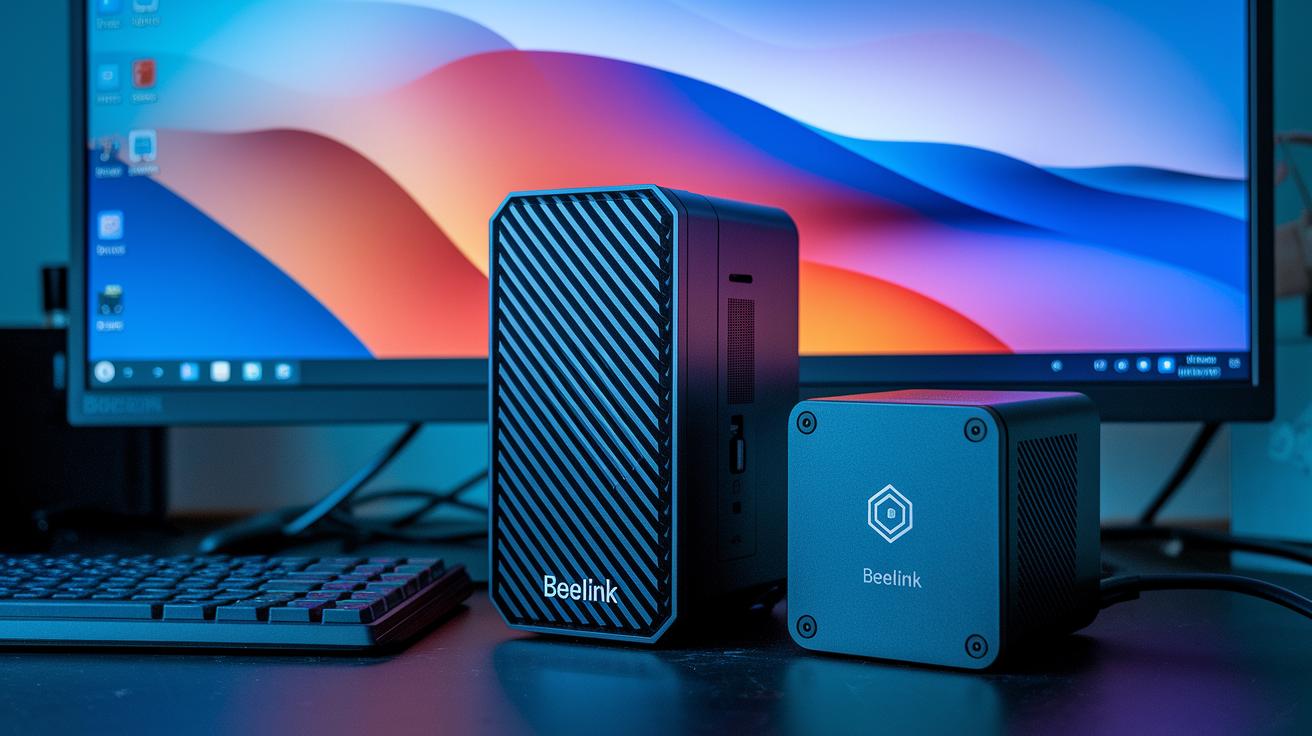
This season, the mini PC market is buzzing with enticing deals that catch your eye at first glance. Take October Prime Day, for example, shoppers enjoyed offers like the Beelink SER5 Max with its Ryzen 7 processor at 26% off for just $319, while the compact Kamrui N150 came in at an appealing $131.82. If you’re looking for a machine that packs a punch without all the bulk of a traditional computer, these options are hard to beat.
Business solutions haven’t been left behind either. The Asus NUC 14 Pro shines with its advanced vPro security features and the latest Intel Core Ultra chips, a great fit for office environments where data protection is non-negotiable. On the other hand, the Acer Veriton Vero Mini is crafted for versatility, offering seven USB ports (yes, even USB-C) alongside VESA support that makes any professional setup neat and efficient. It’s clear that these releases have been designed with the modern workplace in mind.
For those of you leaning towards high-end performance, niche systems are pushing the envelope in both design and capability. The MSI Cubi NUC 1M handles up to four monitors and includes dual 2.5 Gbps Ethernet ports, making it perfect for networking-heavy tasks. If customization is more your style, the DIY-friendly Framework Desktop, powered by an AMD Ryzen AI Max+ processor, might just be your match. And for gamers, the Asus ROG NUC 970 offers robust performance with its strong graphics setup, proving that you can get space-saving design without sacrificing power. For more insights on these trends, check out innovative technology.
Future of Mini Computing: Emerging Technologies and Predictions
Mini PCs are rapidly evolving into smarter and more adaptable systems, especially as AI accelerators like the AMD Ryzen AI Max+ become standard. Modular designs are on the rise too, letting you upgrade components without any fuss. This tool-less approach means faster setups and flexible performance, which tech enthusiasts and professionals alike can appreciate.
Recent innovations in passive cooling and ultra-low-power System-on-Chips are taking mini PC efficiency to the next level. Improved cooling reduces noise and keeps temperatures low, while new chips deliver robust performance with minimal power use. And with the addition of 5G connectivity, these devices ensure smooth wireless communication, making them perfect for the next generation of smart applications.
Meanwhile, mini PCs are carving out their place in enterprise and edge computing. Compact yet powerful, they're ideal for remote desktops and IoT setups, backed by strong security measures to safeguard sensitive data. As these systems help shift processing tasks to the edge, they become vital for scalable business models and remote work environments. Curious about these breakthroughs? Check out cutting edge technology at https://sitescard.com?p=259.
Final Words
In the action, we explored everything from the compact design and pricing of mini pcs to their impressive specs and real-world performance. We broke down various use cases, from reliable work setups to smooth gaming, and shared practical tips for picking the right configuration. Every piece of advice and tech benchmark here adds to building a complete picture of mini pcs and how they fit into daily tech needs.
It's all about staying informed and ready to embrace the next tech breakthrough with confidence.
FAQ
Frequently Asked Questions
How does mini PC gaming perform?
Mini PC gaming performance depends on the hardware configuration, with higher-end models delivering smooth gameplay at 1080p or 1440p for modern titles.
Do mini PCs support Windows 10 and Windows 11?
Mini PCs are built to support both Windows 10 and Windows 11, often coming pre-installed with either operating system, ensuring a familiar and efficient computing experience.
What constitutes the best mini PC?
The best mini PC offers a balance between performance, power efficiency, and compact design, combining capable processing power, ample memory, and storage in a small, accessible package.
Are quality mini PCs available on Amazon?
Quality mini PCs are available on Amazon, offering a range from budget-friendly options to high-performance units, with detailed reviews and competitive pricing to help you choose confidently.
What are the features of Dell mini PCs?
Dell mini PCs typically feature compact designs, reliable performance, and versatile connectivity, making them popular for both business and home use in constrained spaces.
Where can I find mini PCs in local stores?
Mini PCs can be found at major electronics retailers and computer specialty outlets, so checking nearby stores or local online listings can help locate available models quickly.
What do users say about mini PCs on Reddit?
Users on Reddit appreciate mini PCs for their space-saving design and solid performance, sharing practical tips, reviews, and recommendations based on their diverse computing requirements.
Is a mini PC worth buying?
A mini PC is worth buying if you need a compact, energy-efficient computer that delivers reliable performance for tasks ranging from home office productivity to casual gaming.
What are the disadvantages of a mini PC?
Mini PCs can present disadvantages like limited upgrade options and thermal constraints due to their small size, which may restrict extensive hardware modifications or high-load tasks.

