
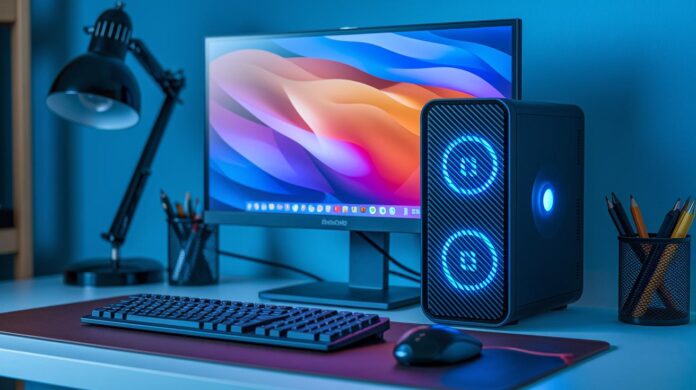
Have you ever wondered if a small computer can pack the same punch as a big one? Mini desktop computers bring impressive performance and style in a compact design.
Take the Mac mini, for example. It easily tackles photo editing, video projects, and coding without crowding your workspace. These devices keep your setup neat while still delivering the power you expect from a full-size desktop.
In today’s world where space is at a premium, mini desktops show that you don’t need a massive machine to get the job done efficiently and reliably.
Understanding Mini Desktop Computers: Overview and Key Features
Mini desktop computers give you desktop-level performance in a tiny package. Take the Apple Mac mini, for example – available with a standard M4 or M4 Pro chip – it handles photo editing, video projects, and even coding with ease. They run quietly even when you push them hard, though one thing to note is that you can’t upgrade internal storage or memory later. Remember when bulky desktops were the norm? Now, compact devices like the Mac mini power creative projects without taking up much space.
These compact machines shine where desk space is limited and efficiency matters. The Khadas Mind 2S supports Windows and USB-C power, and it even comes with a mini, non-replaceable clock battery that lasts several years, ensuring steady everyday performance. For those on a tighter budget, the Beelink SER8 has options like a second M.2 NVMe slot and the ability to swap RAM and the Wi-Fi card, which is great if you like tweaking your setup. However, mini desktops aren’t built for heavy gaming or intensive video work – they’re designed for productivity and light media tasks.
| Feature | Advantage | Limitation |
|---|---|---|
| Footprint | Uses minimal desk space | Limited physical expansion |
| Performance | Efficient for everyday use | Not suitable for high-intensity gaming |
| Upgradeability | Some allow swapping components | Others, like the Mac mini, can’t be upgraded |
| Price | Options to fit various budgets | High-end models can be pricey |
| Typical Uses | Perfect for office, media tasks, and basic creative work | Not ideal for modern AAA titles |
Configuring and Upgrading Your Mini Desktop Computer

Factory models such as the Apple Mac mini come with built-in restrictions when it comes to upgrades. Their internal parts, including the SSD and RAM, are set in stone. So if you need more storage or memory, you’ll have to rely on external drives or even consider swapping out the whole unit. It’s like buying a pre-assembled mini kit where customization isn’t really an option compared to larger desktop systems.
There are, however, mini desktops that offer more flexibility. Take the Beelink SER8 for example, it features an extra M.2 NVMe slot and makes it easy to access the RAM and Wi-Fi modules, giving you the option to swap components. Similarly, the Framework Desktop comes as a barebone kit with an open chassis. This lets you choose your own CPU, memory, and storage, or even skip the operating system if that suits your needs. These choices are perfect for anyone who likes to take a hands-on approach and fine-tune their setup.
When working with compact enclosures, every detail matters. These tight spaces, often under one liter in size, demand low-power processors and a well-planned airflow to prevent performance slowdowns. Keeping cables organized and unobstructed is equally important. Even a small internal battery, like the one in the Khadas Mind 2S used solely for sleep mode and clock functions, highlights how every component should be efficiently managed to maintain proper cooling.
Benchmarking Mini Desktop Performance for Real-World Tasks
Apple's Mac mini with its M4 chip delivers impressive performance whether you're tackling single-threaded tasks or juggling multiple operations. Think smooth 4K video edits and hassle-free code compilation. If you need more power for heavier tasks, the M4 Pro variant steps up the game with extra multi-core performance, though you'll notice the fan picking up the pace when things heat up. It's a clear case of trade-offs, more power means a bit more noise.
On the AMD side, systems with the Ryzen 7 8845HS, such as the Aoostar GEM12 Pro Max, post competitive scores in benchmarks. They handle demanding loads well, but occasional stability issues might pop up under intense pressure. Meanwhile, Intel's Core Ultra Series 2 mini systems, loaded with 16 GB RAM and a 256 GB SSD, consistently manage everyday tasks and multitasking with ease. Both AMD and Intel offer solid advantages, so choosing between them means balancing top performance with system stability.
Gaming-centric mini PCs, which pack laptop-grade GPUs into compact cases, often run at higher temperatures and have fewer upgrade options compared to their full-sized counterparts. While they deliver solid gaming performance, they tend to carry a higher price tag and offer limited customization. Many users find that starting with 8 GB RAM works, but upgrading to 16 GB or more really smooths out multitasking, whether you're deep into a gaming session or juggling multiple creative projects.
Comparing Top Mini Desktop Computer Models and Brands
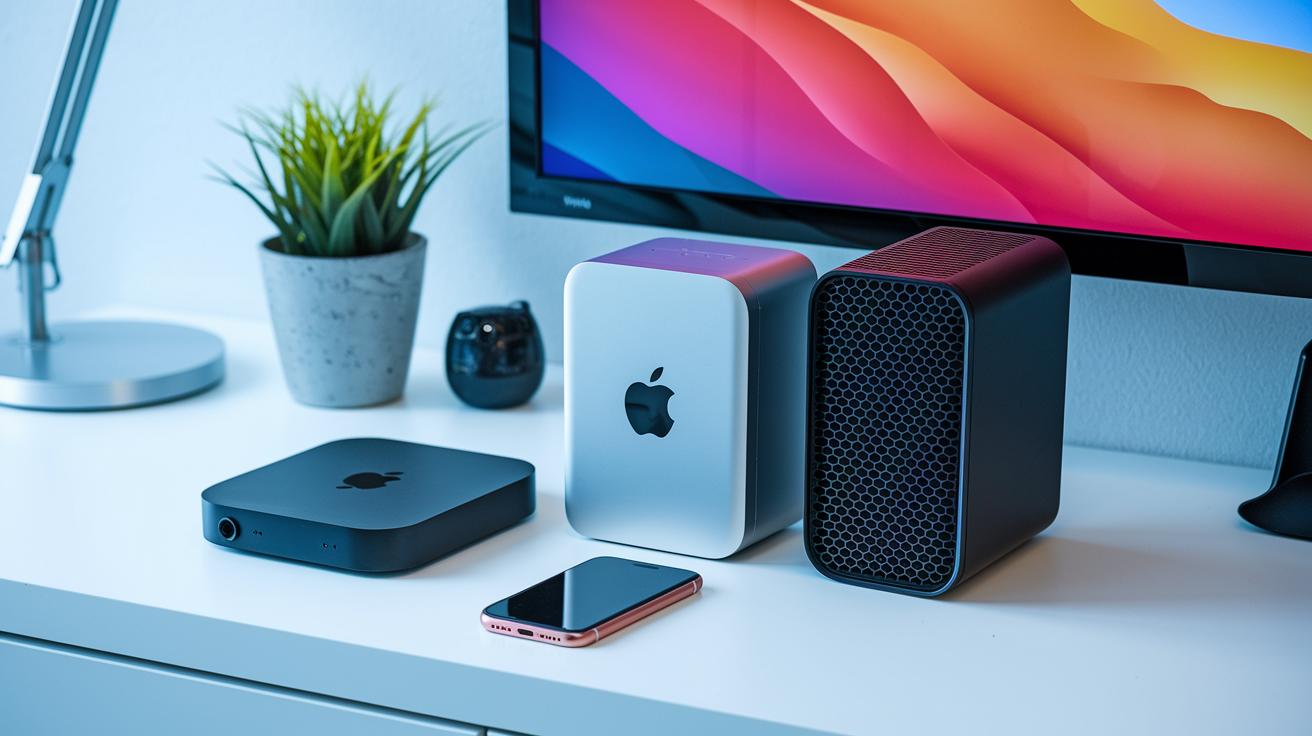
Mini desktop computers are quickly becoming a favorite for professionals and tech hobbyists who need power on a smaller scale. Different brands bring unique perks, whether it's refined performance, whisper-quiet operation, or designs that won’t break the bank for everyday tasks. Let's take a closer look at three standout models that balance design, performance, and overall value.
Apple Mac mini (M4 and M4 Pro)
Apple's offering features two setups tailored for the modern creative. The base Mac mini, fitted with an M4 chip and priced at $699, handles photo editing, video production, and even code compilation with ease while staying nearly silent under everyday tasks. If you need more punch, the Mac mini with the M4 Pro, costing $1099, steps up with extra multi-core performance. That said, a catch remains: both versions lack internal upgrade options. So when you need more memory or extra SSD space, you have to opt for an external drive or even a full replacement. And while the M4 Pro’s fan can sometimes be noticed during intense work, it stays quiet during lighter tasks.
Lenovo IdeaCentre Mini (2023)
For $849.99, the Lenovo IdeaCentre Mini (2023) offers a balanced mix of desktop-grade reliability in a compact size. It’s powered by an Intel Core i7-13700H processor and comes loaded with 16 GB of RAM and a 1 TB SSD. This robust setup makes it a solid option for heavy office applications and creative work alike. The design focuses on maximizing desk space without sacrificing power, a win for professionals who need dependable performance in a small footprint.
Geekom A6 Mini
If affordability is your top priority, the Geekom A6 Mini, priced at $449.00, might be just what you’re looking for. Equipped with an AMD Ryzen 7 6800H processor, 32 GB of memory, and a 1 TB drive, it delivers impressive everyday performance. However, its integrated graphics aren’t built for heavy gaming or graphic-intensive tasks, which means it’s best suited for regular productivity and home-office use.
Tailored Mini Desktop Computer Use Cases: Office, Creative, and Gaming
Mini desktops pack a surprising amount of power into a tiny space. They’re perfect for everyday tasks like web browsing, document editing, and video calls, all while keeping noise levels low and conserving desk space. Whether you're setting up a succinct home office, diving into creative projects, or wanting a gaming setup without the bulk, there's a mini desktop that’s just right for you.
Home Office Essentials
When you’re working from home, having the right tech makes all the difference. Mini desktops come loaded with various connectivity options, including plenty of USB and HDMI ports, so hooking up extra monitors, printers, or any other devices is straightforward. Their quiet cooling systems mean your work environment stays calm, and the compact design leaves more room for your ideas to flow. Basically, they’re built to boost your daily productivity without overwhelming your space or your ears.
Creative Workstation Setups
For those in creative fields, a mini desktop can be a true workhorse. Imagine smoothly editing 4K videos or designing vibrant graphics without a hitch, thanks to powerful chips like AMD Ryzen that handle high-resolution tasks with ease. With dedicated processors and enough RAM to tackle media-heavy projects, these devices let you keep your creative flow uninterrupted. It’s like having a reliable helper that speeds up rendering and editing without ever compromising on detail or pace.
Gaming Mini Rigs
Gaming mini desktops are a fantastic choice if you crave performance in a space-saving design. They pack laptop-grade graphics and come with smart cooling solutions that help keep temperatures in check, even when pushing for high frame rates. Sure, the compact size might mean warmer running conditions, but for many gamers, the trade-off is worth the solid performance and stylish, minimal footprint. It’s all about getting the gaming experience you love without sacrificing precious desk space.
How to Choose the Right Mini Desktop Computer: Buying Guide and Price-Performance Analysis
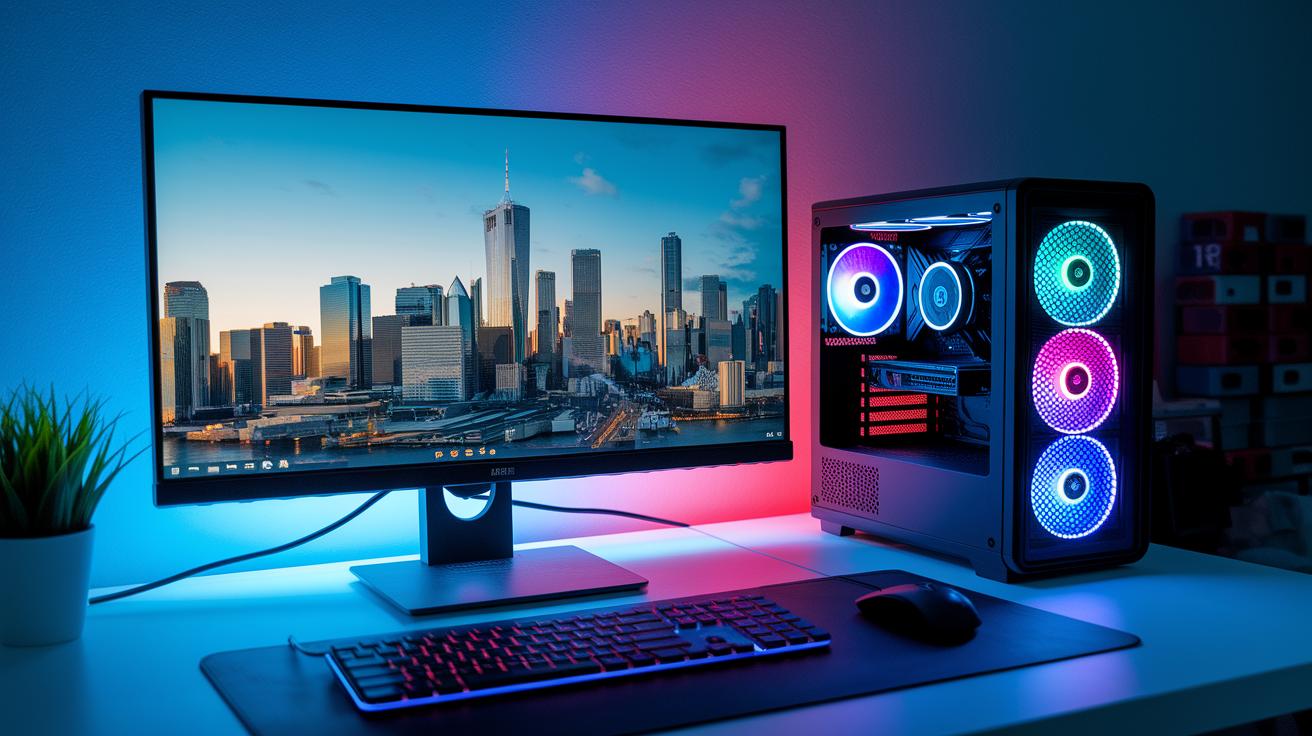
When shopping for a mini desktop, you have to decide whether to go with a barebone kit or a completely built system. Some models let you pick out each component, while others come all set up, kind of like choosing between making a meal from scratch or grabbing your favorite takeout. For example, some systems feature dedicated graphics, which can be a big plus if you work with graphic-intensive programs, compared to those with integrated solutions. Often, you’ll see basic systems start with 8 GB of RAM and a 256 GB SSD, but bumping that up to 16 GB and a larger drive can really future-proof your machine.
Connectivity is a key part of the puzzle, too. Look for a mini PC with a VESA-mountable chassis and a solid mix of ports, think Thunderbolt 4, USB-C, and several Ethernet options, to ensure your device easily hooks up to all your peripherals. Whether you’re setting up in a snug home office or a bustling workspace, these features help your computer adapt to any environment, much like having all the right adapters for a perfect setup.
Finally, balancing performance with your budget is crucial. CPUs in mini desktops can range from simple Celeron or Pentium chips to mightier options like Intel Core Ultra or AMD Ryzen 7. Comparing these in terms of speed, multitasking ability, and cost will help you craft a system that handles everyday tasks smoothly without stretching your finances too thin.
Final Words
In the action, we broke down mini desktop computers, from compact design and performance trade-offs to user-friendly upgrade options and real-world benchmarks. We examined how models from Apple, Lenovo, and Geekom deliver on everyday needs while keeping functionality solid for creative work and casual gaming.
This piece helps clarify the balance between size, power, and price, making your tech choices easier. Embrace the simplicity and versatility of a mini desktop computer for work, play, or creative projects with a positive outlook ahead.
FAQ
Q: What does mini PC gaming entail?
A: Mini PC gaming refers to using compact computer systems to play video games. These systems balance limited space with sufficient performance for casual titles, though they might not handle the most graphics-intensive games.
Q: What does a mini PC with Windows 11 offer?
A: A mini PC with Windows 11 provides a modern computing solution in a compact form. It delivers an updated interface, enhanced security, and productivity features while saving desk space.
Q: What is the best mini desktop computer?
A: The best mini desktop computer strikes a blend between performance, price, and flexibility. Top models, such as the Mac mini or similar alternatives, serve diverse needs from home tasks to creative work.
Q: How does a mini PC running Windows 10 differ?
A: A mini PC with Windows 10 offers a familiar system environment with reliable performance. Its stable and well-supported interface appeals to those who favor trusted compatibility for day-to-day tasks.
Q: What performance can I expect from mini PCs under $50 or $100?
A: Mini PCs in these budget ranges typically deliver basic functionality suited for web browsing and simple tasks. They cater to entry-level needs while maintaining an affordable price point.
Q: What defines a micro desktop PC?
A: A micro desktop PC is a highly compact, space-saving computer built for everyday tasks. Its small design makes it ideal for environments where desk space is limited.
Q: Are mini PCs as good as desktops?
A: Mini PCs offer comparable performance for standard tasks but usually lack the upgrade flexibility and raw power found in full-sized desktops, making them better suited for everyday rather than heavy-duty applications.
Q: What is the downside to a mini PC?
A: The downside to a mini PC includes limited upgrade options and thermal challenges. While efficient for routine tasks, they often cannot match the expansion or high-end power available with larger desktop systems.
Q: Can a mini PC replace a desktop?
A: A mini PC can replace a desktop for everyday computing like office work or media consumption. However, users requiring extensive customization or high-performance tasks may find traditional desktops more fitting.