

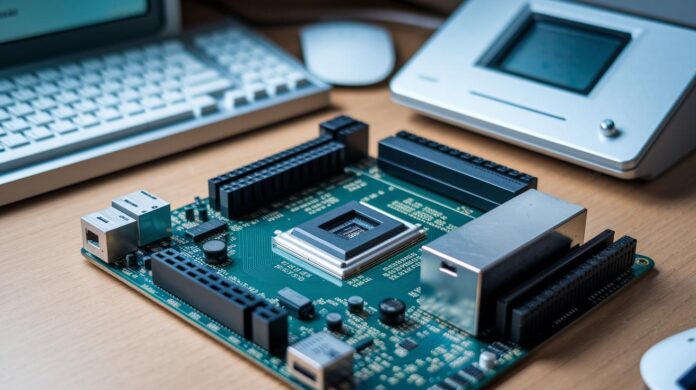
Have you ever wondered how one tiny chip could spark a tech revolution? Back in the early 1970s, microcomputers burst onto the scene as compact powerhouses, cleverly packing a processor, memory, and simple input-output functions onto a single circuit board. This smart design turned what could have been a clunky machine into a neat toolkit where every component fit seamlessly. Not only did these breakthrough devices make computing affordable for individuals and small businesses, they also set the stage for the innovative digital solutions we depend on today. Their intriguing origins and multifunctional features continue to fascinate both tech enthusiasts and newcomers, sparking curiosity about the tech magic behind every click.
Micro Computer: Fascinating Origins & Features
In the early 1970s, microcomputers burst onto the scene, built around a single-chip microprocessor that brought together everything you’d expect from a full computer. The CPU, memory, and basic input/output circuits all come together on one printed circuit board, communicating through a system bus that effortlessly handles arithmetic, logic, and control tasks.
This integrated design is a bit like having a compact toolkit where every essential piece is in one box. Imagine a beginner assembling a DIY computer kit, each part, from volatile memory to permanent storage, is precisely where you need it. And then you attach familiar peripherals such as keyboards, mice, monitors, and printers, making the operation as user-friendly as it gets.
The real game-changer here was the low cost. Instead of needing large, expensive setups, individuals and small businesses could jump into computing with a microcomputer that met their daily needs. This affordability didn’t just democratize access to powerful technology, it sparked a wave of innovation that transformed the way we interact with digital tools today.
Historical Development of Micro Computing
It all began in 1971 when Intel unveiled the 4004 microprocessor, a small yet powerful chip that changed the way we view computing. Think of it like a compact engine, handling arithmetic, logic, and control tasks all by itself, laying the groundwork for a tech revolution.
Then in 1973, R2E introduced the Micral, the very first microcomputer. Imagine a tiny circuit board that encapsulated the full idea of a computer in a neat, accessible package, it was a true breakthrough.
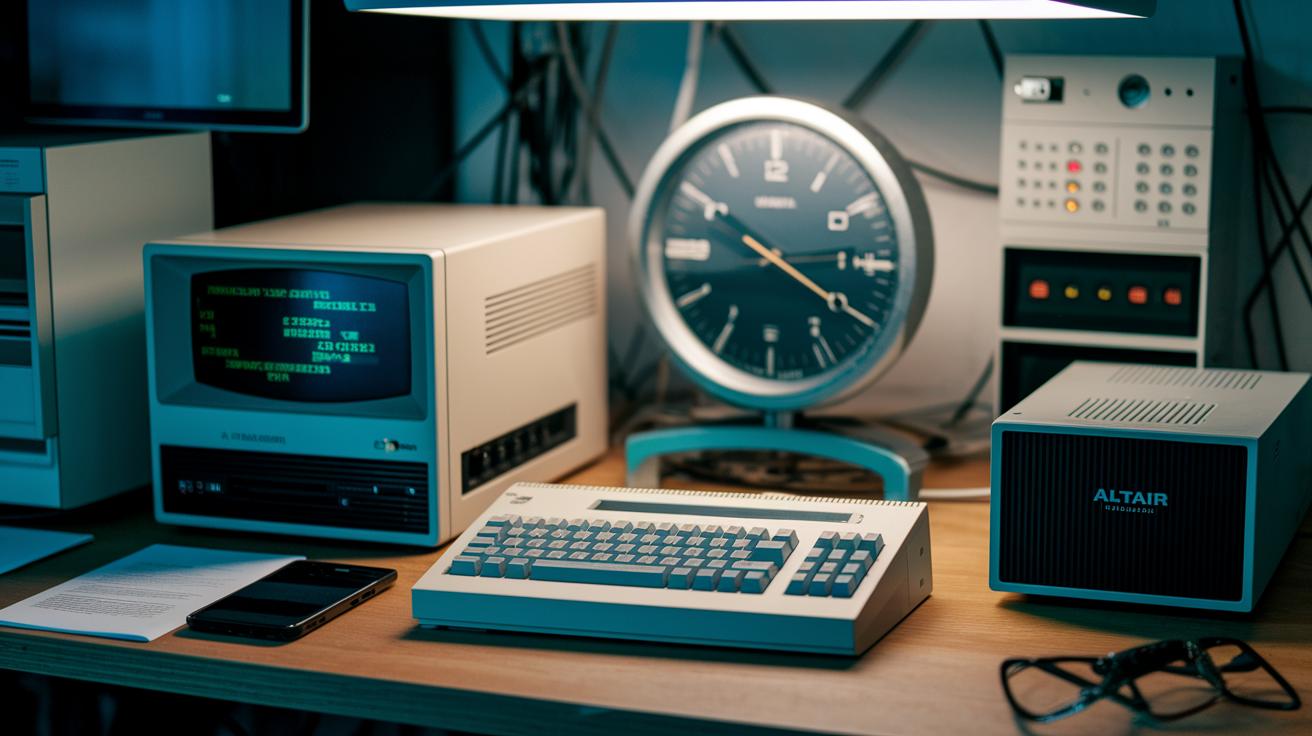
In 1974, the scene heated up with the arrival of the MITS Altair 8800, built around Intel’s 8080. Early enthusiasts could purchase these systems as kits for about $400 (roughly $3,254 in today’s dollars) or for fully assembled versions at $600 (around $4,458 now). Just imagine snagging a device with the potential to transform your world for a price comparable to a modern mid-range smartphone.
By 1976, home computing entered the spotlight. Systems like the Apple II and Commodore PET arrived with enhanced memory and storage, shifting computers from exclusive lab setups to indispensable desktop companions. Each technical leap and price drop brought these microcomputers closer to everyday life, setting the stage for the personal computers we rely on today.
Innovative, accessible, and transformative, this journey from Intel’s first microprocessor to iconic home systems reminds us how creativity and determination turned a niche idea into a household standard.
Core Architecture and Hardware Components of Compact Micro Computers
Every microcomputer begins with its microprocessor, the heart of the system. Available in 8-, 16-, or 32-bit versions, this chip is the busy brain that drives computations. It connects via a system bus to volatile RAM, a temporary workspace for active data, which typically ranges from 64 KB to 4 MB. Additionally, nonvolatile ROM or flash memory keeps essential startup instructions and system firmware safe. Meanwhile, peripheral controllers handle the vital interactions between the microcomputer and its attached devices.
Storage technology has come a long way. Think back to floppy disks; now we have modern HDDs and SSDs that boost performance and reliability. Many systems even feature built-in storage, keeping your setup neat and efficient.
Modern single-board computers, like the Raspberry Pi, blend everything together on one compact board. They integrate key components including GPU processing, Ethernet connectivity, USB ports, HDMI output, power regulation circuits, and clock circuitry. It’s a smart design that packs a lot of functionality into a small footprint. For more details on these computer parts, additional resources can be really helpful.
| Component | Description |
|---|---|
| Microprocessor | The central chip (available in 8-, 16-, or 32-bit) that performs key computations and controls system operations. |
| Volatile RAM | Temporary memory used for active processing, typically between 64 KB and 4 MB. |
| Nonvolatile Memory | ROM or flash memory that stores vital firmware and startup instructions. |
| Peripheral Controllers | Modules that manage input and output operations with connected devices. |
| Storage Devices | Evolved from floppy disks to modern HDDs and SSDs to provide lasting data storage. |
Each element works in harmony, creating a compact yet robust system that has driven the evolution of personal computing. Ever wonder how such small devices can power so much? That’s the beauty of integrated design at work.
Operating Systems and Software Integration for Microcomputer Devices
In the early days, microcomputers would boot straight into a simple BASIC interpreter or a built-in monitor from ROM. It was a direct method, but the limitations soon pushed designers to explore richer software environments. Imagine a tiny chip coming alive with BASIC, it sounds almost surprising, yet it laid the groundwork for what was to come.
By 1981, when MS-DOS emerged, the PC world found a standard. This breakthrough opened the door for robust systems like Windows, various Linux distributions, and even specialized real-time operating systems (think FreeRTOS) for embedded devices. Layers of software, ranging from bootloaders that start it all, to kernels that handle core tasks, and drivers managing peripheral input and output, became the essential framework we see today.
Fast forward to the modern era, and you'll notice that current boards boast impressive features, such as containerization on ARM processors, IoT frameworks, and dedicated real-time control software. This shift from basic firmware monitors to full-fledged operating system stacks shows how far software integration has come, even in environments where resources are limited.
Developers now blend low-level instructions with higher-level loops and scripts, resulting in systems that multitask efficiently while maintaining a responsive, user-friendly experience. It's a fascinating evolution that truly optimizes performance in compact devices.
Practical Applications and Usage Scenarios of Micro Computers
Microcomputers are the unsung heroes of our digital lives, compact, efficient, and surprisingly versatile. They power everything from the desktops we use daily to specialized setups in high-tech labs, and they’re as handy for learning as they are for industry. Ever wonder how a tiny machine can drive so many systems? It’s all about design and smart use.
At home and in the office, these little workhorses keep our computers humming along, handling everyday tasks with ease. In classrooms, hands-on kits like Arduino and Raspberry Pi spark curiosity and teach coding and electronics in a way that’s both fun and practical. And in factories, microcomputers quietly control complex machines, ensuring production lines run smoothly.
Below is a quick look at some common applications:
| Application | Description |
|---|---|
| Desktop and Workstations | Essential computing for personal and business projects. |
| Educational Kits | Hands-on tools like Arduino and Raspberry Pi that make learning electronics and coding accessible. |
| Industrial Control Panels | Systems that monitor and adjust manufacturing processes, keeping operations smooth. |
| Medical Devices | Patient monitors that track vital signs and alert caregivers when something’s off. |
| Point-of-Sale Terminals | Reliable devices managing transactions in retail and hospitality settings. |
| Home Automation Hubs | Central systems that control smart appliances and manage network routers. |
These examples really highlight the flexibility of microcomputers. Whether they’re enriching classroom experiences or ensuring industrial efficiency, these small systems pack a powerful punch that drives innovation in our everyday lives.
Micro Computers Versus Mini and Mainframe Systems
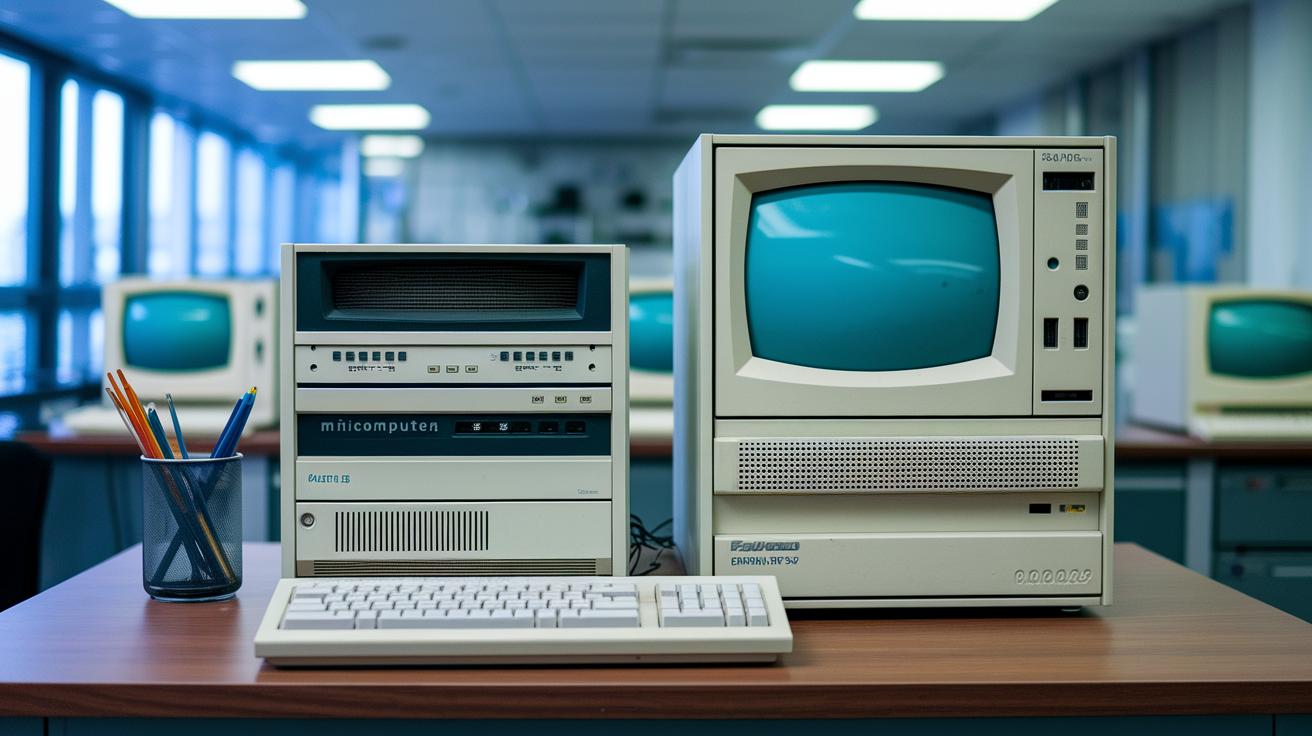
Microcomputers are made for everyday personal use. They bring modest CPU speeds, from megahertz to low gigahertz, and offer memory that ranges from a few kilobytes to several gigabytes. Imagine grabbing a handy device for under $200 that easily tackles your daily tasks.
Minicomputers, on the other hand, are built to support multiple users at once. They operate with multi-megahertz processors and typically come with anywhere from tens of megabytes to a few gigabytes of RAM. This extra capacity means they're a great fit for small teams where several people share the same computing resources.
Mainframes are in a league of their own, engineered for the heavy lifting in demanding enterprise settings. They run on multi-gigahertz processors and boast memory that can stretch from hundreds of gigabytes into the realm of terabytes. These robust machines are the backbone of large corporations, where nonstop performance, reliability, and high capacity are non-negotiable, even if that power comes with a price tag in the millions.
In short, microcomputers provide personal accessibility, minicomputers strike a balance for small groups, and mainframes deliver the heavy-duty performance needed for complex tasks. Each type is uniquely tailored to meet specific demands in terms of performance, capacity, cost, and physical size, ensuring you find just the right technology for your needs.
Future Prospects and Market Trends in Microcomputing
ARM-based boards and AI accelerator modules are paving the way for exciting advances in microcomputing. Picture a board that efficiently processes complex algorithms while using very little power. These new designs are not only powerful but also budget-friendly. With innovations like sub-10 nm chip processes, components are getting incredibly small, boosting performance without extra energy use. And with built-in 5G and 6G radios, these devices stay connected even in challenging network conditions.
Another breakthrough is the use of mixed CPU, GPU, and FPGA designs. Each chip in these setups does what it does best, making systems faster and smarter at handling tasks from AI to real-time data processing. Experts predict a steady 5.6% annual growth through 2030, fueled by trends in IoT, advanced medical devices, and smart manufacturing solutions.
Even the smallest microcomputers are now able to tackle jobs once reserved for larger systems, highlighting their growing impact across industries. As the market for compact computing keeps expanding, these trends signal a future where microcomputers become a key part of everyday tech, consistently evolving to meet the needs of a connected world.
Final Words
In the action, we traced the micro computer’s evolution from its early chip-based design to becoming a key player in both personal and industrial tech. We examined everything from its core hardware and software integration to real-world applications and head-to-head comparisons with larger systems.
Bright opportunities lie ahead as improvements continue to shape these accessible devices. Embrace the future with confidence and excitement while staying informed about what comes next in tech.
FAQ
What is a micro computer?
A micro computer is defined as a complete computer built around a single-chip microprocessor that integrates the CPU, memory, and basic I/O circuitry on one board, making personal computing affordable and accessible.
What are some examples of micro computers?
Examples of micro computers include desktop personal computers, single-board systems like the Raspberry Pi, Arduino-based kits, embedded controllers in industrial setups, and compact devices used for point-of-sale and educational purposes.
What are micro computer uses?
Micro computers find uses in personal desktops, home automation hubs, educational tools, industrial control panels, and digital signage. Their low cost and versatile design make them ideal for diverse, practical applications.
What is the difference between a mini computer and a micro computer?
The difference lies in scale and capacity; micro computers are built for single-user tasks while mini computers support multiple users, offering enhanced processing power and memory for more complex business applications.
What is the best microcomputer?
The best microcomputer depends on your requirements, with options ranging from user-friendly desktops to single-board systems like the Raspberry Pi that provide a balance of affordability and performance for varied tasks.
What is the price of a micro computer?
Micro computer prices vary by configuration and purpose, typically starting below $200 for basic models and rising with additional features and enhanced processing capabilities to meet more demanding needs.
What does a micro computer drawing depict?
A micro computer drawing depicts the system’s architecture, visually outlining the integrated microprocessor, memory, and peripheral connections on a single circuit board to explain how the components work together.
What do micro computer notes cover?
Micro computer notes usually detail the system’s integrated components, architecture, historical milestones, and practical applications, offering essential insights into how these compact systems have shaped personal computing.
What defines a mini computer?
A mini computer is defined by its ability to support multiple users simultaneously with greater processing power and expanded memory, positioning it between personal microcomputers and large-scale mainframe systems.
What is a micro computer desktop?
A micro computer desktop refers to a personal computing setup designed for desk use, offering an all-in-one solution with integrated components that deliver efficient performance for home, office, and educational environments.

