

Ever wonder if a compact computer can really compete with a full desktop? Intel’s mini PCs pack a serious punch in a sleek, compact design. They’re like a dependable coworker who fits perfectly on your desk and runs daily tasks without a hint of struggle. With efficient laptop processors that keep things cool and quiet, these machines deliver on performance without the bulk. In this article, we’re taking a closer look at how smart design and solid performance merge to create a powerhouse computing solution, proving that when it comes to potential, size really doesn’t matter.
Intel mini PC Overview: Compact Intel Computing Solutions
Intel mini PCs pack the punch of a full desktop into a surprisingly small design. They run on efficient laptop processors, which means they’re cool, quiet, and don’t generate too much heat since they skip a dedicated graphics card. Imagine a gadget as compact as the MSI Cubi 5, it fills your daily office needs without the usual overheating hassles you might expect from a larger system.
These little powerhouses usually require an external power supply, much like older laptops. Sure, it might require a bit of extra cable management in a slim setup, but many users appreciate the neat and clutter-free workspace that comes with the setup. Instead of mainstream OEMs, specialty brands like Geekom and Minisforum lead the market, offering plenty of choices to suit different performance and connectivity needs.
With a range of ports perfect for a home office or light multimedia tasks, these mini PCs offer a great balance of flexibility and efficiency. Their design is a win for anyone who needs to save space without losing the core functionalities required for daily productivity and media consumption.
Deep Dive into Intel NUC Series Mini PCs

The Intel NUC lineup packs a serious punch by squeezing powerful performance into a compact design. Take the MSI Cubi 5 1M as an example, it sports an Intel Core 100U "Raptor Lake-U" processor with up to 10 cores, all neatly housed in a chassis that measures just 0.83 liters. It’s a solution that proves mini PCs can handle demanding work while saving precious desk space.
These mini PCs also offer memory configurations that go up to 64 GB of DDR5-5200. That means your multitasking and media viewing remain smooth no matter what you throw at them. There’s a dedicated M.2 2280 slot for speedy NVMe storage along with a 2.5-inch drive bay for extra space, giving you both fast performance and flexible storage options.
When you compare performance, models like the MSI Cubi 5 1M tend to edge out competitors such as the Minisforum UM880 Plus, which is priced around $518 on Amazon. The NUC family doesn't stop there, it also includes options like the Apple Mac mini (M4) and the GMKtec NucBox M5 Plus, each designed with different aesthetic and computing needs in mind.
All in all, the Intel NUC series combines ground-breaking chip technology with a smart, practical design. It’s an ideal fit for modern computing setups that require both power and a compact footprint.
Performance Benchmarks for Intel Mini PCs
Recent tests from 2025 show that Intel mini PCs pack a serious punch despite their small size. These devices handle everyday office tasks, 4K video editing, gaming, and creative work with ease. In the office, they smoothly manage multiple apps at once, so you never miss a beat, even when juggling several programs.
For creators working with 4K video, these mini PCs keep timeline playback steady and speed up rendering, making them a smart choice for anyone short on desk space. And when it comes to gaming, while these compact machines aren’t full desktop replacements for high-end rigs, they easily hold their own in casual or light gaming scenarios.
In side-by-side comparisons, some AMD Ryzen mini PCs with 16 GB DDR4 memory show strong multitasking and editing performance. Premium options like the Geekom AX8 Pro set high standards with lasting performance and a quality build, whereas models such as the Minisforum UM880 Plus hover around $518, with high-end units topping out above $700.
Overall, these benchmarks underline that Intel mini PCs offer a well-rounded mix of speed and value, making them a practical alternative even when measured against similar AMD-based systems.
Connectivity and Expansion on Intel Mini PCs

Intel mini PCs offer a simple yet impressive set of connectivity options that really open up your workspace. You get top-notch ports like Thunderbolt 4, five USB 3.2 Gen 2 Type-A ports, a USB 3.2 Gen 2 Type-C port, HDMI, DisplayPort 1.4a, an SD card slot, a 3.5 mm audio jack, and two 2.5 GbE LAN ports. It’s like setting up a compact office where you can hook up dual displays, external storage, and various other devices without missing a beat. I’ve even had the pleasure of plugging in my external SSD, monitor, and speakers all at once, each connection doing its job seamlessly.
Storage upgrades are just as thoughtfully designed. With dual M.2 slots and a 2.5-inch bay available, you can quickly expand your memory, whether you’re tackling everyday tasks or diving into multimedia projects. This setup gives you the flexibility to tailor your PC to exactly what you need.
There’s a tiny catch, though. The external brick design means you might be managing some extra cables, especially in a compact space. But with a bit of clever desk organization, you can easily keep everything neat and under control.
Overall, the connectivity and expansion options in Intel mini PCs make them a smart pick for both home and professional computing setups. They’re practical, versatile, and ready to handle your day-to-day tech adventures.
Configuration and Upgrade Paths for Intel Mini PCs
The hardware can handle dual-channel memory up to 64 GB DDR5-5200 and supports several drive bays, but real-world upgrade experiences show that the process can be a bit more intricate. When you're upgrading components like memory or storage, it's best to proceed step-by-step to dodge any compatibility hiccups. One tech user even mentioned backing up their system before tweaking power profiles to steer clear of pesky boot loops.
Upgrading your mini PC isn’t simply about swapping parts, it also means fine-tuning the firmware to work harmoniously with new additions like modular GPU add-ons. Sometimes, glitches pop up because firmware updates don't quite align with the specific hardware revision you have. One enthusiast shared a little secret: after a smooth firmware update and adding a discrete graphics module, their mini PC morphed into a true graphics powerhouse, proving that careful adjustments can unlock serious performance gains.
- Test each new memory module for compatibility
- Verify firmware compatibility before installing any upgrades
- Confirm that all physical connections are secure when adding modular GPU components
These practical tips and real-world insights help you navigate the upgrade process, ensuring your Intel Mini PC runs at its best.
Intel Mini PC Use Cases: Home Office to Edge Gaming
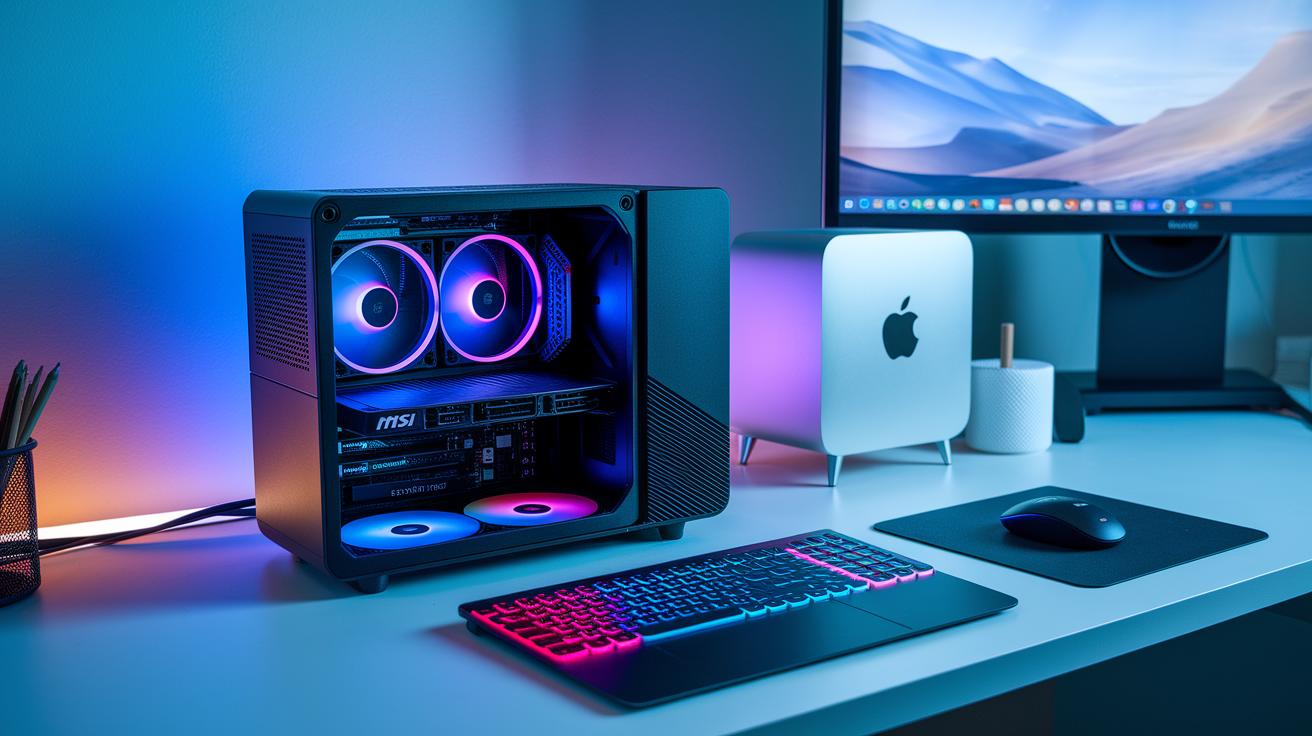
Mini PCs are becoming a go-to choice for everything from daily tasks to a bit of edge gaming fun. Devices like the MSI Cubi 5 or Mac mini (M4) offer a sleek, efficient home computing setup that handles video calls, document editing, and streaming in a breeze. Their compact design neatly fits into a home office, and they come loaded with multiple connectivity options for all your peripherals and extra displays.
If you need a portable x86 workstation that moves effortlessly from work mode to play mode, mini PCs have you covered. Take the Minisforum AtomMan G7 PT, for example. Its performance is almost like a full desktop, making it great for gaming in constrained spaces without ditching overall efficiency. Whether you’re diving into 4K games or editing high-resolution videos, these systems can rely on solid integrated graphics or boost their visuals with a discrete GPU when needed.
Beyond personal setups, mini PCs are finding a place in IoT deployments and micro-server roles. Their compact size and ability to handle network tasks make them perfect for distributed computing projects, including edge computing technology. This means they’re just as at home running as a small productivity hub or as a nimble node in your network.
In truth, these versatile systems strike a great balance between work and leisure. They’re ideal not only for creative professionals wanting a reliable tool but also for tech-savvy gamers looking for powerful performance in a compact package.
Simply put, mini PCs pack a punch. They cater to a wide range of needs, making everyday tasks and gaming both accessible and enjoyable.
Buying Guide: Pricing and Best Value Intel Mini PCs
When browsing through Intel mini PCs, you'll notice there's plenty of choices that fit different budgets and workloads. If you're all about sturdy performance in a sleek, compact design, the Apple Mac mini (M4) is a solid pick, usually coming in at around $599. It’s perfect if you need a machine that can handle demanding tasks without cluttering your desk.
On the flip side, if you’re budget-conscious, the GMKtec NucBox M5 Plus might catch your eye. This AMD-based model sits at roughly $349 and is ideal for everyday tasks and light multimedia work, all without stretching your finances.
For those who value a more refined build without the premium cost, there's the Geekom AX8 Pro, starting at about $520, a neat option for users who want a slightly more premium feel without paying a premium price.
Then there’s the Minisforum UM790 Pro, which is aimed at creatives tackling heavy 4K editing or other intensive tasks. Priced at around $600+, it's designed to support high-demand workflows without skipping on performance.
A quick tip: while each model has its own perks, you'll generally want to have at least 8 GB of RAM in your system. If you often run multiple apps, though, upgrading to 16 GB or more can keep your experience smooth and snappy.
| Model | Approximate Price |
|---|---|
| Apple Mac mini (M4) | $599 |
| GMKtec NucBox M5 Plus | $349 |
| Geekom AX8 Pro | $520 |
| Minisforum UM790 Pro | $600+ |
No matter which option you lean towards, each one serves up a mix of performance and value, making it easier to find the right mini PC that fits your unique computing needs.
Final Words
In the action, you explored compact Intel computing solutions, from slim design office computers to robust performance benchmarks. The post covered how mini PCs manage resources, optimize connectivity, and offer upgrade paths that fit various tech needs. It also compared these systems with other offerings, showing clear cost-to-performance ratios and real-world applications. This intel mini pc review leaves you ready to make smart, confident choices for an integrated tech setup. Stay informed and positive as you step into a streamlined, engaging tech experience.
FAQ
What does Intel mini PC Windows 10 offer?
The Intel mini PC Windows 10 option provides a familiar and user-friendly operating system that supports everyday productivity tools. It ensures smooth performance for both work and casual activities.
How does an Intel mini PC perform for gaming?
The Intel mini PC gaming setup delivers reliable performance for casual gaming. It works well for lower-intensity games, although high-end titles might require additional graphics support for optimal results.
What are the key specs of an Intel mini PC?
The Intel mini PC specs usually feature power-efficient processors, support for high-speed memory options, and multiple connectivity ports. Its compact design makes it ideal for clutter-free desktops and efficient computing.
What do reviews say about Intel mini PCs?
The Intel mini PC review emphasizes its balance between design and performance. Users appreciate its efficient cooling, space-saving form factor, and effectiveness in handling everyday tasks and light gaming.
How does an Intel mini PC i7 model perform?
The Intel mini PC i7 model offers robust processing capabilities suited for multitasking and demanding applications. Its powerful performance in a small package makes it a compelling choice for both professionals and tech enthusiasts.
What is an Intel mini PC stick?
The Intel mini PC stick is a compact, portable computing solution designed for basic tasks. Its small form factor limits upgrade options, but it provides convenience for space-constrained setups or on-the-go productivity.
How competitive are Intel mini PC prices?
The Intel mini PC price ranges widely based on features and performance. Budget-friendly models coexist with premium picks such as Geekom Mini PC Intel i7, offering a good balance of cost and capability for various needs.
Does Intel manufacture mini PCs?
The question of whether Intel makes mini PCs refers to its role in providing processors and design support. Actual mini PCs are built by other brands that integrate Intel technology into compact units.
What are the downsides of using a mini PC?
The downside to a mini PC includes limited expansion options and restricted cooling capacity. These constraints might affect its ability to handle intensive gaming or heavy-duty computing tasks over extended periods.
Are Intel NUCs still available?
The Intel NUC series is continually updated, so while some older models may be rare, the current lineup remains available with enhanced features and performance for small-form-factor computing.
What is the expected lifespan of an Intel mini PC?
The lifespan of an Intel mini PC typically spans several years when maintained in a cool, dust-free environment. Regular upkeep and proper handling can help preserve its performance over time.