


Ever stopped to wonder if your personal data is really safe? Google's security team is always working hard to stay ahead of potential online threats. They've set up strong measures that protect everything, from your everyday logins to your most sensitive details, acting like a dependable shield against cyber risks.
Guided by forward-thinking leaders and powered by smart tools that work like personal bodyguards, Google creates a secure space for your digital life. In this article, we'll explore how these advanced tools join forces to keep your account safe, even when unexpected challenges come along.
Comprehensive Google Security Overview
Google puts its users' privacy and safety first, creating a security framework that keeps all of its services, from Google Play and Wear OS to Nest, Workspace, and Cloud, safely guarded against online threats. The company doesn't just react to potential issues; it anticipates them too, making sure our data stays secure from emerging risks and cyber attacks.
At the heart of Google's strategy is a commitment to constantly improving security measures, led by top executives who monitor its progress. They back their system with ongoing research, whether that's exploring DRAM vulnerabilities or running AI-powered cybersecurity drills at events like DEF CON. Plus, by using open-source initiatives in their supply chain, Google makes it tougher for attackers to find any weak points.
- Safe Browsing
- Play Protect
- Two-step verification
- pKVM protected virtualization
- C2PA Content Credentials
Each of these features works together to create a robust digital environment. Safe Browsing and Play Protect help warn you about suspicious websites and dangerous downloads, while two-step verification adds an extra layer of security when you log in. pKVM lets you run sensitive tasks in an isolated setting, and C2PA Content Credentials help verify the authenticity of digital content. Together, these tools build a secure ecosystem that not only protects but also instills trust in Google's digital services.
Google Security Account Protection and Advanced Login Practices

Protecting your primary login is a must for keeping your digital world secure. A well-guarded Google account keeps your private information safe and stops unwanted changes to your details.
First, turn on two-step verification. Head into your account settings and switch on this extra security step. You can choose between SMS codes, authenticator apps (which create time-based codes), or even physical security keys. This extra layer makes sure that having just your password won’t be enough for someone to break in.
For an even stronger shield, pair authenticator apps with physical security keys. Think of these tools like digital locks, generating codes that update every few seconds. Just follow the simple instructions on screen to connect your authenticator, and plug in your security key when asked.
Next, don’t forget to set up account recovery options. Create backup codes and add a recovery email or phone number. These steps are your safety net in case you ever lose your device or find yourself locked out of your account.
Lastly, keep an eye on your account activity by checking active sessions from your dashboard. You can also set up security alerts that notify you of any strange or unauthorized login attempts. Regular reviews help ensure that your account stays secure and that any potential issues are dealt with quickly. Stay alert, and your online identity will remain well-protected.
Google Security Data Protection and Privacy Settings
Google takes data protection seriously by using powerful encryption techniques. This means your information stays safe whether it's stored on their servers or sent over networks. Encryption, both when your data rests and when it moves, acts as the secret sauce that keeps your sensitive details private and out of the hands of anyone unwanted.
Inside your Account Settings, you'll find handy privacy controls that put you in charge of your digital life. Want to choose which activities get recorded or adjust your ad preferences? You can even limit how much location data you share. It's like having your very own dashboard that shows you exactly how your personal information is managed, making it easier to avoid unwanted data use.
Google also offers a robust set of tools to help you manage your digital footprint. You can review what you've searched for, adjust the content that's tailored just for you, and even restrict some data collection practices altogether. These flexible options empower you to set up your security exactly the way you need it. For more details, check their data privacy protection page: data privacy protection.
And if you're using a Pixel 10, there's an extra layer of trust built in. With C2PA Content Credentials, every image gets a secure, time-stamped tag that verifies its authenticity. This feature not only boosts transparency but also protects your digital content from tampering.
Google Security Infrastructure: Cloud, Android Virtualization, and Open Source Supply Chain

Google’s security setup is built like a well-fortified network, blending tough cloud defenses with smart virtualization techniques. Using technology that protects data as it moves and while it sits stored, they keep sensitive processes safe from prying eyes. And they never stop improving, Google is always monitoring and upgrading its systems to block new threats and patch up any vulnerabilities. Curious? Their cloud security page provides a deeper look at these robust defenses.
Android Protected KVM (pKVM)
Android pKVM really shines by earning SESIP Level 5 certification, which proves it can securely isolate high-risk tasks. By clearly separating sensitive processes and running on-device AI in a locked-down environment, pKVM stops one application from interfering with another. This neat isolation technique helps keep potential intruders from getting into other parts of your device.
OSS Rebuild for Open-Source Security
OSS Rebuild is a crucial tool for strengthening open-source supply chains. It rebuilds upstream software components using the SLSA Build framework, which lets security teams verify that every part is both authentic and intact. This methodical process ensures every piece of the ecosystem meets strict security checks, greatly lowering the risk of supply chain attacks.
C2PA Content Credentials
C2PA Content Credentials bring a fresh approach to verifying digital media. By using trusted time-stamps and offline signing keys, they provide clear proof of content origin. This means that your images and media stay genuine and trusted, even when your device isn’t connected. It’s a smart layer of protection that really boosts digital content validation.
| Project | Focus | Certification/Standard |
|---|---|---|
| Android pKVM | Isolated Virtualization & On-device AI | SESIP Level 5 |
| OSS Rebuild | Supply Chain Verification | SLSA Build Framework |
| C2PA Content Credentials | Digital Media Provenance | Trusted Time-stamps & Offline Signing Keys |
| DRAM Security via JEDEC PRAC | Rowhammer Attack Detection | JEDEC Standards |
Google Security Research Partnerships and Threat Detection
At DEF CON 33, Google joined forces with Airbus to co-host the GenSec CTF event. They blended AI into everyday cybersecurity work, making it engaging for everyone, whether you're just starting out or are a seasoned pro. This hands-on challenge brought threat intelligence analysis side-by-side with the latest research, demonstrating how industry leaders and academics can unite to strengthen digital defense.
Google’s efforts in Rowhammer research have drawn attention. They uncovered attack patterns that can slip past even the upgraded TRR protections on AMD Zen processors paired with SK Hynix DDR5 modules. By teaming up with academic groups like Antmicro, Google has deepened its investigation into DRAM weaknesses. In simple terms, they simulate various attack scenarios to see how unexpected access techniques might outsmart even top-tier memory protection.
In a similar vein, initiatives like the JEDEC PRAC for tracking DRAM wordline activations have been set up to closely monitor memory usage. This process spots unusual activity in wordline activations, alerting experts to potential gaps in security. Such efforts not only reinforce Google’s own defenses but also add valuable insights to the wider cybersecurity community.
Looking ahead, the IEEE Security & Privacy 2026 conference will feature the paper "Phoenix: Rowhammer Attacks on DDR5 with Self-Correcting Synchronization." This work dives deep into the breakthrough findings. It’s clear that through these coordinated projects, Google is staying ahead of threats, making sure that advanced defense tools and malware countermeasures work together seamlessly to protect users.
Google Security Best Practices and Tools to Fortify Your Defense
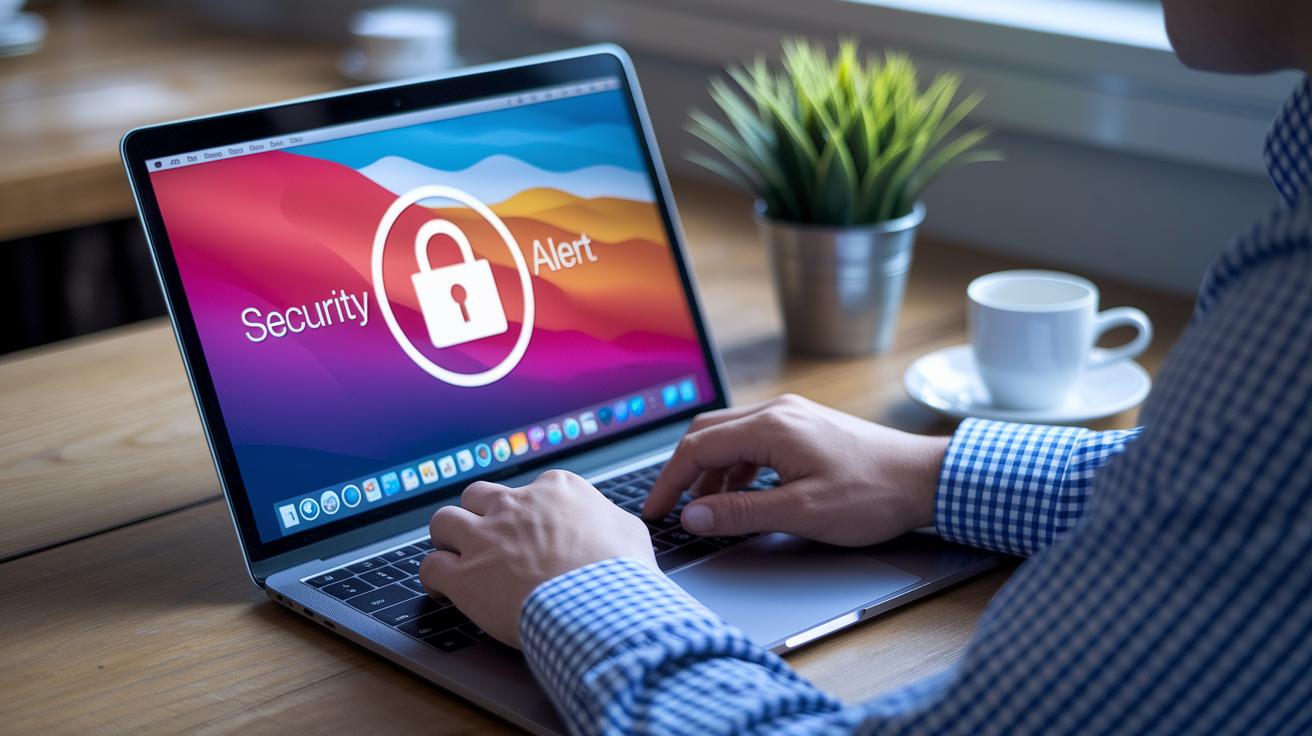
Google Password Manager and Safe Browsing work seamlessly together to protect your online identity. They safely store and automatically fill in your login details while giving you instant alerts about unsafe sites and suspicious downloads. It's like having a digital guardian that keeps your credentials secure and steers you clear of harmful webpages right when you need it.
Worried about phishing? Google has your back with smart training modules available through the Google Workspace Admin console. These simulated phishing attempts let you and your team practice spotting scams, so you can quickly learn to identify red flags in emails and websites. Ever felt more confident after a little rehearsal? That's exactly the point.
On top of that, Google Password Manager not only holds your login info securely but also makes recovering your account a breeze. With trusted devices, recovery emails, and phone numbers on hand, you can regain access fast if anything goes wrong. This well-thought-out system ensures you're never left stranded when tech troubles hit.
Altogether, these tools build a layered defense that strengthens every aspect of your account security. The result is a robust digital experience that feels both safe and easy to manage.
Google Security Roadmap: Future Standards and Initiatives
Google is unveiling a new set of security initiatives that build on past successes while carving out a fresh path ahead. This updated roadmap lays out clear milestones and projects designed to boost security across its product lineup.
One big move is the expansion of SESIP-certified systems, with important rollout milestones set for Q1 and Q2 2024. By that time, Google plans to kick in real-time incident alerts that could really change the game when it comes to spotting vulnerabilities, think of it as a proactive alarm for your secure operating systems.
Another exciting project is focused on broadening secure build verification to cover more critical software applications. This step goes far beyond the current open-source integrity measures, aiming for completion by the end of the year. The plan promises both enhanced transparency and a smoother security framework that ties different components together seamlessly.
Keep an eye out for upcoming publications in IEEE and similar forums. These detailed releases will dive into advanced vulnerability assessments and strategic security targets, offering new insights into the evolving standards of digital safety.
Final Words
In the action, we explored Google’s robust framework, from rigorous privacy settings and advanced account protection to state-of-the-art cloud and research initiatives. The breakdown highlighted key measures like Safe Browsing, two-step verification, and more that collectively strengthen defenses.
These insights showcase how google security drives continuous innovation while keeping our digital environments safe. By adopting these practices, anyone can boost their tech confidence and enjoy a more protected online experience.
FAQ
Q: What is the Google Security Checkup?
A: The Google Security Checkup verifies your account protection measures by reviewing key security settings, recovery options, connected devices, and recent activity to help you guard against unauthorized access.
Q: What is a Google security password?
A: The Google security password is your main access key. It must be strong and unique to protect your account, and updating it regularly minimizes the risk of unauthorized access.
Q: What is the Google security app?
A: The Google security app helps manage your account’s protection by offering tools such as two-step verification, recovery options, and real-time alerts, all designed to keep your account secure.
Q: What is Google security login?
A: The Google security login involves a secure sign-in process that uses methods like two-step verification and active session monitoring to verify your identity and safeguard your account.
Q: What is a Google security code?
A: The Google security code is a temporary numeric verification used during two-step authentication. It confirms your identity at login, adding an extra layer of protection to your account.
Q: What are Google security devices?
A: Google security devices refer to trusted hardware linked to your account that is used for receiving verification codes and alerts, helping to reinforce your account’s overall security.
Q: What is the Google Security number?
A: The term Google Security number generally describes a verification code or an identifying figure used during account monitoring, ensuring that any unusual activity is promptly flagged.
Q: What is a Google security alert?
A: The Google security alert warns you about suspicious activity, such as unauthorized sign-in attempts. It allows you to quickly review and secure your account if needed.
Q: What does a fake Google security alert look like?
A: A fake Google security alert may feature inconsistent branding, unusual grammar, or unfamiliar URLs. Genuine alerts display proper design and lead you to the official security dashboard.
Q: How do I get to my Google security settings?
A: To access your Google security settings, sign in to your account and navigate to the Security dashboard, where you can update recovery options, review active sessions, and manage alerts.
Q: Is a Google security warning real and why might I see one on my phone?
A: A real Google security warning alerts you to potential account risks. You may see one on your phone when there are unfamiliar sign-in attempts or if your device’s security settings require attention.

