

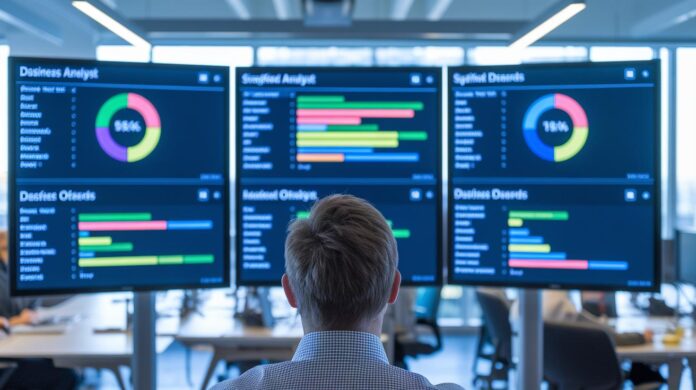
Ever wonder how some companies seem to run like a well-oiled machine while others get stuck in the details? Enterprise software brings all of your key business tasks, like managing payroll and keeping an eye on your supply chain, into one simple, user-friendly system. In the past, businesses were buried under piles of paperwork. Today, with just a few clicks, these tools handle everything neatly. In this post, we break down what enterprise software is and how it helps companies make fast, smart decisions.
Enterprise software meaning: Simplified for Smart Decisions
Enterprise software is a suite of robust applications crafted to help large organizations manage and coordinate essential business areas like finance, supply chain, human resources, and customer relations. Imagine having one intuitive dashboard that lets you track everything, from payroll operations to real-time inventory updates. Here’s a neat fact: before digital tools became widespread, companies juggled heaps of paper and separate software for each task, making quick data sharing nearly impossible.
These powerful systems are built to scale alongside your business and tackle tasks that go far beyond what typical consumer apps can do. They handle detailed data analysis, sales tracking, customer service, and marketing, acting much like the central nervous system of a modern enterprise that keeps everything in sync and running smoothly.
When it comes to choosing enterprise software, companies often decide between two main routes. One option is industry-agnostic software, which provides a flexible framework suitable for various sectors. The other offers industry-specific modules carefully tailored to unique challenges in areas like healthcare, retail, or manufacturing. Plus, with built-in analytics, these systems turn raw data into actionable insights in a flash.
In today’s world of rapid digital change, enterprise software stands out as a key tool for simplifying operations and cutting down on tedious manual tasks. By merging multiple functions into one seamless platform, companies can zero in on smart decision-making and effective management, setting the stage for continued growth.
Key Features of Enterprise Software
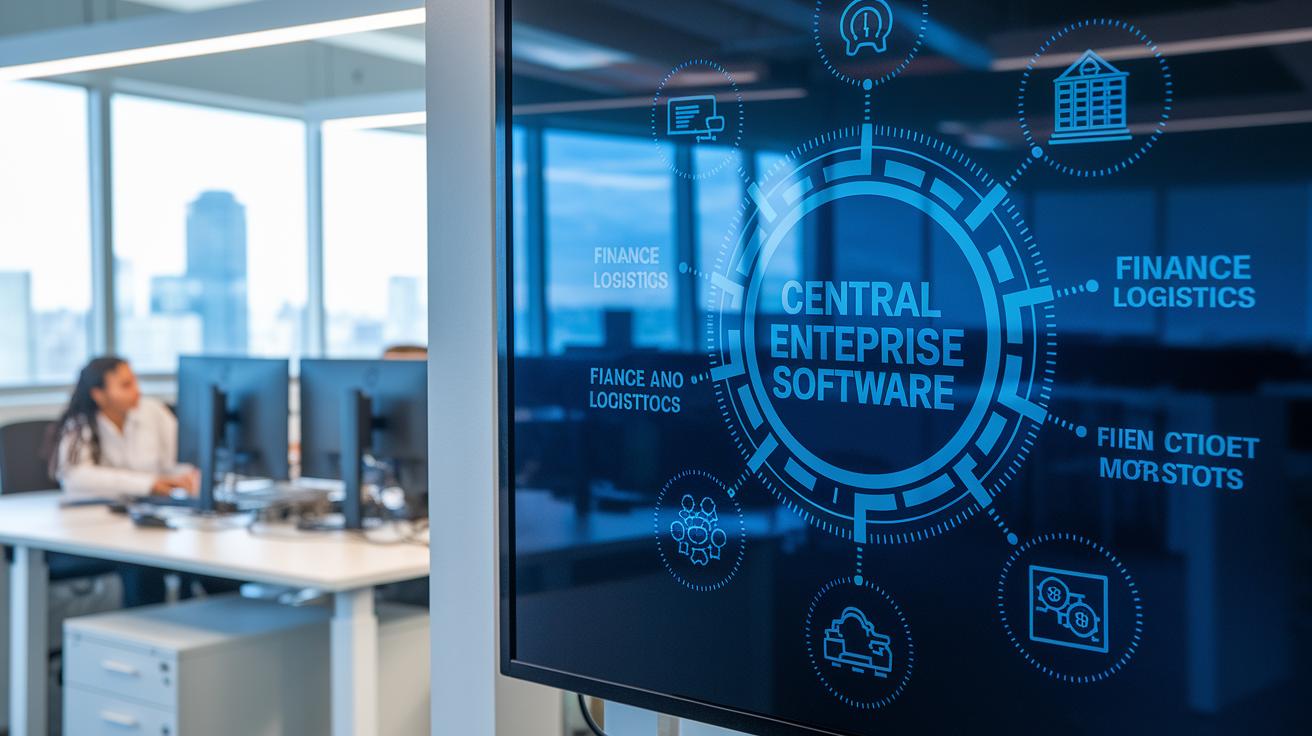
Enterprise software is all about blending various business functions into one smart system, making it much simpler for companies to handle complex operations. Imagine a central hub where every department, from finance to human resources, interacts smoothly without you having to flip between endless tools.
This type of software grows with your business. As more users join or data piles up, the system adjusts effortlessly. Picture a busy logistics company during peak season, where shipment records surge suddenly, the software scales up seamlessly to keep everything running.
Security isn’t an afterthought here. The software comes with robust security measures and compliance controls to safeguard sensitive information. It also automates routine tasks, cutting down on human errors and freeing up time for strategic decisions. Ever wonder how much time managers once wasted manually compiling reports? Automated dashboards have turned that around completely.
On top of that, built-in analytics and customizable dashboards deliver real-time insights right when you need them. In short, with its blend of seamless integration, scalability, and tight security, enterprise software becomes an indispensable ally for tackling today’s complex business challenges.
Types of Enterprise Software: From ERP to CRM and Beyond
Enterprise software comes in two primary flavors. Some systems offer flexible frameworks that work well across different industries, letting companies tailor features to meet their unique needs. Others are crafted to solve specific challenges in fields like healthcare, retail, or manufacturing. Imagine a platform that adapts to various workflows versus one built specifically to manage a hospital’s patient data.
ERP systems form the digital heartbeat of many modern companies. They streamline everything from finance and supply chain operations to overall business management. By bringing different functions together on one platform, ERPs improve data accuracy and simplify decision-making. Many of these systems now pack integrated tools that connect various departments into a single, scalable solution.
CRM software focuses on the art of managing customer relationships. These systems store contact details, automate sales activities, and help track every interaction with your customers. By consolidating data scattered across different channels, a CRM turns confusion into clear insights, making it easier to follow up with leads and offer timely support.
HRM applications take care of everything related to employees, from hiring and onboarding to payroll and performance reviews. They centralize employee records and simplify HR processes, ensuring that every step from recruitment to retirement is managed efficiently.
SCM solutions keep the supply chain running smoothly. They handle procurement, inventory tracking, and logistics so that production processes remain on track no matter how demand shifts. When every link in the chain is connected, companies can deliver products faster and more reliably.
BI and data analytics tools turn raw data into useful strategies. With features like customizable dashboards, detailed reporting, and statistical analysis, these platforms offer decision-makers real-time insights into emerging trends. It’s like having a conversation with your data that reveals both current operations and future opportunities.
| Software Type | Primary Focus | Key Example |
|---|---|---|
| Industry-Agnostic/Specific | Flexible or tailored modules | Custom fit solutions |
| ERP | Finance, supply chain & operations | Integrated systems solutions |
| CRM | Customer interactions | Lead management |
| HRM | Employee lifecycle | Payroll tracking |
| SCM | Procurement & logistics | Inventory control |
| BI & Data Analytics | Data insights & reporting | Real-time dashboards |
Enterprise Software vs Consumer Applications: Main Differences
Imagine enterprise software as a custom-tailored solution designed for large organizations. IT teams can dive deep and modify core functionalities, even down to tweaking the underlying database structure. In contrast, consumer applications and SaaS models stick to preset configurations, letting users change things like color schemes or basic preferences. So if a company needs to embed its unique workflow into a core process, an enterprise system has the flexibility to do that, whereas a standard SaaS product only offers the usual options.
When it comes to installation and upgrades, things are pretty different. Traditional on-premise enterprise software requires manual updates and careful, site-specific maintenance. On the flip side, SaaS solutions handle updates automatically through the cloud, which saves time but might limit fine-tuning control.
Data migration is another major area where these two approaches diverge. Enterprise implementations often go through multiple rounds of conversion to ensure every detailed transaction is captured. SaaS migrations, however, usually focus on essential data, like contact information or membership details, for a quicker and more streamlined move.
- Customization: Deep modifications versus preset options
- Upgrades: Manual versus automated via the cloud
- Data conversion: Iterative versus baseline-focused
Implementing Enterprise Software: Best Practices and Strategies
Start by nailing down your business needs and the metrics that'll define your success. Ask yourself, what processes do you really need to enhance? For example, before launching a new platform, jot down clear targets like speeding up approval cycles or boosting data accuracy.
Next, take a look at your current software lineup. Write out all your existing tools and check which ones overlap in functionality. Ever notice how two separate systems might both handle inventory tracking? Streamlining them can save you both time and money.
Then, consider who’s going to use the system and on what devices they need access. Chat with different teams to grasp how tech is applied across your organization. One handy tip is to map out which roles require mobile access versus desktop usage, this way, everyone stays in the loop.
Don’t forget to put security, compliance, and data governance at the top of your list early on. With cyber threats always evolving, setting up these safeguards from the get-go can save you a lot of trouble down the road. Think of it like choosing a reliable lock before you hang your door.
It’s also smart to weigh the total cost of ownership and forecast the return on investment. Compare initial spending against future savings, like how automating repetitive tasks might more than cover the upfront costs.
Finally, if you’re moving from on-premise solutions to the cloud, plan your migration carefully. Break the journey into stages, from data transfer to user training, to keep any disruptions at bay.
- Define clear business needs and success metrics
- Review and inventory your current applications
- Assess user roles and accessibility needs
- Prioritize early security and compliance measures
- Estimate costs and projected benefits
- Plan out your migration strategy
By following these steps, you can transition to a new enterprise software solution smoothly and with minimal disruption.
Measuring ROI and Benefits of Enterprise Software

When a business sees a boost in everyday efficiency, it’s usually a sign that their investment is paying off. Automating tasks that used to be done by hand can free up a lot of time and cut down on tedious work. Think about it this way: before using enterprise software, compiling reports might have taken hours, but with automation, one company slashed that time by 70%. Impressive, right? This kind of clear-cut improvement is real evidence that the return on investment is strong.
Integrated analytics dashboards put crucial metrics right at your fingertips, making it easy for decision-makers to keep an eye on performance as it happens. These dashboards break down key business processes, like how resources are distributed and how long tasks take, which are essential clues when you’re weighing both operational efficiency and financial benefits. With instant access to data, managers can quickly tweak strategies to boost results even further.
There are also savings in areas like maintenance, support, and infrastructure. Modern software is designed to scale with your business, meaning it grows with you without needing a major overhaul as data volumes increase. Plus, strong security and compliance measures help guard against expensive breaches, adding another layer of value.
- Measuring reductions in process times
- Analyzing savings in maintenance and infrastructure costs
- Using real-time dashboard insights to improve decision-making
By keeping track of these important metrics, companies can truly understand and appreciate both the financial and operational benefits that come with their enterprise software investments.
Future Trends in Enterprise Software
Cloud-based solutions are rewriting the rules on how businesses work. More companies are switching to remote update models, enjoying the flexibility and hassle-free improvements that come without tedious manual installs. Distributed teams, in particular, are thriving thanks to new collaboration platforms that make communication smooth and real-time. For example, a company with offices in different parts of the world might rely on a live chat system paired with video calls to keep everyone in sync.
We’re also noticing a shift toward tech tailored to specific needs. No matter the size, businesses now pick systems that perfectly match their operational demands. Modern enterprise tools can merge features like analytics, customer management, resource planning, and collaboration into one unified platform. This integrated approach not only cuts down on juggling multiple apps but also supports smarter, day-to-day decision-making.
Experts agree that integrated solutions are quickly becoming a standard part of digital transformation journeys. As companies expand, the push for unified platforms that simplify data sharing and boost internal communication is hard to ignore. In truth, this evolution is paving the way for more agile and smart business systems that adapt to the ever-changing landscape of modern enterprise.
Final Words
In the action of exploring different aspects of enterprise software meaning, this article broke down its core definition, key features, and contrasts with consumer applications. The discussion highlighted various types, ERP, CRM, HRM, and more, while sharing best practices for a smooth implementation. We also touched on how these tools can boost operational efficiency and offer measurable returns. A friendly reminder: armed with clear, simplified insights, tackling tech decisions becomes a lot more manageable. Keep embracing innovation and drive your tech solutions confidently ahead.
FAQ
What does enterprise software mean and what are some examples?
The enterprise software definition refers to integrated business applications designed to streamline operations and manage finance, HR, and supply chain processes. Common examples include ERP, CRM, and SCM solutions.
Which companies make enterprise software?
Enterprise software companies specialize in developing robust business applications. Notable names include Oracle, SAP, and Microsoft, which design scalable solutions to support finance, operations, and customer relations.
How does enterprise software differ from SaaS?
Enterprise software often offers deep customization with manual updates, while SaaS delivers applications via the cloud with automated updates. This distinction affects deployment, maintenance, and overall data management strategies.
What are enterprise software applications?
Enterprise software applications are tools developed to manage complex business functions. They support finance, human resources, customer relations, and operations, improving business efficiency through integrated systems.
What types of enterprise software are there, and what are the three primary enterprise systems?
Enterprise software types include ERP, CRM, HRM, SCM, and data analytics platforms. The three primary systems often highlighted are ERP, CRM, and SCM, each supporting key business functions.

