

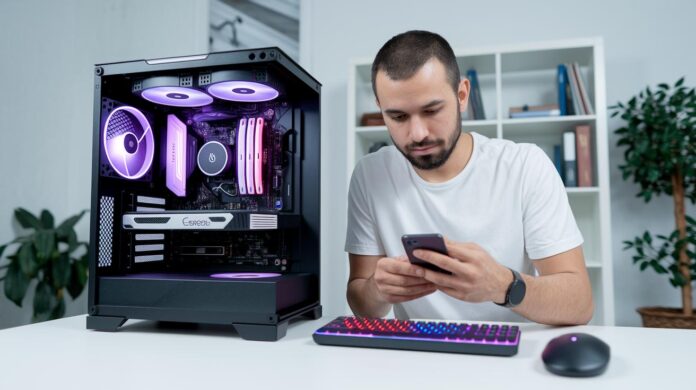
Ever wondered if a faster clock speed really makes your computer better? It turns out every detail in your computer’s specifications plays a part in the overall experience. Think of it like this: the CPU is the brain, while the RAM works as a quick-access memory, just like parts in a well-tuned engine.
In this guide, we break down the key hardware features so you know exactly what to look for when choosing a computer that perfectly fits your needs and expectations.
Computer Specs: Stellar Hardware for Informed Buyers
Computer specifications are like a blueprint that shows what your machine is capable of. The CPU acts as the computer’s brain, and with Intel’s Core series, you have plenty of options. An i3 is just right for everyday tasks, while an i5, like the one in the HP ProBook 450 Notebook with a 4.20 GHz turbo boost, offers solid mid-range performance. And for those more demanding applications, i7 and i9 processors have you covered. Ever think of it like comparing car engines? A slight boost in horsepower can mean the difference between a smooth neighborhood cruise and a thrilling ride on the highway.
RAM, on the other hand, is like your computer’s short-term memory, essential for juggling multiple applications at once. Entry-level setups might sport 4 GB, which works well for basic use. But if you’re gaming, working on design projects, or coding, having 8 GB to even 32 GB is like choosing the perfect meal portion at your favorite restaurant, it just makes everything run seamlessly.
Then there’s storage, where all your files reside. Here, you typically choose between hard disk drives and solid-state drives. SSDs are like an express checkout lane at a bustling market: they speed up boot times and are more energy efficient, even if they come at a slightly higher price. And don’t forget the graphics processing unit, or GPU, which boosts visuals and overall performance. Take the ENVY x360 Convert 15 for example, it pairs an AMD Radeon GPU with 8 GB of RAM and a 1 TB SSD to deliver crisp, vibrant graphics. Plus, built-in tools like System Information and Device Manager let you easily check out these tech details whenever you’re curious.
Processor Specs: CPU Technical Details & Benchmark Metrics
The CPU is essentially the brain of your computer, managing everything from everyday office tasks to intricate graphic rendering. For example, when you see an Intel Core i5 in the HP ProBook 450 Notebook reaching up to 4.20 GHz on turbo boost, it’s a great display of solid midrange performance, all while sticking to the basics you’d expect.
We break down these numbers into easy-to-understand metrics like base and turbo clock speeds, along with core and thread counts, plus cache size. These details help you see how well a processor handles both single tasks and multitasking. Ever wonder how to pick the right chip for your needs? Simply check its boost clock capability and the number of threads to ensure it can handle your daily tasks with ease.
Memory & Storage Specs Explained: From DDR to SSD
When you're fine-tuning your computer, matching your memory and storage setup to what you actually do is key. Think of your RAM like a workspace: 4 GB can cover the basics, 8 GB is great for everyday tasks, and 16 GB is perfect if you're juggling multiple apps. For high-demand work like gaming, graphic design, or intense coding, 32 GB gives you plenty of room to breathe. It’s like choosing the right container for your daily tasks, more space means smoother, more flexible work.
The type of memory you pick is just as important. DDR4 has been a reliable standard, while DDR5 offers quicker speeds and better energy efficiency in some cases. Your choice really comes down to your current setup and plans for future upgrades.
Storage is split into two main kinds: traditional hard drives and solid-state drives (SSDs). SSDs are known for speeding up boot times and loading apps, plus they use energy more efficiently, although they can be pricier. Within the SSD category, interfaces like NVMe deliver even faster data transfer compared to SATA, making a noticeable difference in performance.
A smart way to give your computer a boost is by upgrading both your memory and storage. Combining higher-quality RAM with faster storage can really elevate your device’s everyday performance without the need for a complete overhaul.
Graphics Specs & Benchmarking for Gaming and Content Creation
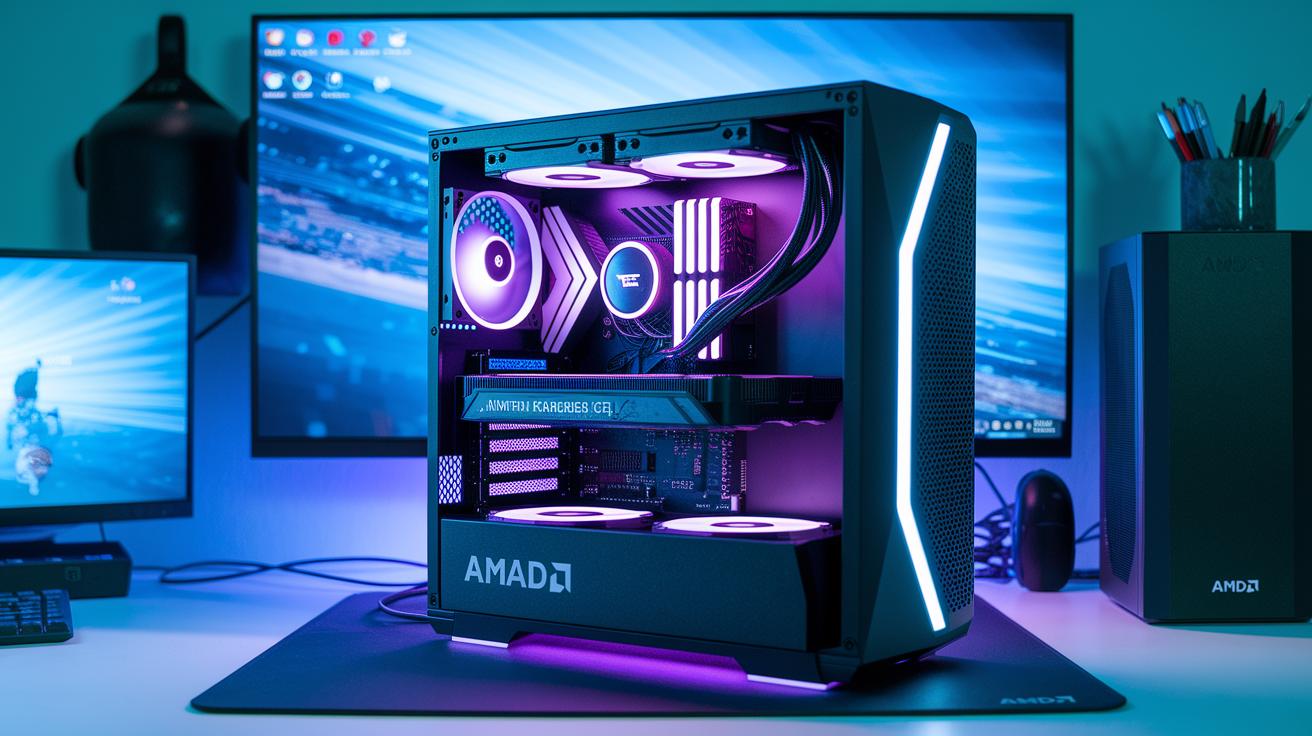
When setting up a top-notch gaming rig or a creative workstation, graphics performance is key. A strong GPU makes image rendering look effortless, giving you smooth visuals whether you're streaming live, working on complex 3D models, or diving into high-refresh-rate gaming. Take the ENVY x360 Convert 15, for instance, it pairs an AMD Radeon GPU with 8 GB of RAM and a 1 TB SSD to deliver crisp, responsive graphics even under heavy use.
The nitty-gritty comes down to a few important details. Look at a graphics card’s core count, boost clock speed (its peak performance moment), and VRAM size, which supports higher resolutions and more intricate textures. In real-life tests, benchmarks and frame-rate scores tell you if a GPU can handle demanding tasks without breaking a sweat.
Here's a quick checklist for what to keep an eye on:
| Specification | Why It Matters |
|---|---|
| VRAM size | Supports higher resolutions and detailed textures |
| Core count | Boosts the ability to handle many tasks at once |
| Boost clock speed | Indicates the GPU’s top performance level |
| Frame-rate tests | Show how smooth your gaming wins out in real scenarios |
| Power draw under load | Hints at efficiency and effective thermal management |
Dedicated rigs for gaming often feature GPUs like NVIDIA’s GeForce GTX/RTX or AMD’s Radeon RX series, known for handling everything from 1080p displays to stunning 4K visuals. Whether you’re mixing content creation with intense gaming sessions or just want reliable performance, these cards have you covered.
Computer Specs Guide: Tools & Methods for Retrieving System Information
If you're on Windows, just type "System Information" into the search box and you'll instantly see details like your build number, OEM name, motherboard model, and installed RAM. It’s almost like a secret window into your computer’s health. And if you need a quick peek at your CPU, RAM, and storage, Windows Settings has you covered too.
For those running Windows 10 or 11, the Device Manager offers a deeper look. Think of it as a backstage pass that reveals each driver and hardware resource, giving you a clear picture of your system’s performance.
Mac users can easily check their system details by clicking the Apple icon and choosing "About This Mac." This simple step brings up everything from processor specs to memory info and storage capacity, all in one convenient place.
There are also free online tools to consider. For example, the Crucial System Scanner safely runs a BIOS-based scan, while the Crucial System Selector uses details like your computer’s manufacturer, model, and product line to suggest upgrade options that might work best for you.
| Tool/Method | What It Offers |
|---|---|
| System Information | Overall specs including build, OEM, motherboard, and RAM |
| Device Manager | Detailed info on drivers and hardware resources |
| About This Mac | Processor, memory, and storage details (for Mac users) |
| Crucial Scanners | Tailored upgrade advice based on your computer’s specifics |
Custom Build Planning: Matching Computer Specs with Component Compatibility
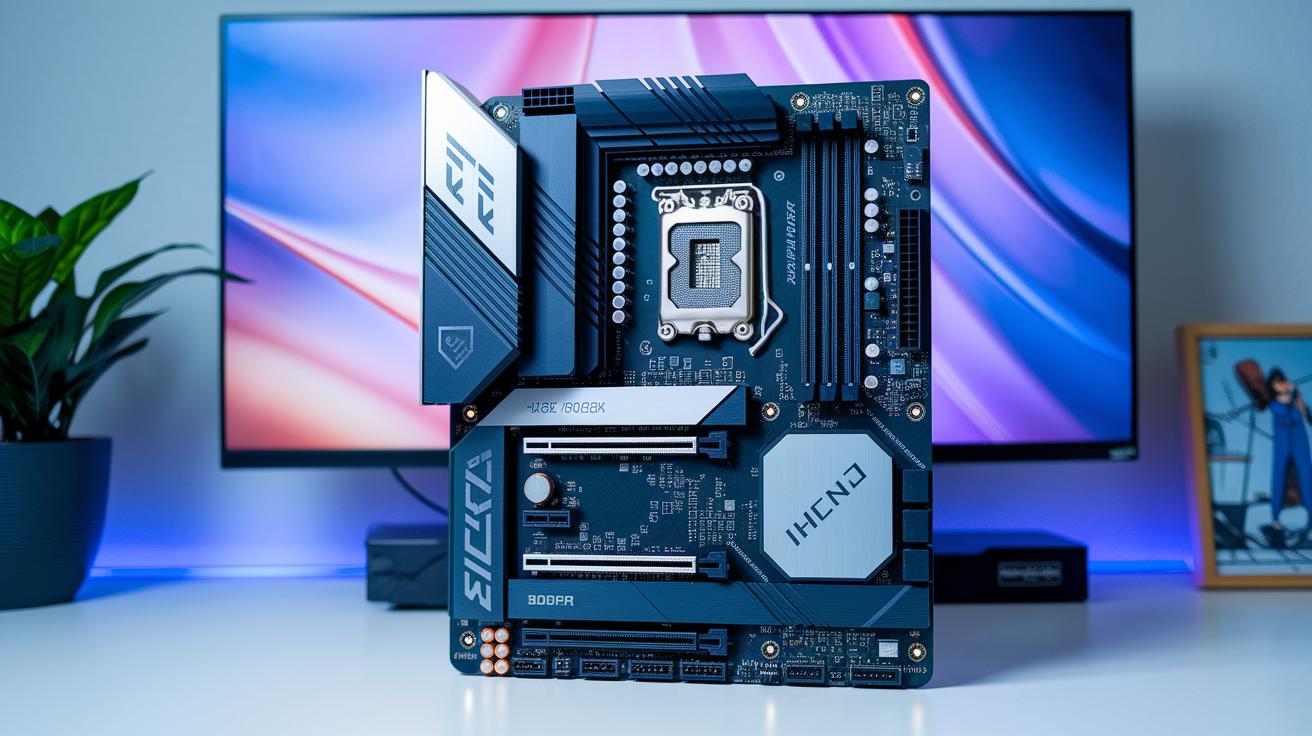
Planning a custom computer is all about making sure every component gets along. It starts with checking if your motherboard’s socket coincides with your chosen CPU because different processors need different sockets. Then, take a look at your DIMM slots and match your RAM in both speed and capacity to what your board supports. For instance, a 16GB DDR4 kit paired with the right motherboard will keep your multitasking smooth and your system responsive.
Next, don't forget about the power supply. It’s essential to pick a unit with enough wattage to support both your CPU and graphics card comfortably. If your power supply can’t keep up, you might notice your system lagging during heavy use. Also, double-check that your storage options fit your setup, whether it’s a SATA SSD, an NVMe drive (which offers super-fast data transfers), or a traditional hard drive, your drive bays or M.2 slots need to be up to the task.
Cooling is another critical piece of the puzzle. Matching your cooling solutions to your system’s thermal design ensures that heat is managed effectively. Using an inventory checklist or a compatibility matrix can help you avoid mismatches that might hurt performance. And when you're sourcing your computer parts, consider each component’s requirements alongside your performance targets and budget to build a system that truly works for you.
Final Words
in the action of breaking down processor details, memory options, storage efficiency, and graphics performance, this post covered key aspects of computer specs that matter in real-world scenarios.
It highlights central performance metrics and guides you through system information tools and custom build compatibility checks.
Clear benchmarks and hands-on examples make selecting computer specs a straightforward task. Enjoy the positive insights and feel confident tackling tech upgrades that truly elevate your system's performance.
FAQ
What are the specs of a computer?
The computer specs list details essential components like the processor, memory, storage, and graphics card, which together determine the system’s performance and suitability for everyday tasks or specialized applications.
How can I check my PC specs using a PC specs checker?
The PC specs checker provides a quick overview of hardware details, including CPU, RAM, storage, and GPU settings, by using built-in system tools or dedicated software to review your computer’s performance.
How do I check PC specs on Windows 11 and Windows 10?
The process for checking PC specs on both Windows 11 and Windows 10 involves using built-in utilities like System Information or Device Manager, which list details such as processor type, memory, and storage configurations.
How does a PC specs comparison help me?
The PC specs comparison evaluates key hardware metrics such as processor speeds, memory capacity, storage type, and graphics performance, enabling you to make informed decisions when upgrading or purchasing a new system.
What should I look for in computer specs for gaming?
The computer specs for gaming emphasize vital components like a powerful GPU, ample RAM, fast storage, and a strong processor, ensuring smooth gameplay, detailed graphics, and responsive multitasking during intense sessions.
What are considered the best PC specs?
The best PC specs depend on your needs, focusing on high-speed processors, sufficient RAM, speedy storage, and robust graphics, which together provide a balanced performance for gaming, content creation, or everyday computing.

