


Ever wonder why your device sometimes seems stuck in first gear? Sometimes, heavy tasks can slow things down until hardware acceleration at the edge kicks in. This clever move shifts demanding tasks to specialized chips like GPUs (graphics processors that handle images), FPGAs (flexible chips you can reconfigure), and ASICs (chips made for one specific task), cutting processing delays dramatically.
Think of it like swapping your old bicycle for a sleek racing bike. The specialized hardware takes on the hard work with ease and precision, giving your device a noticeable boost in performance.
In this post, we chat about how these smart hardware moves not only speed up operations but also transform the way everyday devices handle complex tasks. Curious to see how it all works? Let’s dive in.
Core Principles of Hardware Acceleration at the Edge
Hardware acceleration in edge computing means shifting heavy tasks from standard CPUs to specialized hardware. In simple terms, using devices like GPUs, FPGAs, or ASICs can cut compute delays by 30 to 70 percent. Imagine a graphics processor handling complex video encoding so smoothly it feels like the difference between casual biking and riding a finely tuned sports car.
Take the NVIDIA Jetson AGX Orin as an example. It delivers up to 275 TOPS for AI inference at the edge. Meanwhile, Xilinx Zynq UltraScale+ FPGAs reach 50 TOPS with adaptable logic geared for specific tasks, and Google’s Edge TPU ASIC offers 4 TOPS per watt to streamline neural network models. These numbers clearly show how hardware acceleration is redefining efficiency.
GPU tuning techniques also play a huge role. They help tailor workloads for smooth operations during resource-heavy tasks. To really benefit, systems typically need a Linux kernel version 5.4 or higher, GPU drivers like CUDA 11.x or OpenCL 2.2, and at least 4 GB of RAM per accelerator.
Engineers and developers often compare upgrading from software-based rendering to GPU acceleration to swapping out a bicycle for a sports car. This leap in performance not only boosts overall device capability but also sets the stage for exciting future advances in edge computing.
Edge Accelerator Options: GPUs, FPGAs, and ASICs

When it comes to handling heavy graphics tasks at the edge, specialized hardware can take the pressure off your CPU. Here, we explore three key accelerator types, GPUs, FPGAs, and ASICs, that help boost performance and keep things running smoothly.
| Accelerator Type | Peak Performance (TOPS) | Typical Power (W) |
|---|---|---|
| GPU (Jetson AGX Orin) | 275 | 30 |
| FPGA (Xilinx UltraScale+) | 50 | 10 |
| ASIC (Edge TPU) | 4 | 2 |
GPUs, like the Jetson AGX Orin, are built for handling many operations at once, making them a top choice for video encoding, graphics-intensive tasks, and running deep neural networks, a technique where computers learn to make decisions based on data. Picture watching a high-definition video stream where each frame is processed almost simultaneously; that’s the power of a good GPU working behind the scenes.
Then there are FPGAs, which are uniquely flexible because they can be reconfigured to suit different tasks on the fly. They’re a smart option when dealing with evolving algorithms or when you need to fine-tune performance for tasks like live sensor data processing. Imagine adjusting a custom filter in real time, FPGAs adapt their circuits to match the specific needs at hand.
ASICs, such as the Edge TPU, are designed specifically for efficiency. They shine in low-power settings where maintaining battery life is crucial, like in mobile devices or small edge sensors. Their focused design means they handle particular tasks, like inference (simply put, making predictions based on data), very efficiently.
Together, these accelerator types let you choose the best tool for each task, ensuring smoother performance and lower energy consumption, all while matching the right technology with your workload.
Performance and Power Efficiency Gains at the Edge
Hardware acceleration at the edge is a real game changer. Instead of stressing the CPU with heavy tasks, these systems hand over the demanding work to dedicated GPUs. By doing so, CPU usage can drop by up to 60%, ensuring that your setup runs more smoothly even under heavy loads. Technologies like CUDA streams, OpenCL queues, or Vulkan compute pipelines help break the work into parallel chunks, reducing delays and boosting overall efficiency.
Take video processing, for example. When video encoding is accelerated on a GPU, encoding latency can drop by roughly 50 milliseconds. Imagine shifting from a slow jog to a brisk run, that’s the kind of difference that makes the user experience noticeably better.
And it’s not just about speed. Hardware acceleration also brings excellent power efficiency; tasks running on a GPU typically use about 30% less power than if they ran solely on a CPU. This is especially handy in scenarios where battery life or thermal management is a concern.
When everything is set up properly, this technology can ramp up performance-per-watt by as much as 10 times. Whether it’s real-time rendering or heavy data processing, each watt of power is put to optimal use, making edge computing a much leaner, faster, and more energy-efficient solution.
hardware acceleration edge Boosts Device Performance
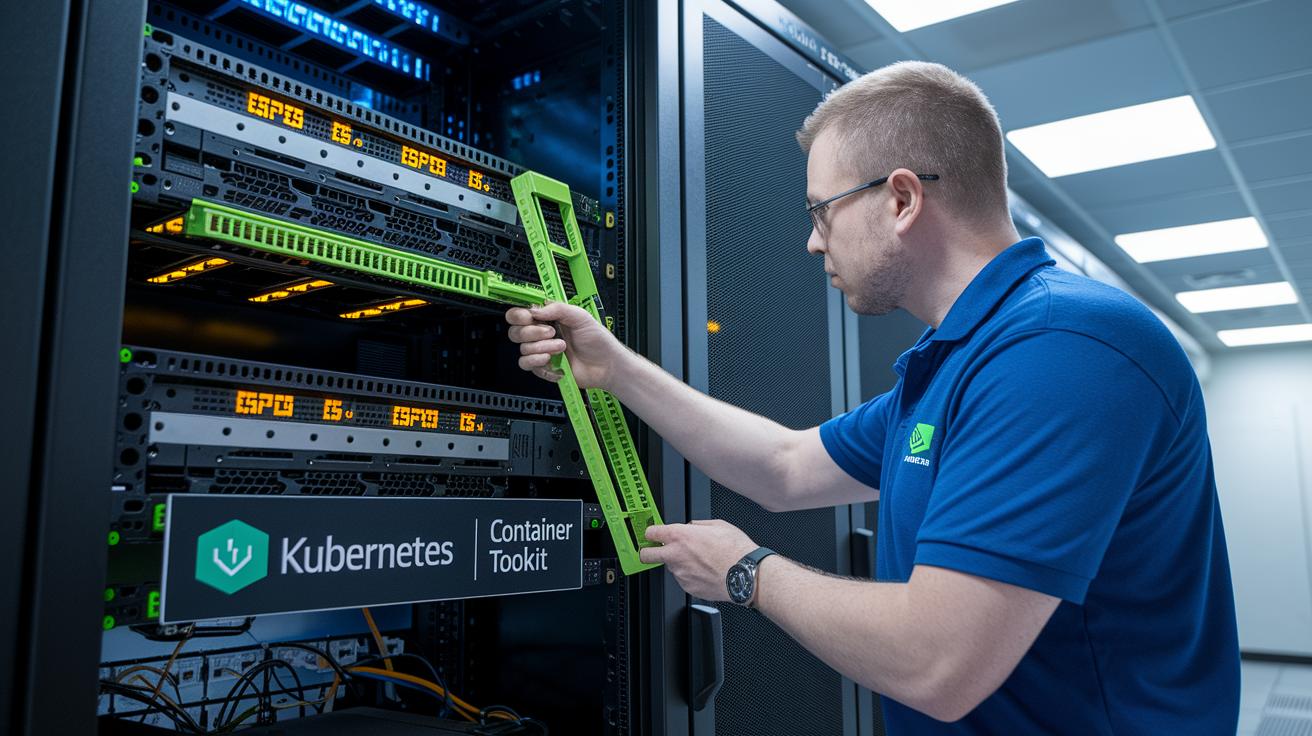
First, install the required vendor drivers on your Linux edge nodes. For instance, if you have NVIDIA hardware, you should install CUDA 11.x on a Linux kernel version 5.4 or higher. For other hardware users, ROCm 4.x is a great option to get accelerated processing rolling. This foundational step ensures that GPU acceleration operates seamlessly across your system.
Next, expose the GPU resources to your container orchestration tools. You can do this by using Kubernetes device plugins or the NVIDIA Container Toolkit. Imagine your container having direct access to the GPU, it's like giving your app a special pass to a high-speed lane. This setup allows your workloads to efficiently offload demanding tasks to the GPU.
Then, update your deployment manifests to request GPU resources while fine-tuning the resource limits. Typically, you'll add a GPU request in your YAML file so that every pod gets exactly what it needs for intensive tasks. This not only helps with proper resource allocation but also prevents your nodes from being overloaded.
Finally, check that hardware acceleration is active by running diagnostic tools like nvidia-smi or using your vendor’s SDK diagnostics. This quality check reassures you that the GPU is correctly engaged, reinforcing both compatibility and performance objectives.
Keep in mind best practices such as maintaining strict driver version controls, ensuring container isolation, and continuously testing for compatibility as your environment evolves. With these steps, you're set for a robust integration and verification of hardware acceleration in your containerized edge computing setup, boosting device performance every step of the way.
Diagnosing and Tuning Edge Acceleration Performance
When your hardware at the edge starts to show strain, it's a bit like your favorite gadget needing a tune-up. Issues such as driver mismatches, processes fighting over limited GPU power, or even overheating, are clues that something isn’t quite right. These problems can drop GPU usage and spike inference delays, so it’s smart to keep an eye on performance numbers like GPU utilization percentage, inference latency in milliseconds, and overall CPU load.
You can easily check these metrics with tools like nvidia-smi, perf, or custom dashboards. First off, make sure your drivers are up-to-date; an old driver can mess up task scheduling and cause a backlog. And if you’re seeing erratic behavior because various processes are competing for GPU resources, a quick look at your workload scheduler or task allocation might just do the trick.
Heat can also be a sneaky culprit. When chips overheat, they slow down to cool off, which really impacts performance. Tweaking thermal profiles, improving cooling, or even shifting when tasks run can often help keep everything in balance.
Many experts rely on a benchmark like MLPerf Edge for consistency. By regularly tracking these metrics and adjusting your setup based on real data, you can ensure your system stays balanced and delivers steady performance, even when the edge computing demands ramp up.
Real-World Use Cases and Future Trends in Edge Acceleration

Traffic video analytics at the edge are changing the way cities handle congestion. Picture a bustling intersection where cameras quickly process video feeds in less than 20 milliseconds. This swift processing not only smooths traffic flow but also cuts cloud bandwidth needs by 80%.
In manufacturing, predicting equipment issues is getting a major upgrade. With smart sensors and specialized hardware, important events can be detected in under 10 milliseconds, catching problems before they disrupt production. This near-real-time monitoring keeps machinery humming along smoothly.
AR and VR experiences are also benefiting from edge acceleration. With frame times around 16 milliseconds, these systems deliver immersive visuals that feel as immediate and exciting as watching your favorite sports game live.
Looking ahead, the future of edge acceleration seems even brighter. Engineers are working on heterogeneous SoCs that combine CPU, GPU, NPU, and high-bandwidth memory. And with dynamic workload offloading and serverless edge platforms on the rise, experts predict that by 2025, more than 1.2 million nodes will be powering these groundbreaking technologies.
Final Words
In the action of examining hardware acceleration at the edge, we explored core principles and compared GPUs, FPGAs, and ASICs with real performance metrics. We broke down power efficiency, integration steps, and tuning methods for improved outcomes. Each section provided digestible insights, simplifying technical jargon while highlighting real-world successes. This balanced rundown reinforces the value of hardware acceleration edge and its potential to transform tech applications. Stay driven and optimistic as integrating these enhancements makes tech innovations increasingly accessible and reliable.
FAQ
Should I disable hardware acceleration in Edge?
The question on Edge hardware acceleration concerns whether to disable it because while it offloads processing to your GPU for smoother performance, some users disable it if they experience graphical glitches or instability.
How do I turn hardware acceleration off in Microsoft Edge?
The question on turning off hardware acceleration in Microsoft Edge means you should open the settings, locate the system section, and switch off the hardware acceleration option before restarting your browser to apply the change.
What impact does hardware acceleration have on Edge in Windows 10 and Windows 11?
The question on hardware acceleration for Windows 10 and Windows 11 in Edge indicates that enabling this feature reduces CPU load by offloading tasks to the GPU, resulting in improved performance and reduced latency.
Is it beneficial to turn on hardware accelerated GPU scheduling?
The question regarding hardware accelerated GPU scheduling means that activating this setting can lower latency and improve graphics performance by allowing the operating system to better manage GPU tasks, though benefits vary by system.
What are common issues and discussions about hardware acceleration in Edge shared on Reddit?
The question on Reddit discussions about hardware acceleration in Edge highlights community experiences with driver compatibility and occasional performance hiccups, with many users sharing advice on adjusting the setting for a smoother browsing experience.