


Have you ever paused to wonder if your company’s secret codes are really locked down tight? Picture your business passwords as precious treasures safeguarded in a vault that only your most trusted team members can open.
Enterprise password management software takes care of these treasures with a meticulous approach. It organizes everything neatly for your IT crew, ensuring that access is smooth and secure. In doing so, it not only saves valuable time but also reduces costs.
In short, a smart password system paves the way for stronger security and streamlined operations, making it an essential tool for any growing company.
Why Enterprise Password Management Software Is Essential for Large Organizations
Enterprise password management software acts as a secure vault for all your company credentials, keeping passwords safe and well-organized for IT teams. Reviews of trusted solutions like Keeper, Dashlane, 1Password, Bitwarden, Enpass, ManageEngine Password Manager Pro, Zoho Vault, and NordPass show that these tools focus on strong security, easy-to-use interfaces, and smooth integration with enterprise software solutions.
By gathering your sensitive information into one highly secure vault, these tools promote better password habits and streamline access controls, making it easier for IT teams to keep everything in order. They also offer handy features like detailed audit trails and permission-based sharing to ensure only the right people can access critical data, combining high security with everyday efficiency.
On top of that, these solutions are cost-effective, typically priced at around $4–7 per user per month. This budget-friendly model not only scales easily but also cuts down on administrative tasks. In fact, one team managed to slash IT costs by nearly 20% just by consolidating their password management system, a clear sign that smart security practices pay off in both efficiency and savings.
Core Security Features of Enterprise Password Management Software

Enterprise password managers build a solid defense around your organization's sensitive credentials. They use strong encryption, blend in multifactor authentication, and set up clear access controls to lower your risk. Even if one barrier gets tested, there are extra layers standing by to keep your data secure.
Encryption Standards
Many providers, like Keeper and Dashlane, protect your data with AES-256 encryption, a trusted method where a 256-bit key scrambles and unscrambles information, ensuring only those with permission can access it. Meanwhile, NordPass opts for the XChaCha20 algorithm, which balances speed and security nicely. And then there's Bitwarden, which champions end-to-end encryption, is open-source, and even offers a self-hosting option for a bit more control.
Multi-Factor Authentication Integration
These platforms don’t stop at strong encryption. They also add another verification step with multifactor authentication. This means you could be using an app, a hardware token like YubiKey, or even a passkey to confirm your identity. So, even if someone manages to get hold of your password, they’d still need to clear that extra security step.
Privileged Access Controls & Auditing
On top of that, these tools let you define who gets to see what with role-based permissions and real-time audit logs. For instance, Keeper provides a secrets manager with detailed access settings, and its built-in compliance reporting keeps an eye out for anything suspicious. These features work together to give you a clear view of who is accessing your information and when, making sure your data stays under tight control.
Enterprise Password Management Software for Compliance and Governance
Enterprise password management systems take the hassle out of IT governance and password policies. They work by automating tasks like enforcing rules and generating detailed, compliance-ready reports. This means tracking logins, password resets, and user activities becomes a breeze while keeping your records in top shape for audits and regulatory reviews.
Several top solutions are built to meet standards like SOX, HIPAA, and PCI. For instance, ManageEngine Password Manager Pro logs every password rotation and reset, ensuring every change is recorded. Keeper steps up its game by tracking key events such as BreachWatch activity. And NordPass, by integrating with third-party compliance tools, offers continuous oversight. All these systems include built-in measures to prevent data breaches, so IT teams can quickly spot and address suspicious activity, keeping risks at bay.
By integrating zero trust security principles, organizations can add an extra layer of protection. This means every access attempt requires strict identity verification, ensuring that only the right people get in. It’s a solid approach to keeping even the most sensitive data secure at all times. For more insights on this approach, check out zero trust security.
Integration and Scalability with Enterprise Password Management Software
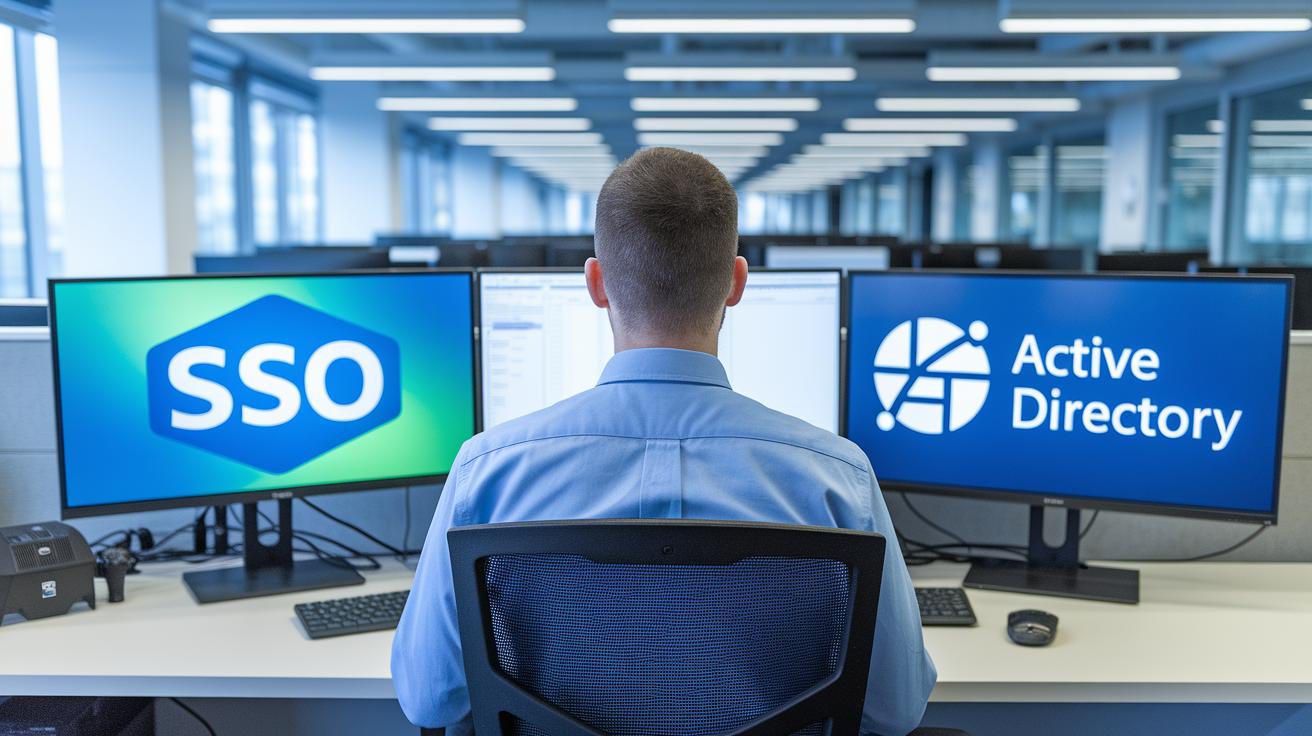
Leading password management platforms are built to work seamlessly with single sign-on and directory services. Take 1Password or Dashlane, for instance. They offer SSO, which means you don’t need to remember multiple logins, and a range of browser extensions that run smoothly on Windows, macOS, Linux, and ChromeOS. They even integrate with services like Active Directory so that when a user update happens, it shows up instantly in all your centralized vaults. This smart integration makes onboarding new employees a breeze, reduces admin hassles, and boosts security across the board.
Today’s enterprise world demands flexibility. That’s why many solutions let organizations choose how and where to store their data. Platforms such as Enpass give you the option of sticking with local storage, moving to a cloud-based vault, or even blending both methods. And it doesn’t stop there. Whether you’re on a mobile device or a desktop, IT teams have the control they need to update credentials nearly anywhere. This way, you can effortlessly balance cloud-based credential managers with traditional on-premises systems, adapting to the constant changes in IT demands while keeping sensitive data under tight control.
Scaling up to thousands of users is no small feat, and it calls for solid planning and the right infrastructure. Companies often rely on step-by-step deployments, continuous monitoring, and automated tools for user provisioning to manage the load. For example, platforms like Bitwarden and KeePassXC work well with LDAP or Active Directory through third-party connectors, making mass deployments a lot simpler. Standardized access controls and regular audits help ensure that, even as your user base expands, your operations remain efficient and your data stays secure.
Comparing Pricing and Vendor Options in Enterprise Password Management Software
When planning your enterprise password management budget, it’s all about finding the right balance between cost and the features that protect your organization. Rather than just focusing on the upfront cost, consider the long-term benefits, stronger security and smoother administration can really pay off over time.
Pricing models can vary quite a bit. Some vendors offer subscription fees, while others provide perpetual licensing options. This gives you the flexibility to choose what's best for your IT budget and security strategy.
| Vendor | Pricing Model | Key Features |
|---|---|---|
| Keeper | Subscription & Perpetual | Role-based secrets manager, CLI provisioning |
| Dashlane | 4 Subscription Tiers | Cross-platform, unlimited sharing, security alerts |
| 1Password | Tiered Business Plans | Intuitive UI, end-to-end encryption, SSO |
| Bitwarden | Free & Business | Open-source, self-hosting, E2E encryption |
| ManageEngine | Subscription/Perpetual/Quote | Password rotation, audit & compliance |
Understanding these models means weighing the trade-offs in features and long-term value. Some vendors offer a mix of payment options that scale with your company's growth, while others, like Bitwarden, even introduce affordable free tiers. On the other hand, organizations like Keeper and 1Password pack advanced features such as CLI provisioning and SSO integration, ideal if you're looking for top-notch security tools. By matching these options against your team’s needs and future plans, you’ll be in a much better position to choose the solution that fits your organization perfectly.
Best Practices for Implementing Enterprise Password Management Software

If you're looking to simplify access management for your IT team, an automated credential lifecycle tool can be a game changer. Platforms like Enpass instantly revoke an employee’s credentials when they leave, cutting down on manual work and reducing room for error. This efficient system not only speeds up onboarding but also makes it easy for authorized users to securely regain access whenever needed. For example, when someone departs, their credentials are immediately withdrawn to keep unauthorized access at bay.
Backup and recovery plans are just as important for protecting your digital assets. Most platforms come with secure backups paired with intrusion detection alerts and incident response integrations. Together with a solid incident response plan, these features ensure that any potential breach is quickly isolated and handled. Regularly testing your backup systems can be as reassuring as running routine fire drills, it keeps everyone prepared.
Case studies show that organizations see a marked improvement in password hygiene and fewer security breaches after implementing these systems. One company even reported a measurable return on investment, enjoying faster recovery times and a drop in incidents. This clearly shows that a well-managed credential system not only locks down security but also boosts overall operational efficiency.
Final Words
in the action, we explored essential facets of secure corporate credential storage, highlighting top vendors and their standout features. We broke down encryption methods, multi-factor safeguards, and integration approaches that simplify everyday challenges for large organizations.
Key takeaways include the cost-effectiveness and robust risk reduction provided by enterprise password management software, supporting smooth compliance and efficient operations. Armed with clear insights and practical examples, you can confidently move forward, knowing that these streamlined solutions pave the way for smarter, secure IT environments.
FAQ
What does enterprise password management software free mean?
Enterprise password management software free refers to trial versions or basic feature plans that allow organizations to test and evaluate essential password security features without immediate financial commitment.
What is the best enterprise password management software?
The best enterprise password management software blends robust encryption, user-friendly interfaces, and seamless integration, empowering organizations to control and secure corporate credentials effectively.
What is Keeper Enterprise password Management?
Keeper Enterprise password Management stands out with top-tier AES-256 encryption, role-based access, and detailed audit trails, making it a reliable choice for protecting sensitive corporate credentials.
How does an enterprise password manager Microsoft work?
An enterprise password manager Microsoft integrates smoothly with Microsoft environments like Active Directory and Microsoft 365, providing secure and centralized credential control across corporate systems.
What are the key features of Bitwarden?
Bitwarden offers an open-source solution with end-to-end encryption and self-hosting options, making it attractive for enterprises seeking transparent operations and flexible deployment for secure password management.
What does 1Password Enterprise offer?
1Password Enterprise delivers tiered business plans featuring intuitive user interfaces, robust encryption, and SSO integration, ensuring secure and scalable password management for large organizations.
What defines the best enterprise password manager?
The best enterprise password manager features centralized credential storage, advanced encryption, and comprehensive access controls, ensuring secure, efficient password management that scales with organizational needs.
What is an enterprise password manager on premise?
An enterprise password manager on premise is deployed locally on company servers, giving organizations greater control over security configurations and data privacy essential for managing sensitive credentials.
What makes the best password manager for MSPs?
The best password manager for MSPs supports multi-client environments, offering robust encryption and streamlined credential sharing features to efficiently manage and secure passwords across managed services.
What is a small business password manager?
A small business password manager provides an affordable and user-friendly solution that centralizes credential management, ensuring essential security features and compliance without the complexity of enterprise-level tools.
What qualifies as the best password manager enterprise?
The best password manager enterprise version integrates enterprise-grade encryption, extensive software integrations, and flexibility in deployment options, addressing the dynamic needs of large organizations.
What is enterprise credential management?
Enterprise credential management involves systems that securely store, update, and monitor login details, reducing risk through centralization and enforcing policies that protect corporate information.
What is an on premise password manager?
An on premise password manager is installed and maintained within an organization’s own infrastructure, offering tight control over data security and customized policy settings for sensitive corporate credentials.
What is the best password manager for teams?
The best password manager for teams features user-friendly collaboration tools, multi-factor authentication, and centralized management, making it easy for teams to securely share and access their essential credentials.

