

Ever wondered if a VPN can deliver both rapid streaming and strong security? Imagine enjoying your favorite show with smooth, uninterrupted playback while your data stays safely tucked away from prying eyes. Surfshark might be just the solution you need. Independent tests reveal that it holds onto much of its base speeds even when the network is bustling. In this review, we dive into how Surfshark blends impressive speed with robust security features and excellent value. Get ready to see why this VPN stands out and could be the dependable boost your online life is looking for.
Surfshark Reviews: Reliable and Fast VPN
Surfshark gives you a well-rounded VPN that mixes speed, security, and affordability in a way that everyday users appreciate. Whether you’re streaming your favorite show, browsing the web, or gaming with friends, you’ll notice how smoothly everything runs on all your devices. Independent tests even showed that Surfshark holds onto most of its base speeds, meaning you won’t have to worry about lag during heavy use.
To keep your data safe, Surfshark uses top-notch encryption protocols like AES-256-GCM (a strong, secure method) and ChaCha20. They also stick to a strict no-logs policy, so your private information stays private. A second independent audit in June 2025 confirmed their commitment to privacy. Plus, features such as Alternative ID, which helps mask your personal details, and MultiHop, which routes your connection through several servers for extra security, really set Surfshark apart from its rivals.
Pricing is another major plus. With plans starting at just $1.99 per month for a two-year Starter plan, and scaling up to $4.19 per month for the One+ plan, Surfshark offers remarkable value without breaking the bank. And with unlimited device connections, you can secure all your gadgets while keeping things straightforward. In short, Surfshark is a great option if you’re looking for a VPN that balances top performance with robust security and excellent value.
Surfshark Reviews: Performance and Speed Testing Results

Independent tests show that Surfshark holds onto roughly 81% of its base download speed and about 52% of its upload speed when using the WireGuard protocol (a modern method for secure connections). This essentially means that whether you're streaming your favorite show, gaming online, or transferring huge files, the connection remains impressively stable despite a minor drop in speed.
Think about it like this: just as you might be amazed to learn that Marie Curie once carried test tubes of radioactive material in her pockets, unknowingly exposing herself to great danger, users may also find it surprising that Surfshark keeps buffering to a bare minimum even under heavy load.
Results further improve when you connect to nearby servers. This is fantastic news if you need low latency (or quick response times) for smooth gaming or lag-free video streaming. And if things ever get tricky, OpenVPN steps in as a reliable backup, ensuring that performance stays robust no matter which device or scenario you’re using.
Overall, Surfshark does a solid job of balancing speed and stability. It’s a compelling option for anyone with high-bandwidth needs, keeping interruptions and buffering to an absolute minimum so you can enjoy an uninterrupted digital experience.
Surfshark Reviews: Privacy and Security Breakdown
Surfshark stands out by using powerful encryption methods like AES-256-GCM and ChaCha20. In simple terms, these technologies lock down your data during every online session, giving you robust protection that meets modern security standards, as detailed in resources such as "What is Data Protection." With a strict no-logs policy, confirmed during an independent audit in June 2025, you can browse confidently knowing that your digital footprints aren't recorded.
But that's not all. Surfshark also comes packed with essential safety features for everyday peace of mind. Its built-in kill switch immediately cuts off your data if the VPN connection drops, so your true IP stays hidden. DNS leak protection and WebRTC leak tests work behind the scenes to prevent any accidental data exposure while you’re connected online. And then there’s a whole suite of extra security tools: Alternative ID masks your personal details, MultiHop (or Double VPN) routes your connection through multiple servers, and split tunneling (Bypasser) lets you decide which apps bypass the VPN. Plus, if you need a stable online identity, a dedicated IP option is available, and optional antivirus protection rounds out its comprehensive approach on higher-tier plans.
| Security Feature | Function |
|---|---|
| AES-256-GCM Encryption | Provides top-notch data security with one of the most trusted encryption standards |
| ChaCha20 Encryption | Delivers fast, secure encryption ideal for modern internet connections |
| No-logs Policy | Ensures that none of your online activity is recorded, as validated by a 2025 audit |
| Kill Switch | Instantly stops data transmission if your VPN connection drops |
| DNS Leak Protection | Guards against the unintended disclosure of your browsing data |
| WebRTC Leak Tests | Prevents your real IP address from being exposed during web sessions |
Surfshark Reviews: App Interface and Multi-Device Support

If you’re on the hunt for a VPN that's easy to set up, Surfshark might be just what you need. Whether you're using Windows, macOS, Android, iOS, Apple TV, routers, or even gaming consoles, the installation is refreshingly simple. It guides you step-by-step through a clear setup wizard, much like the smooth process of launching your favorite streaming app.
The design of the apps is clean and consistent, which makes it simple to navigate basic functions whether you’re on your phone or desktop. Sure, the interface is user-friendly, but if you’re a fan of visual elements, you might miss the drag-and-drop world map server selector that some competitors include.
And then there’s the unlimited simultaneous connection feature. This means every gadget in your home, from your smartphone and tablet to your smart TV, can connect at once without any hitches.
Overall, Surfshark wraps smart design, easy installation, and flexible multi-device support into a single package that works great for everyone, from tech newcomers to seasoned pros.
Surfshark Reviews: Streaming, Torrenting, and Geo-Unblocking Capabilities
Surfshark really stands out when it comes to unblocking your favorite streaming services like Netflix, Prime Video, and Disney+. Even during busy times, the connection stays smooth, imagine turning on your TV and watching your favorite show load instantly, much like the thrill of catching a live sports moment.
Torrenting is just as hassle-free. With unlimited bandwidth and servers fine-tuned for P2P sharing, downloading large files feels almost effortless. You rarely run into those frustrating lags that can slow things down when you're sharing files.
If you’re looking to access content from different regions, Surfshark handles geo-unblocking like a pro. Its combination of speedy connections and strong security means you can stream, torrent, or browse without interruption no matter where you are.
- Streaming: Reliable access with virtually no lag.
- Torrenting: Seamless performance backed by unlimited bandwidth.
- Geo-unblocking: Consistent access to region-specific content worldwide.
This mix of features makes Surfshark an appealing choice for media enthusiasts who value both speed and accessibility.
Surfshark Reviews: Server Network and Global Coverage
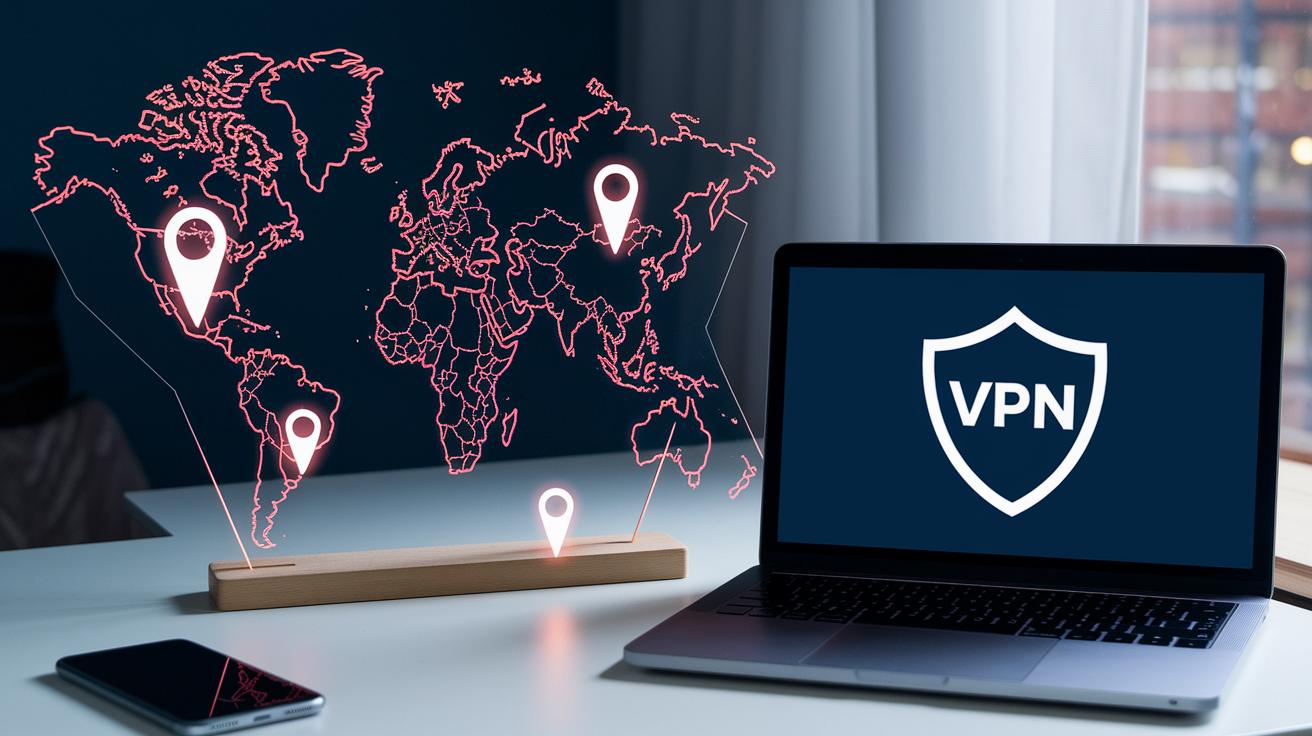
Surfshark boasts a vast network featuring over 3,200 servers across 100 countries, offering access to 140 distinct locations worldwide. This spread means you’re likely just a click away from a nearby server, ensuring a smooth and responsive connection wherever you are.
While Surfshark might not list as many countries as some top competitors, NordVPN hits 126 and ExpressVPN reaches 105, it more than makes up for it with its diverse, well-placed endpoints. This diverse setup guarantees robust global accessibility and reliable performance.
Every server is engineered to deliver consistent connectivity, cutting down chances of bottlenecks when traffic peaks. In short, if you’re after steady performance and need dependable access whether you’re at home or on the move, Surfshark is a solid choice.
Surfshark Reviews: Pricing, Trials, and Refund Policy
Surfshark offers a variety of plans that let you pick what fits your needs best. For example, if you just need basic VPN protection, check out the Starter plan at about $1.99 per month with a two-year commitment. Looking for a bit more security? The One plan steps it up by adding antivirus and breach alerts for roughly $2.49 monthly. And if you want the full package, including data removal services, the One+ plan comes in at around $4.19 per month over two years. Keep in mind, if you choose to pay monthly, prices start at $15.45 for the Starter plan and go up to $20.65.
Not sure yet? Surfshark lets you try it out with a free 7-day trial available in app stores so you can get a feel for how it works before signing on. Payments are accepted in traditional forms as well as cryptocurrencies, so you have several options at checkout. Plus, seasonal discounts often boost the value even further.
They also send renewal alerts 30 days before your next billing cycle. This gives you plenty of time to cancel auto-renewal if you decide it’s time to move on. And with a clear, straightforward refund policy, knowing your next steps is a breeze if you ever change your mind.
| Plan | Monthly Price | Key Features |
|---|---|---|
| Starter | $1.99 (2-year) | VPN only |
| One | $2.49 (2-year) | Includes antivirus and breach alerts |
| One+ | $4.19 (2-year) | Adds data removal services |
Surfshark Reviews: Customer Support and Satisfaction Ratings

Surfshark offers around-the-clock support so help is always within reach. You can get assistance via live chat any time of day, send an email for more detailed questions, or use the AI chatbot that quickly connects you with a helpful knowledge base. This means whether you're setting up your service, checking billing, or troubleshooting an issue, there’s always someone ready to help. Many users have noted that the response times are pretty quick, which feels even more impressive given how budget-friendly the service is.
Community feedback, from forums to social media, shows that most customers are very happy. People especially enjoy the live chat when they need answers fast. And if live support isn’t an option at that moment, the email and AI channels work just fine. Sure, there have been a few isolated reports of longer ticket response times, but these seem to be the exception rather than the rule.
- 24/7 live chat for instant help
- Email support for more detailed questions
- AI chatbot linking you straight to a full knowledge base
Together, these options highlight Surfshark’s dedication to providing reliable customer support.
Surfshark Reviews: Comparison with NordVPN and ExpressVPN
When you stack up Surfshark against NordVPN and ExpressVPN, you notice it plays by different rules. NordVPN offers over 5,300 servers in 59 countries, while ExpressVPN has 3,000 servers in 105 countries. Surfshark, with roughly 3,200 servers across 100 countries, still holds its own. Real-world tests show its speed keeps up whether you're streaming or downloading large files. It’s like stumbling upon a little-known café that surprises you with its quality, small, yet impressive.
Then there’s the price. Surfshark’s two-year plans come in at a fraction of the cost compared to NordVPN and ExpressVPN, making it a smart pick for anyone who wants solid speed and security without breaking the bank. Unlimited device connections add a flexible touch, especially for families juggling multiple gadgets. Plus, nifty features like MultiHop, where your traffic bounces through multiple servers for extra security, give it that extra appeal for users who demand more from their VPN service.
| VPN Provider | Server Count & Coverage |
|---|---|
| Surfshark | 3,200+ servers in 100 countries |
| NordVPN | 5,300+ servers in 59 countries |
| ExpressVPN | 3,000+ servers in 105 countries |
Final Words
in the action, Surfshark showcased solid performance and tight security with features like AES-256-GCM and MultiHop, making it a smart pick for a variety of users. Its fast speeds, consistent streaming abilities, and competitive pricing points set it apart.
A clear evaluation comparing voice, customer support, and global coverage helps you decide if it meets your needs. These surfshark reviews affirm value, ensuring a positive step toward a seamless tech experience.
FAQ
What do Surfshark reviews complaints reveal?
The Surfshark reviews complaints reveal occasional issues with slower support responses, but they also highlight strong security, cost-effective pricing, and overall robust performance.
What do Surfshark reviews for iPhone indicate?
The Surfshark reviews for iPhone indicate an easy installation process, a simple user interface, and smooth access to powerful features like MultiHop and unlimited connections.
What did Surfshark reviews 2022 emphasize?
The Surfshark reviews 2022 emphasized its affordable pricing, strong encryption, reliable speeds, and a no-logs policy, making it a solid option for users seeking secure online connectivity.
How does Surfshark compare with NordVPN?
The comparison between Surfshark and NordVPN shows Surfshark offers lower pricing and unlimited device connections, while NordVPN provides a larger server network. Users should choose based on their specific needs.
Is Surfshark safe to use?
The safety of Surfshark stems from its use of AES-256-GCM and ChaCha20 encryption, strict no-logs policy, built-in kill switch, DNS leak protection, and independent security audits.
How do I log in using Surfshark?
The process for Surfshark login is straightforward: launch the app or visit the website, enter your credentials, and connect to your preferred secure server with ease.
Can Surfshark be trusted?
Trust in Surfshark is built on its robust encryption methods, strict privacy policy, and positive security audits, ensuring that user data remains protected and private.
Which is better: NordVPN or Surfshark?
The choice between NordVPN and Surfshark depends on priorities; NordVPN offers a broader server network, while Surfshark provides unlimited connections and cost-effective plans alongside strong security.
Is Surfshark blocked by Netflix?
Reviews indicate that Surfshark effectively bypasses Netflix restrictions, allowing users to stream geo-restricted content with minimal lag and uninterrupted access.
What are the downsides of using Surfshark?
The downsides of Surfshark include occasional slower support ticket resolutions and a slightly smaller server network compared to top competitors, though its overall performance remains strong.
What does the Surfshark free trial offer?
The Surfshark free trial offers a 7-day testing period via app stores, letting users explore its features, speed, and security measures before committing to a subscription.
How does Surfshark stack up against other VPNs like ExpressVPN or CyberGhost VPN?
The comparison shows that Surfshark holds its own with competitive pricing, unlimited device support, and robust security features, while VPNs like ExpressVPN and CyberGhost may focus on wider server selections or specialized functionalities.

