

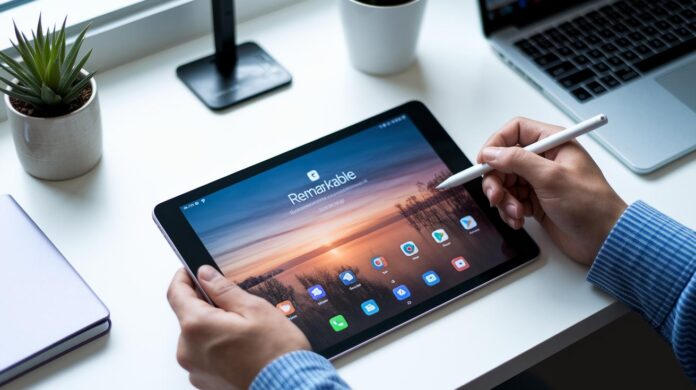
Ever wondered if a digital device could capture the familiar feel of real paper? The reMarkable Paper Pro does just that. It features an 11.8-inch e-ink display designed to replicate the tactile charm of good old-fashioned paper.
With its vibrant color options and a pen response time of just 12 milliseconds, note-taking becomes more than a task, it turns into a smooth, engaging experience, free from distractions. Our review found that this gadget masterfully weaves together classic inspiration with modern technology.
It’s an ideal choice for anyone who cherishes the genuine look and feel of handwritten notes, blending the best of both worlds in one smart device.
Overall Performance and Core Features of the Remarkable Paper Pro
The reMarkable Paper Pro immediately catches your eye with its generous 11.8-inch e-ink display that feels remarkably close to paper. It’s built for effortless note-taking and creative brainstorming, offering up to 20,000 colors, a feature that might just surprise you given that most e-ink screens stick to a more limited palette. Imagine jotting down your ideas on a vivid digital canvas that really breathes life into your creativity.
With a pen-to-ink latency of just 12 milliseconds, every stroke feels instantly responsive. It’s like the smooth flow of ink on paper, thanks to a surface that cleverly mimics that satisfying, frictional touch. Many users have noted how the nearly nonexistent delay elevates the whole writing experience. Plus, a locked-down Linux-based operating system ensures a distraction-free interface, keeping your focus exactly where it should be.
While it builds on the legacy of its predecessor, the reMarkable 2, this new Paper Pro is a bit larger, heavier, and thicker. These upgrades add to its sturdy, professional feel without compromising its overall ease of use. It’s a superb choice for anyone needing a reliable tool that performs consistently, whether you’re at home, in the office, or on the move.
In truth, the reMarkable Paper Pro stands apart by blending robust hardware with thoughtful features designed to make digital note-taking a true pleasure.
Writing and Stylus Experience with the Remarkable Paper Pro

The reMarkable Paper Pro makes writing feel smooth and effortless. With a pen-to-ink delay of just 12 milliseconds, your strokes appear almost instantly, like scribbling on real paper. The screen's textured resistance gives you a satisfying, tactile feel whether you're doodling or jotting down notes. It’s a familiar, analog-like experience that builds a strong connection between you and the device, ensuring every line is sharp and exactly how you intended.
The device is designed with a clear focus on digital note-taking. By intentionally skipping third-party apps, it helps you avoid distractions so you can concentrate on your creative flow. For added functionality, there’s the proprietary Type Folio keyboard that connects through a dedicated port, ensuring a smooth transition between handwritten notes and text input.
Pen input stays consistently fluid. The precise stylus captures even the finest details effortlessly. The combination of quality digital ink flow and responsive touchscreen creates an experience that is both natural and efficient, a genuine digital win.
Software Interface, Note Organization, and Annotation Tools
At its core, the reMarkable Paper Pro's software is all about keeping your creative momentum. With one home view that displays all your notes, documents, and e-books, you can easily toggle between grid and list formats. This setup turns your digital workspace into a neat canvas where every detail is right at your fingertips. It feels a bit like having a tidy desk where every paper is exactly where you expect it to be.
The file management system comes with handy features like tagging, favoriting, and folder organization. Since the device supports only its native formats, reMarkable notebooks, PDFs, and ePub e-books, you don't have to worry about a cluttered app ecosystem. One user even mentioned that using tags on the Paper Pro felt like arranging colorful sticky notes on a mirror, sparking creativity instantly. This smart organization makes retrieving files both effortless and efficient.
When you switch to writing mode, you'll find a full suite of annotation tools ready to go. Whether you're editing, highlighting, or sketching, each tool works naturally, just like a pen on paper. The screen is designed to offer a textured, tactile feel that enhances every writing experience. Although there were initial concerns about a closed system, many users now say that the streamlined workflow actually boosts productivity by keeping distractions to a minimum.
Regular firmware updates bring subtle refinements that improve navigation and responsiveness. Each update fine-tunes the user interface, making it easy to switch between views or access annotation features. Overall, the design leans into minimalism, creating a focused, distraction-free digital realm where your ideas can truly shine.
Key features include:
- An organized home view that you can toggle between grid or list formats.
- File management with tagging, favoriting, and folder organization.
- A complete suite of annotation tools for every creative task.
In short, the thoughtfully designed software interface transforms note-taking into a smooth, cohesive, and productive experience.
Accessory Ecosystem: Marker, Marker Plus, and Type Folio Review
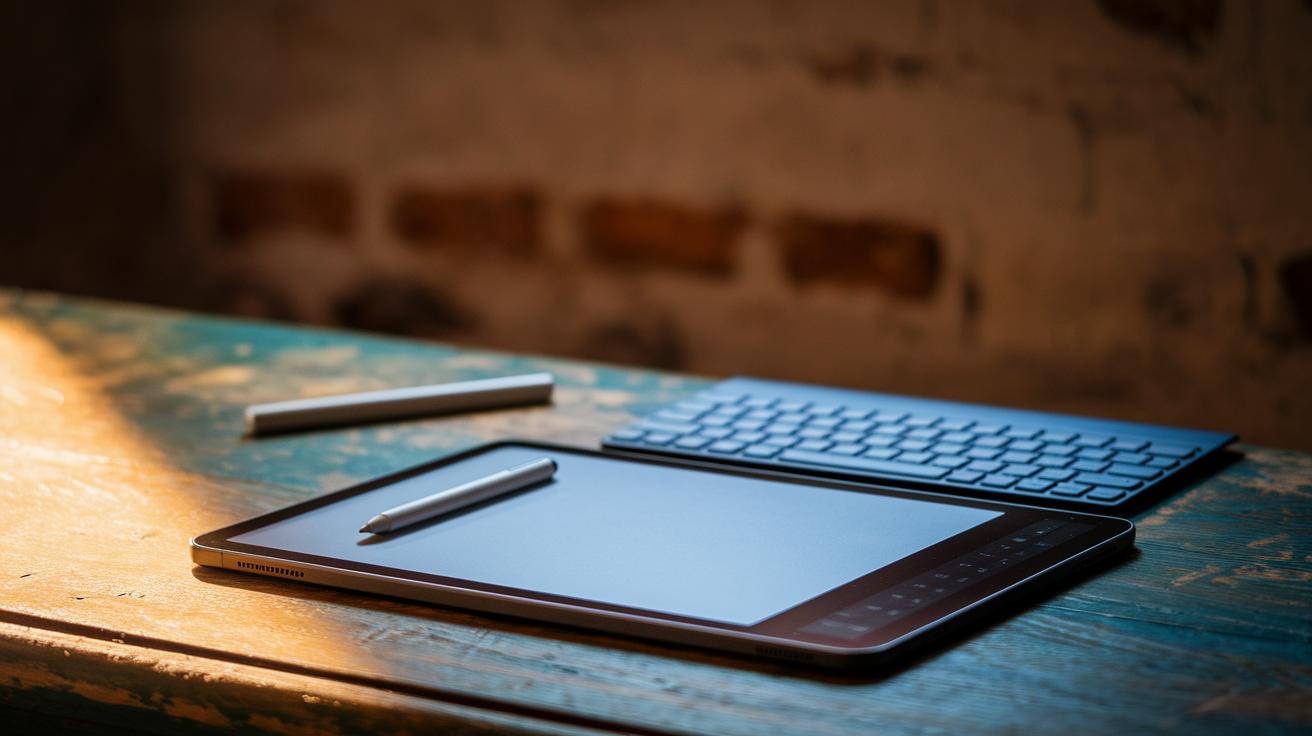
For $579, the reMarkable Paper Pro bundle comes with a standard Marker that gives you reliable performance every time you write. And if you decide to go for the Marker Plus at $629, you unlock cool extras like an eraser and tilt support that capture the natural pressure and angle of your strokes. It’s like watching a sculptor add delicate details with each careful tilt.
The Type Folio keyboard is the only external keyboard option available for this device. It connects through a special port and works seamlessly with the Paper Pro, offering a typing experience that feels as smooth and familiar as a traditional keyboard.
Buying these accessories on their own can add up fast, so the bundled deal really makes sense for dedicated users. Together, they boost both productivity and creativity, making the reMarkable Paper Pro a standout choice for anyone focused on digital notes.
Price Analysis and Competitor Comparison for the Remarkable Paper Pro
The Remarkable Paper Pro comes in at $579, or $629 if you opt for the Marker Plus accessory. It's designed for those who love the feel of traditional pen and paper without the distractions of a multi-purpose device. Unlike an iPad loaded with apps, this device zeroes in on delivering a pure, paper-like writing experience.
Think of it this way: every stroke on the Paper Pro mimics the comforting feel of ink gliding on paper. At its price point, you're not just buying a device, you're stepping into a world of uninterrupted creativity.
Key points to consider include:
- It slots in right between the reMarkable 2 and full-color tablets like the iPad.
- Its design is all about a focused note-taking experience.
- You might end up spending a bit more if you decide to grab extra accessories.
These features really capture the unique value of the Paper Pro without rehashing old details.
Real User Insights: Reddit, YouTube, and Community Feedback
If you’ve been browsing Reddit lately, you’ll see plenty of users raving about the device’s sleek, distraction-free interface. They love how the minimal design puts creativity first. Sure, a few have mentioned ghosting issues, but those were quickly fixed, one user even noted that after a brief glitch, their replacement unit has been performing faultlessly ever since.
On YouTube, reviewers have taken a close look at the new color display. They appreciate how its vibrant hues enhance tasks such as note-taking and sketching, giving the device a fresh twist. At the same time, some are questioning if the premium price is justified, especially when compared to other devices that offer more multitasking features. One reviewer summed it up perfectly: “The color adds a fresh twist, but if you need extra features like app support, you might think twice.”
Across various review platforms, the overall community sentiment rings clear. People are thrilled with the handwriting quality and the device’s ability to help them keep their work organized. While there are a few grumbles about the closed system and a lack of third-party apps, most agree that the reMarkable Paper Pro stands out as a powerful tool built to boost productivity and spark creative expression.
Expert Benchmark Results and Professional Workflow Suitability
Industry experts say the Paper Pro responds naturally, delivering performance that feels both fluid and authentic. Its exceptionally smooth pen-to-ink flow and vibrant color output bring to mind the charm of traditional paper. As one reviewer mentioned, "Every stroke perfectly mirrors the authenticity of traditional paper." This real-world feedback underscores the device’s precision without rehashing technical details.
Built with a robust, thicker design, the Paper Pro is ready for your everyday tasks, whether you're planning projects or marking up creative ideas. Recent testing confirms that earlier display glitches have been ironed out, ensuring consistent performance even when the workload ramps up. Coupled with glowing user reviews, it’s clear that the Paper Pro reliably supports professional workflows, from spontaneous brainstorming sessions to intricate document editing.
Future Outlook: Updates, Next Gen, and Release Cycle Expectations
The upcoming firmware update is set to widen format support and fine-tune color calibration, meaning each stroke and highlight should look remarkably true to life. Rumor has it that next-gen devices may feature a more open operating system, opening the door for third-party apps and creating a much more adaptable user experience.
You can also expect smarter cloud syncing, which makes managing your files feel effortless, a lighter chassis designed for easier transport, and a battery boost to carry you through those long, creative days. These thoughtful upgrades come directly from user feedback, refining a note-taking tool that many already love.
Industry whispers suggest that this next-generation model might launch around 2025, following the familiar release rhythm of the Paper line. This forward-thinking strategy aims to keep the device competitive, adaptable to new workflows while preserving an inviting, distraction-free writing experience.
Final Words
In the action, this remarkable paper pro review walks you through its dynamic performance, precise stylus accuracy, and streamlined interface. The device shines with its expansive e-ink display and responsive writing experience, backed by solid community insights and expert benchmarks.
Its accessory setup and pricing comparisons remind you to weigh every option, while upcoming updates hint at even more innovative tweaks. With thoughtful refinements on the horizon, the device stands as a smart pick for staying ahead in tech.
FAQ
What do Reddit and Amazon reviews indicate about the reMarkable Paper Pro?
The reviews indicate that users appreciate its distraction-free interface, smooth, paper-like writing experience, and reliable performance, making it an ideal tool for focused note-taking.
How does the reMarkable Paper Pro compare to the reMarkable 2?
The reMarkable Paper Pro features a larger display and a more robust build with tactile feedback enhancements, while the reMarkable 2 is lighter and more portable, meeting different user priorities.
How does the reMarkable Paper Pro stack up against the iPad?
The reMarkable Paper Pro is built specifically for writing with low pen latency and a friction-rich screen, whereas the iPad delivers multi-app functionality, catering to broader digital tasks.
Is the reMarkable Paper Pro any good overall?
The reMarkable Paper Pro is well-regarded for its paper-like display, minimal latency, and streamlined interface, providing a satisfying, productivity-boosting experience for serious note-takers.
Can you use the reMarkable Paper Pro without a subscription?
The reMarkable Paper Pro functions fully offline without a subscription, giving users a self-contained note-taking device that delivers its capabilities without additional fees.
What benefits does the reMarkable Paper Pro offer for handwriting and annotations?
It delivers a realistic writing feel with minimal latency, enhanced tactile feedback, and comprehensive annotation tools, making it perfect for note-taking, sketching, and document editing.
Are refurbished models and accessory options available for the reMarkable Paper Pro?
Yes, refurbished models and accessories like cases and keyboard options are available, offering alternative purchasing options that help protect and enhance the device’s overall usability.

