

Ever thought about what truly powers your computer? Hardware is simply all the tangible parts you can touch, each one playing a crucial role in making your device come to life.
Think of your computer as a body. The processor acts like its brain, handling all the heavy computations, while storage drives work like memory, keeping your files safe and sound. Every component, from the simplest circuit to the powerhouse of processing, teams up to run your apps and store your favorite files.
In this post, we break things down in everyday language, showing you how each piece fits into the big picture. It’s like witnessing a well-coordinated dance, where every step matters to boost overall performance.
Defining Hardware: Core Meaning and Purpose
Computer hardware is all the physical stuff that makes our computers tick. It takes care of basic jobs like processing data, managing inputs and outputs, and storing your files. Think of it as the solid framework that lets software do its thing, from the central processor at its core to the storage drives that keep everything safe.
Every computer, whether it’s a sleek laptop or a powerful server, is built from a mix of connected devices. Some parts are tucked away inside, like the CPU, memory, and hard drives, while others, monitors, keyboards, and printers, are external. Even something as small as a USB drive plays a role in moving and handling data.
In short, hardware sets the physical limits and abilities of a computer. It’s designed to support the software that drives all your applications. Without this organized assembly of components, no digital task could come to life.
Evolution of Computer Hardware: From Mainframes to Modern Devices
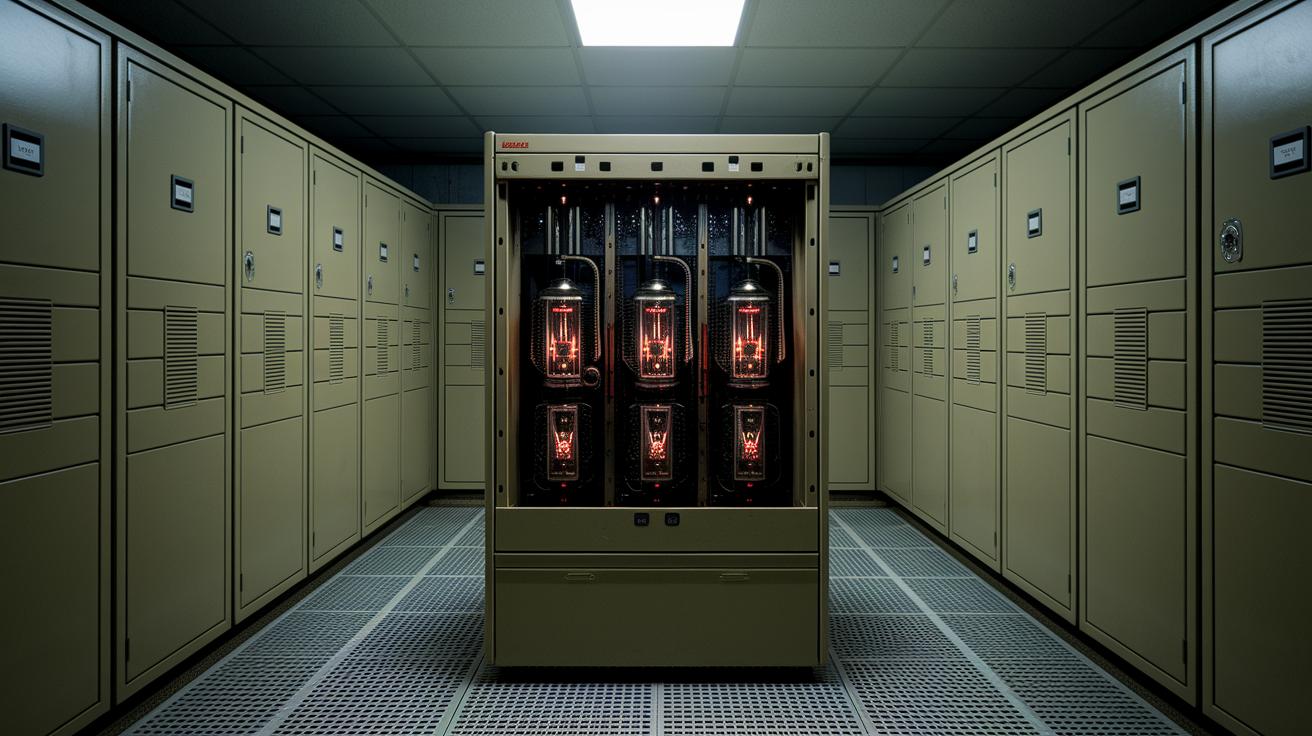
In the 1940s, computer hardware took its first giant leap with enormous mainframe computers. These pricey machines filled entire rooms and were mostly reserved for governments and research institutions. They relied on vacuum tubes, which are early electronic switches, meaning they were huge, delicate, and guzzled energy. Their steep cost kept them out of reach for most organizations.
By the 1950s and 1960s, a major change unfolded with the advent of transistors, compact, reliable components that replaced bulky vacuum tubes. Computers began shrinking in size and became more dependable, opening doors for businesses and eventually everyday users to harness their power. Today’s desktop PCs, laptops, and servers all trace their design roots back to these innovative breakthroughs.
Consider this surprising fact: early computers occupied entire rooms, yet today, a chip smaller than your fingernail can handle millions of calculations in one second. This dramatic evolution shows the continuous quest for simplicity and efficiency in hardware design. With every advancement, we've bridged the gap between intricate processing and everyday convenience, transforming the way we interact with technology.
Internal and External Hardware Components Explained
Computer hardware splits into two main groups: internal and external. Inside your computer’s case, you'll find components like the CPU, the brain of your machine, RAM for quick data access, and hard drives or SSDs that store your files permanently. These parts work together smoothly to process tasks and manage data efficiently.
On the flip side, external hardware includes everything you connect to your computer from the outside. Think about monitors that bring images to life, keyboards and mice that make interaction a breeze, and various ports (like USB, HDMI, and Ethernet) that allow for smooth communication and data transfers. These are the tangible pieces you handle every day.
| Component Type | Main Examples |
|---|---|
| Internal Hardware | CPU, RAM, Hard Drives/SSD |
| External Hardware | Monitors, Printers, Keyboards, Mice, USB/HDMI/Ethernet Ports |
Both sets of components are like teammates working together to deliver a smooth computing experience. The internal parts supply the raw power and memory needed to run programs, while the external devices let you interact easily with your computer. Together, they make everyday computing not just powerful but also intuitive and user-friendly.
Key Hardware Components: CPU, Memory, and Motherboard
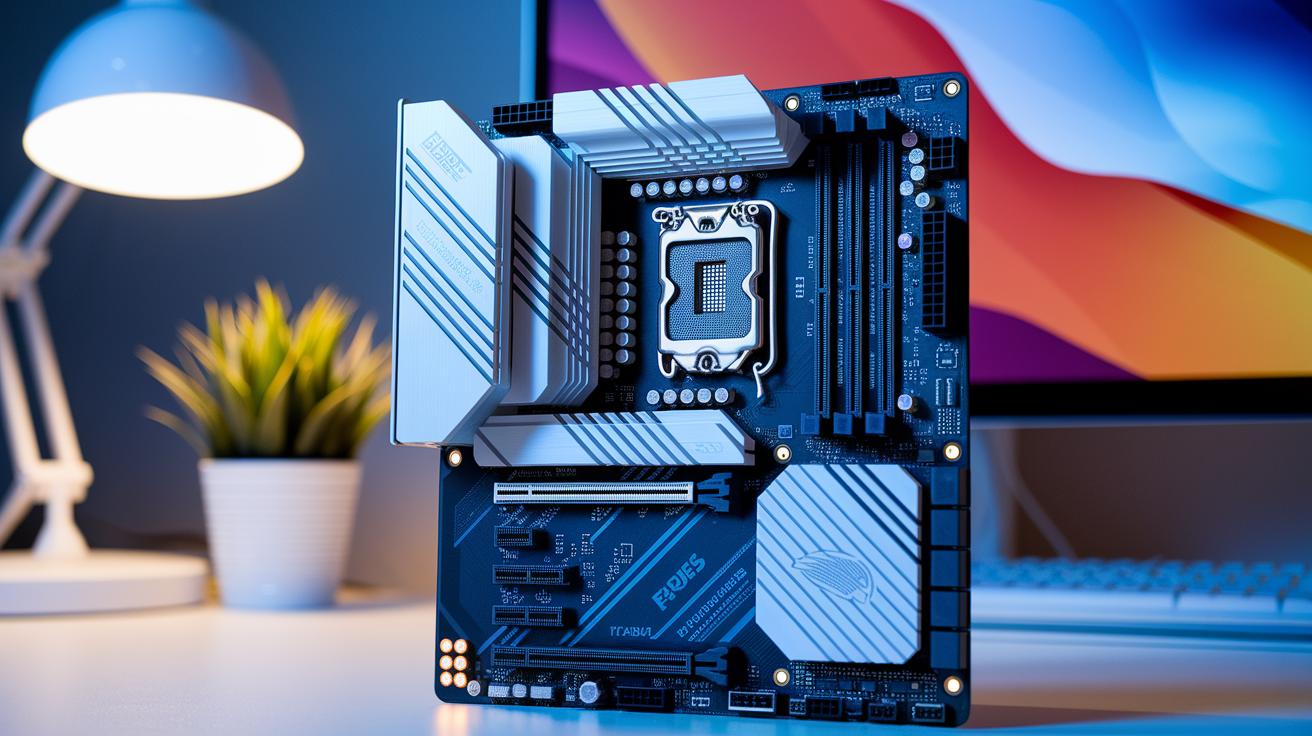
Every computer system relies on a trio of fundamental components that work together like a well-rehearsed band. The CPU acts as the brain, crunching numbers and performing calculations so fast that your tasks happen almost instantly. Memory, commonly known as RAM, temporarily holds data and processes, ensuring that your apps run smoothly and efficiently. And the motherboard? It’s the central hub that connects everything, letting each part communicate effortlessly. Together, they not only shape your computer’s capabilities but also enhance your day-to-day digital experience.
The following table sums up the essential functions of each component:
| Component | Key Features |
|---|---|
| CPU |
– Executes instructions and processes data – Clock speed (in GHz) determines the pace of calculations – Core count indicates how many tasks can run simultaneously |
| Memory (RAM) |
– Capacity reflects the amount of data stored temporarily – Speed shows how quickly data is accessed and transferred – Enables smooth multitasking across multiple applications |
| Motherboard |
– Features a chipset that governs compatibility and performance – Expansion slots allow for additional cards and peripherals – Manages power distribution to keep components stable and connected |
When these components work in harmony, they create a system that’s both efficient and powerful, optimizing everything from everyday tasks to more demanding computational challenges.
Distinguishing Hardware from Software
Hardware is the part of your computer you can actually see and touch, like the CPU, memory, hard drives, keyboards, and monitors. It handles the physical tasks, processing data, and showing you information. Meanwhile, software works behind the scenes. Ever wonder how your computer knows what to do? It’s the set of hidden commands that guide the hardware, whether it’s powering an operating system or running an application.
System software, like your operating system, is at the core of your computer. It makes sure data flows smoothly between your components and that everything runs without a hitch. Then there’s application software, which is made for specific tasks like word processing, browsing the web, or playing media. Essentially, it builds on the system software to turn raw hardware power into tasks you find useful every day.
Together, hardware and software form a dynamic duo. The physical devices deliver the performance, while the software provides clear, step-by-step guidance, making everyday computing efficient and practical.
Hardware Virtualization and Cloud Computing Trends
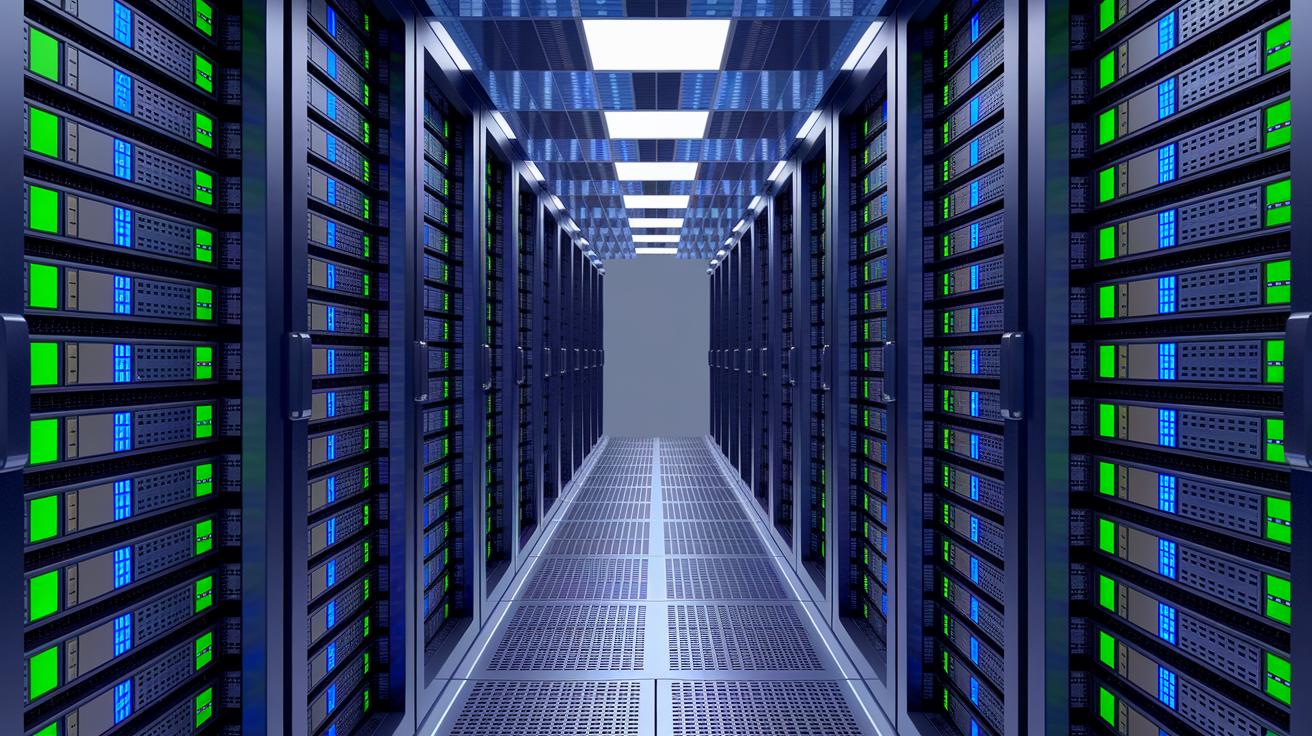
Hardware virtualization lets you run multiple virtual machines on one physical host, much like turning your computer into a busy office desk that handles many tasks at once. It breaks down a single powerful device into distinct environments, which means companies can really get the most out of their hardware while cutting down on clutter and operational costs.
Modern solutions, like IBM LinuxONE 5 and IBM Cloud Infrastructure Center, show off how advanced hardware supports today's heavy workloads. They can handle everything from AI processing to managing private clouds and working smoothly with OpenStack. Imagine a concert hall with different stages, each tuned for its own performance but all sharing the same space.
This approach not only boosts efficiency; it also makes scaling resources a breeze. Virtualization gives organizations the agility to adapt quickly to changing computing needs. Fun fact: one physical server can now host dozens of virtual machines, each running critical applications without stepping on each other’s toes. These innovations are the heart of today’s cloud computing trends, ensuring that every bit of physical resource is put to its best use.
Final Words
In the action, we've outlined what hardware means, its physical structure and crucial role alongside software, and traced its evolution from massive mainframes to today's smart devices. We've broken down internal parts like the CPU and memory and shown how external peripherals complete the system. This blog has also compared hardware with software while touching on virtualization trends. The hardware definition here helps clarify complex concepts, making them accessible. Stay curious and embrace these tech insights as you explore new advances ahead.
FAQ
What does hardware mean in computers?
The hardware in computers means the physical parts—like processors, memory, storage, and peripherals—that work together to perform computing tasks and support software operations.
What is hardware and software, and how do they differ?
The combined definition shows that hardware covers tangible components, while software consists of digital instructions and programs that direct how those physical parts operate.
What are examples of hardware components?
The examples of hardware include the CPU, RAM, storage devices, motherboards, monitors, and keyboards. Each piece is a physical element supporting overall computer functionality.
What types of hardware are there?
The types of hardware range from internal parts, such as motherboards and CPUs, to external devices like printers and keyboards that serve essential roles in system operations.
What is the simple definition of hardware in computing?
The simple definition of hardware describes it as the physical elements of a computer system that manage input, processing, storage, and output, providing the foundation for software tasks.
What does hardware mean in a business context?
In a business setting, hardware refers to the physical computing equipment—from servers to workstations—that supports everyday operations and digital management.
What is meant by an operating system?
The operating system is a type of system software designed to control hardware functions, manage resources, and facilitate the execution of user and application programs.
What is the role of the central processing unit (CPU) in a computer?
The role of the CPU is to process instructions and handle calculations, effectively acting as the brain of the computer by managing tasks and overall system performance.

