

Ever feel bogged down trying to keep track of countless devices? ASUS Control Center is here to simplify your life by grouping all your hardware management into one neat, easy-to-use console.
Imagine a smart dashboard that sorts through heaps of data with just one click, no more tedious manual checks. It lets IT professionals monitor system health and manage assets securely, keeping everything safe and sound.
For larger networks, this tool makes everyday device management simpler, freeing up your time to focus on projects that really matter.
Curious about how it can transform your tech routine?
Centralized Management with ASUS Control Center
ASUS Control Center makes it easy for enterprises to manage their ASUS hardware. It streamlines the process by letting IT teams oversee more than 1,000 systems and devices from one intuitive console. In other words, if you're looking for a smart way to handle multiple devices and maintain communication across your network, this tool has you covered.
The system stands out with its robust reporting and security features. With just one click, you get IT reports that simplify asset tracking and data collection, eliminating the need for tedious manual checks. Moreover, by automating essential data aggregation, it helps IT administrators review system health quickly. Simplified security permissions ensure that only the right users can adjust critical settings, thereby reducing potential risks. And because software updates are automated, downtime is kept to a minimum, offering a seamless approach to central app integration and remote management.
The modern HTML5-based console is the cherry on top. Its clean, web-friendly design delivers a clear system overview, making it simple for IT teams to access real-time insights and navigate complex networks effortlessly.
Key Features of ASUS Control Center

ASUS Control Center delivers a full suite of tools to help IT teams monitor and manage large networks with ease. It provides a real-time, smart dashboard packed with advanced features that scale across vast deployments. Designed to boost productivity while keeping security tight, this solution gives you complete visibility and simple control over hundreds of devices.
At its core is a user-friendly dashboard that serves up activity feeds, troubleshooting alerts, and thorough event logs. You can quickly access crucial data, in real time, to keep tabs on system performance. For example, activity feeds update you on everything happening now, while troubleshooting alerts flag issues as soon as they appear, so you’re never caught off guard. And when it comes to event logs, these detailed records are incredibly useful during audits or performance reviews.
One standout feature is the one-to-many remote control capability. This allows administrators to manage several devices simultaneously from a single console. With it, you can deploy configurations, execute commands, and troubleshoot issues all at once, imagine handling multiple computers with just a click, a real game-changer for time management and operational efficiency.
The system also offers detailed hardware monitoring. It keeps a constant watch on system temperatures, fan speeds, voltages, and GPU statuses, delivering real-time insights into overall hardware performance. Paired with robust enterprise security measures like controlled USB ports, registry access, and optical drives, it ensures that only authorized modifications are made, safeguarding your entire network.
Installing and Setting Up ASUS Control Center
The setup is super quick and easy, usually done in less than five minutes without needing any extra software. In just a few minutes, you can jump right into managing your ASUS devices. And if you're new to centralized management, don't worry, it automatically hooks into your network for a hassle-free experience.
Getting started involves installing a server component on your chosen management server and then adding a client agent to each ASUS device. You'll follow a clear, step-by-step guide to configure the server and connect each client for real-time monitoring and control. Imagine this: once your server is running, you simply install each client agent and check that they’re all communicating properly with the control center. It's an efficient setup process that makes everything click into place.
Plus, you'll have access to step-by-step video tutorials and manuals in several languages. These resources cover everything from the initial setup to advanced tweaks, like retrieving your license key from the ASUS download portal. Whether you're an experienced IT pro or just getting started, this guided installation makes transitioning to centralized management smooth and straightforward.
System Requirements and Compatibility for ASUS Control Center

ASUS Control Center works with over 200 ASUS motherboards, providing a rock-solid base for managing devices on an enterprise level. Its broad compatibility means whether you're using corporate-stable, workstation, or business models, you can always count on consistent performance. IT teams love how reliable this setup is, it gives them confidence that their hardware investments will perform well in any operational setting.
Integration is simple and straightforward. Thanks to SNMP (a protocol that helps monitor and manage network devices) and API interfaces, you can effortlessly fit ASUS Control Center into your existing IT framework. And if you ever hit a snag, plenty of tutorial videos and multilingual manuals are there to guide you, ensuring even diverse infrastructures can make the most of centralized management.
| Supported Models |
|---|
| Corporate-stable models |
| Workstation models |
| Business models |
Updating and Maintaining with ASUS Control Center
The current release, version 1.6.26, clearly shows ASUS Control Center’s dedication to ongoing enhancements and free licensing. With no subscription fees, this management solution is perfect for enterprises that want a simple, cost-effective way to keep their devices up to date. Its built-in update system makes deploying patches and firmware as easy as it sounds, ensuring every connected system stays current.
One-click IT reports offer a straightforward view of update statuses and version histories. Administrators can easily access a centralized location to download both firmware and drivers automatically. This smooth process not only reduces downtime but also streamlines the workflow through automated updates.
Security is at the heart of every update. Secure channels use SSL encryption, which secures data by creating a private connection, and role-based access control to protect crucial system changes. Meanwhile, the control panel maintains a detailed log of all updates, giving you the confidence of easy rollback options if necessary. Together with the monitoring features, these safeguards help keep your systems consistent, safe, and reliable.
Troubleshooting Common Issues in ASUS Control Center
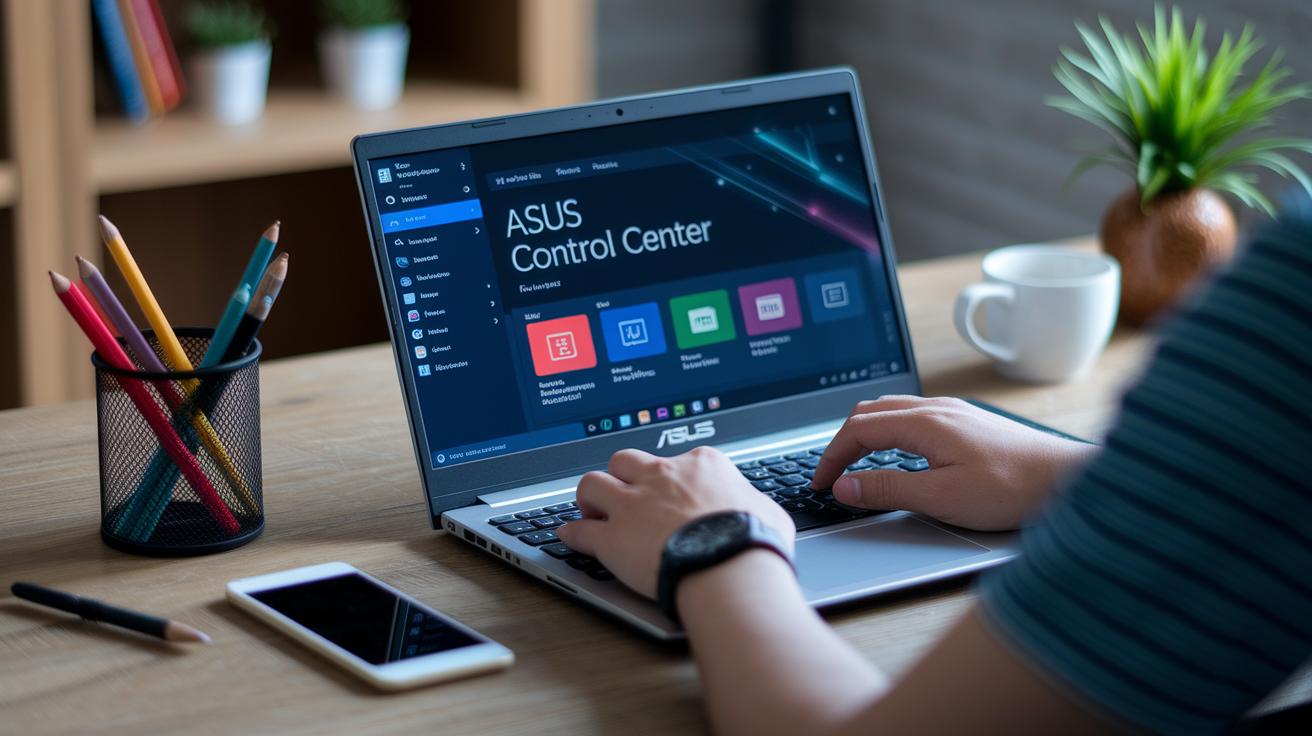
When you run into issues with the ASUS Control Center, you’re not on your own. The built-in FAQs, user manuals, and video tutorials are designed to guide you through problems like retrieving your license key or fixing setup errors. These resources explain sign-in processes and default credentials in simple terms, while the error-reporting tool captures real-time logs that help you pinpoint exactly what’s going wrong.
Additional tips offer straightforward steps for tackling common challenges. For instance, if an installation fails or you notice unstable network connectivity, step-by-step fixes are right at your fingertips. Here are some typical issues and the advice to address them:
- Installation failures: Double-check the installation guide and ensure all client agents are properly connected.
- Network connectivity issues: Verify your network settings and confirm that cables or wireless connections are secure.
- License-key retrieval errors: Refer to the FAQs and user manuals for clear instructions.
- Credential misconfigurations: Follow the guide’s explanation of default credentials.
- Sign-in process challenges: Use the error-reporting tool to locate and fix any login hurdles.
If these steps don’t resolve your issues, it might be best to contact official support channels or an authorized service provider for further help.
Final Words
In the action, this article covered centralized management through the asus control center. It explained how a single dashboard streamlines device oversight, security, and software updates while managing over 1,000 systems efficiently.
We broke down reporting, remote control, and the sleek HTML5 console so anyone can grasp these tech strategies with ease.
The insights shared aim to boost confidence in handling your tech setup. Embrace these tools and keep moving forward with a smile.
FAQ
What is ASUS Control Center?
The ASUS Control Center is a centralized management tool designed for enterprise environments. It helps monitor, update, and secure ASUS devices from one console.
How do I download and set up ASUS Control Center or ASUS Control Center Express?
The ASUS Control Center is downloaded via the ASUS download portal. For the Express version, create an account, log in, and follow the setup instructions provided for an easy installation.
How do I access the control panel on my ASUS laptop?
Accessing the control panel on an ASUS laptop typically involves using a designated key function or shortcut. Consult the laptop’s guide for the exact steps and key combinations.
What does the F12 key do on ASUS laptops?
The F12 key on ASUS laptops usually triggers system functions like boot menu access or diagnostics. Check your device manual for the specific function assigned to the F12 key.
How does ASUS Control Center compare with MyASUS, Armoury Crate, AMD Radeon Software, and Windows Device Manager?
ASUS Control Center is built for enterprise device management, while MyASUS supports consumer features, Armoury Crate focuses on gaming components, and AMD Radeon Software and Device Manager handle graphics and hardware settings.
Where can I find discussions about ASUS Control Center, such as on Reddit?
Discussions on ASUS Control Center are active on Reddit, where users share tips, troubleshooting advice, and personal experiences, making it a valuable resource for community feedback.